Introduction: The Second After the Strike
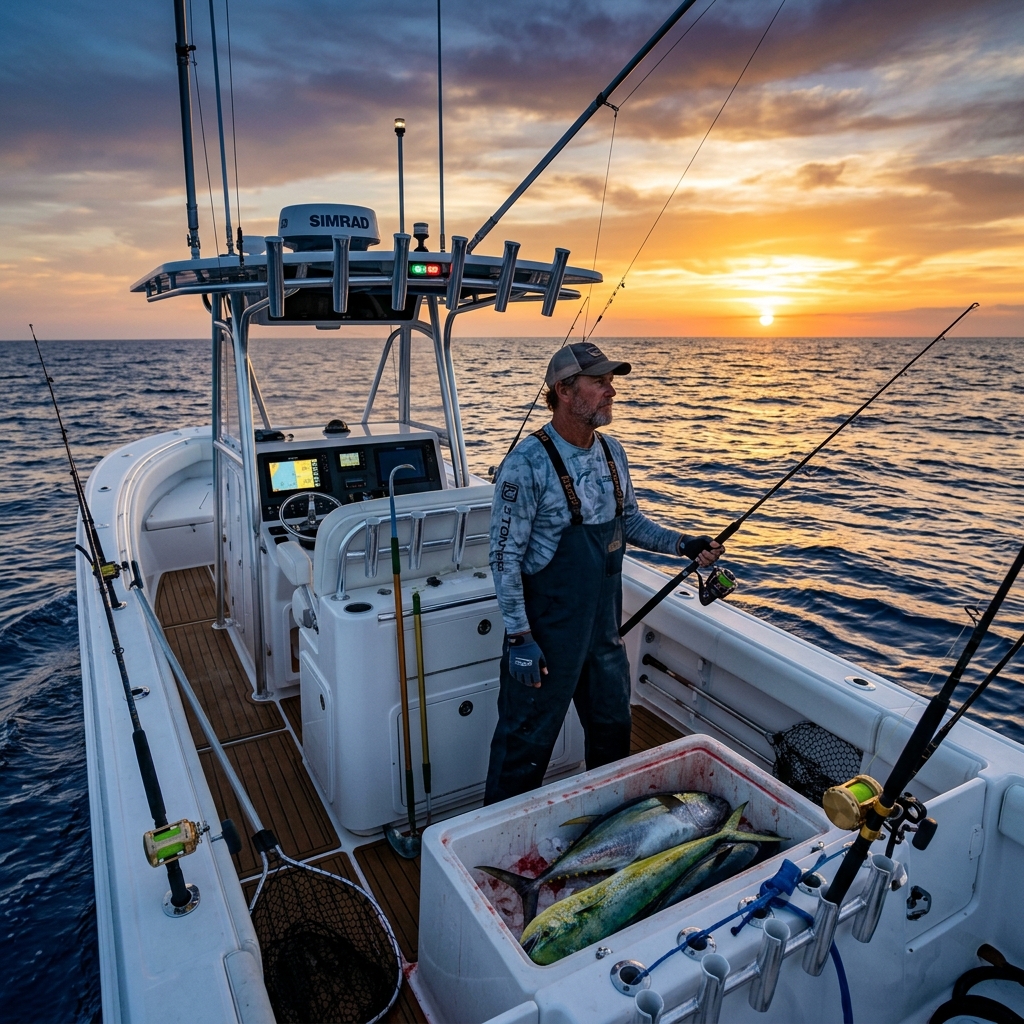
Every fisherman knows that moment of pure adrenaline: the rod bends violently, the reel's drag sings its favorite melody, and after months of searching, you know you've finally found "the spot". It's an invisible treasure—a rock, a wreck, or a drop-off that harbors the life you're looking for. But in the euphoria of the fight, a technical error occurs that can be fatal for your future success: you don't save the exact position at that very instant.
You trust that you'll remember the visual mark on the coast or that the boat's plotter will have recorded the trail (track) with sufficient precision. The reality is much harsher: an error of just 15 meters at sea can mean the difference between succeeding again tomorrow or hitting an empty sand bottom for hours.
Knowing how to save fishing points from the boat efficiently, quickly, and above all, privately, is what separates weekend anglers from true marine professionals. In this technical guide, we will break down why traditional methods are doomed to failure and how modern technology allows you to create an armored digital logbook.
The Degradation of Knowledge: The Mistake of Trusting Memory or Paper
Historically, knowledge of fishing grounds has been passed down orally or through paper notebooks. However, in the era of digital precision, these methods present critical vulnerabilities that put your "fishing heritage" at risk:
- The Environmental Factor: The sea is a hostile environment for paper. Humidity, salt spray, and constant movement eventually blur coordinates written in a hurry. An illegible number is a mark lost forever.
- The Mutability of the Landscape: Visual marks (landmarks on land) are useful but unreliable in the long term. A house painted a different color, a felled tree, or even the construction of a new building can ruin a visual mark that has worked for decades.
- Navigator's Fatigue: Manually transcribing degrees, minutes, and seconds while the boat rocks and under stressful conditions is the perfect recipe for making serious errors when copying GPS coordinates. A single wrong decimal places you hundreds of meters from your target.
Digitizing your fishing points is not a technological luxury; it's a security and survival measure for your accumulated knowledge.
Data Sovereignty: Boat Plotter or Mobile?
Many fishermen rely exclusively on the fishfinder or the plotter on their console (Garmin, Lowrance, Simrad, Raymarine). Although these devices are excellent for navigation, they present a problem of hardware dependence:
- Trapped in the Device: If the electrical equipment fails, is struck by lightning, or you sell the boat, your points can get trapped in a physical memory that's difficult to extract without the right software.
- Management Difficulty: Organizing 500 waypoints on a 7-inch touch screen while navigating is a frustrating and inefficient task.
- Lack of Portability: You can't consult your marks while sitting on your sofa at home planning the next fishing day.
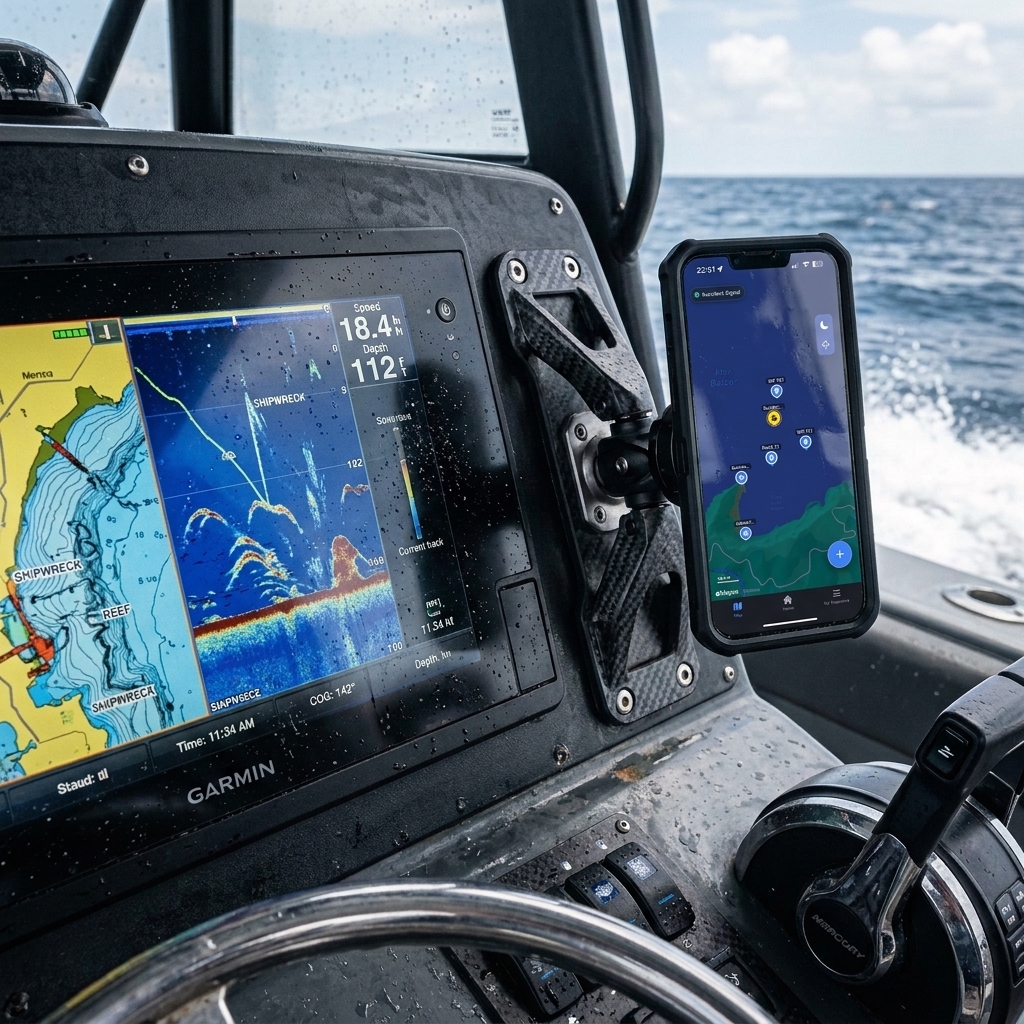
The winning strategy is tactical redundancy: use the plotter for real-time navigation and your smartphone as your master database and analytical brain. Having your marks on your phone gives you sovereignty over your data. If you need help performing this migration, consult our guide on how to export waypoints from boat plotter to mobile.
Why Google Maps is the Enemy of Nautical Precision
It's a common temptation to open Google Maps or Apple Maps and save a "pin" when we are over a good rock. However, these apps are for going to a restaurant, not for finding a wreck at 40 meters depth:
- Incompatible Formats: Navigators work in Degrees and Decimal Minutes (DMM) or Degrees, Minutes, and Seconds (DMS). Google Maps often forces formats that boat plotters don't natively understand.
- Map Projection: The representation of the earth's curvature in terrestrial apps is not optimized for high-precision oceanic navigation.
- Zero Metadata: A "pin" in Google Maps doesn't know what the tide was, what moon phase governed that day, or what the atmospheric pressure was at the moment of capture.
For the sea, you need a tool that speaks your same language. If you have old points saved in mixed formats or on paper, learn how to transfer coordinates from an old GPS to mobile technically to unify your database.
The Trap of "Social Apps": Your secret is their product
This is the most critical point of the guide. There are free fishing apps that offer community maps and catch logs. The price you pay is extremely high: your privacy.
Many of these apps use algorithms that, in aggregate, create "heatmaps". Even if you mark your point as private, the system detects recurring activity at that coordinate and ends up suggesting the area to other fishermen through notifications or "hot spot" suggestions. Basically, you are giving away years of prospecting work in exchange for a free app.
At CAPTA, we defend the Anti-Social Philosophy: your points are encrypted locally and never, under any circumstances, used to feed community maps. What is fished on your boat, stays on your phone.
OCR Methodology: "Zero-Stress" Marking
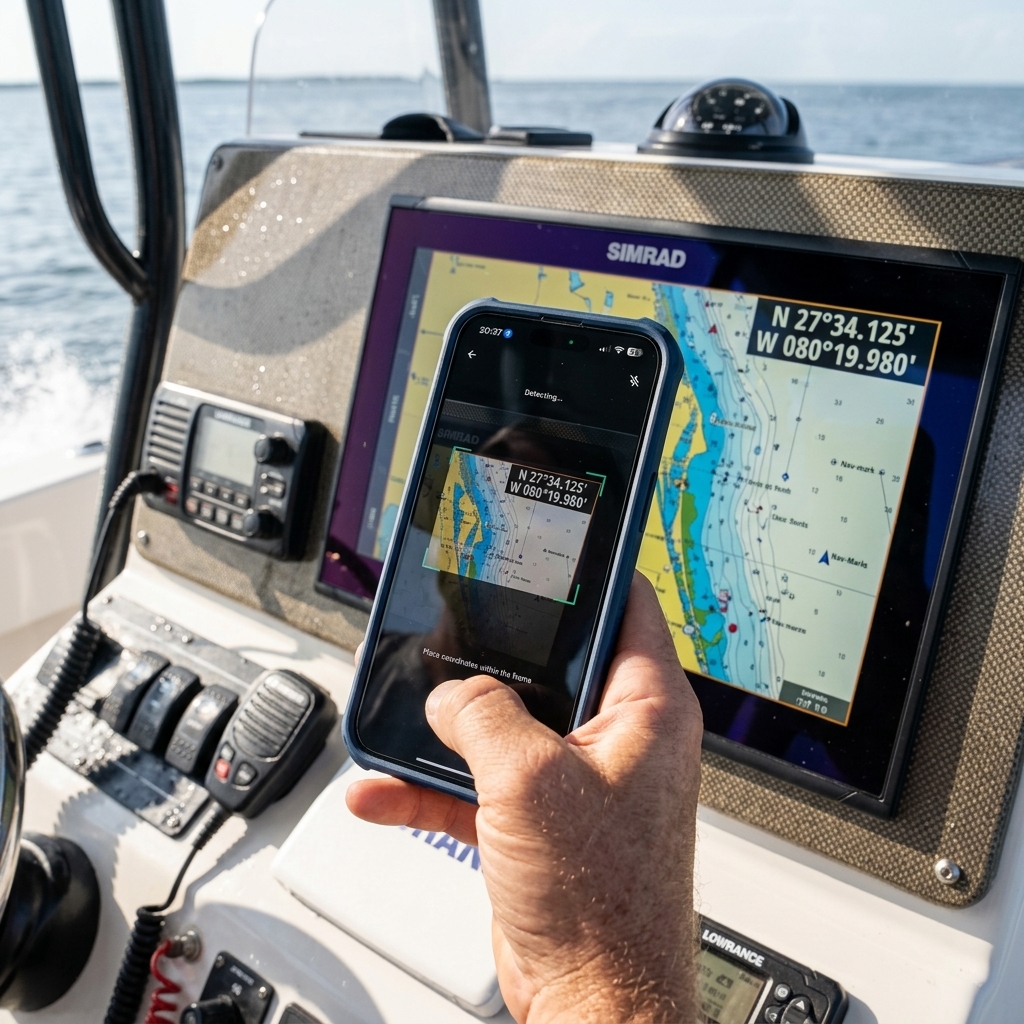
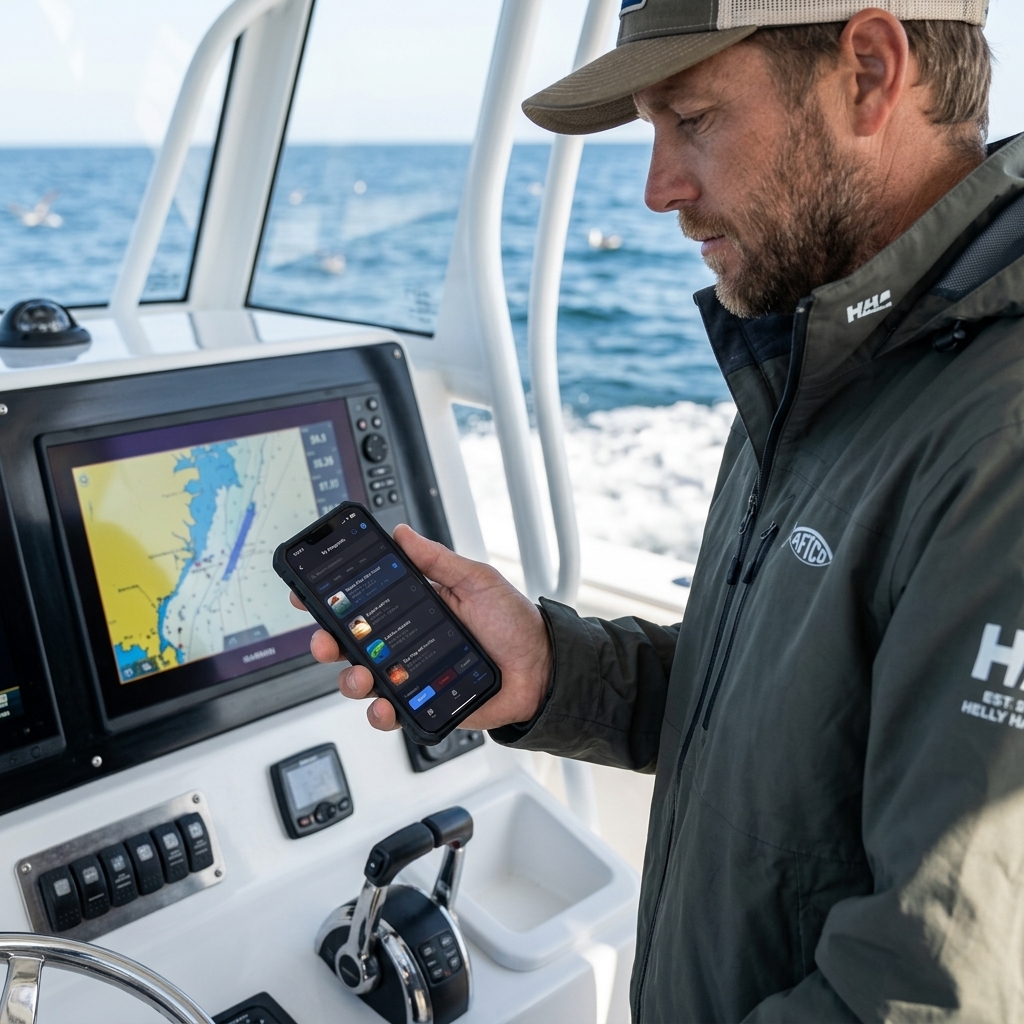
How do you save the point exactly when your hands are full or the boat is moving? The answer is Optical Character Recognition (OCR). This technology allows your smartphone to act as a smart scanner:
- Capture the Moment: Take a quick photo of your plotter screen where the coordinates are readable. You don't need to let go of the rod for more than 3 seconds.
- Smart Extraction: The app analyzes the image, identifies the numbers, and converts them into an editable digital waypoint.
- Automatic Enrichment: In the millisecond you save the point, the system records the atmospheric pressure, wind, and moon.
This method eliminates human transcription error and is 10 times faster than any manual entry. Discover how to scan GPS coordinates from a photo to professionalize your marking process.
The Science of Marking: Beyond Latitude and Longitude
An expert fisherman knows that an empty coordinate is useless a year later. For a fishing point to be useful, it must be accompanied by the Success Triad:
- Atmospheric Pressure: The factor that most influences the swim bladder of fish. A spot that works with 1012 hPa might be dead at 1024 hPa.
- Moon Phase and Currents: The moon determines the movement of water masses. Saving the moon phase allows you to know when the ideal current will be at that specific rock.
- Tide State: Especially critical in inshore fishing or in channels. Knowing if the strike was at the tide change is the key to repeating success.
After a season, you will have a pattern map, not just a points map. You will know that "The Grouper Rock" only activates with a West wind and falling pressure. That's scientific fishing.
Conclusion: Protect Your Nautical Legacy
The sea is vast and opportunities are scarce. Every time you find a point of activity, you are discovering a piece of a puzzle that has taken years to form. Don't let that knowledge be lost to wet paper, an electrical failure on the boat, or an app that sells your secrets.
Take full control of your tactical positioning, ensure the redundancy of your data, and use tools designed by and for fishermen who respect privacy. With your points well saved and enriched, you will stop looking for fish and start finding them.
Frequently Asked Questions (FAQ) about Fishing Points
Is it better to save the point on the plotter or on the phone?
Redundancy is ideal. The plotter is your active navigation tool to get to the site, but the phone is your analytical database. Saving points on the phone allows you to organize them by folders, add photos of catches, and ensure the information belongs to you, not to your plotter's brand.
How accurate is mobile GPS compared to a professional plotter?
Modern smartphones use multi-frequency GNSS systems that offer an accuracy of between 2 and 5 meters, similar to that of a commercial plotter. For marking fishing points, this accuracy is more than sufficient, especially if you use OCR to capture the exact position shown by your main fishfinder.
How can I prevent other fishermen from seeing my marks?
Use apps that don't have social functions. Avoid uploading catches to social networks with GPS enabled in the photo (EXIF metadata) and ensure your waypoint management app encrypts the data locally on your device.
Can points be organized by species or depths?
Yes, and it is highly recommended. A good tactical database should allow you to filter your marks so that, depending on the day and the technique you are going to use (jigging, bottom fishing, trolling), you can see only the relevant points for that day.
Related Articles (You might be interested in)
If you want to take your logbook to the next level, don't miss these technical guides: