
How to scan GPS coordinates from a photo instantly
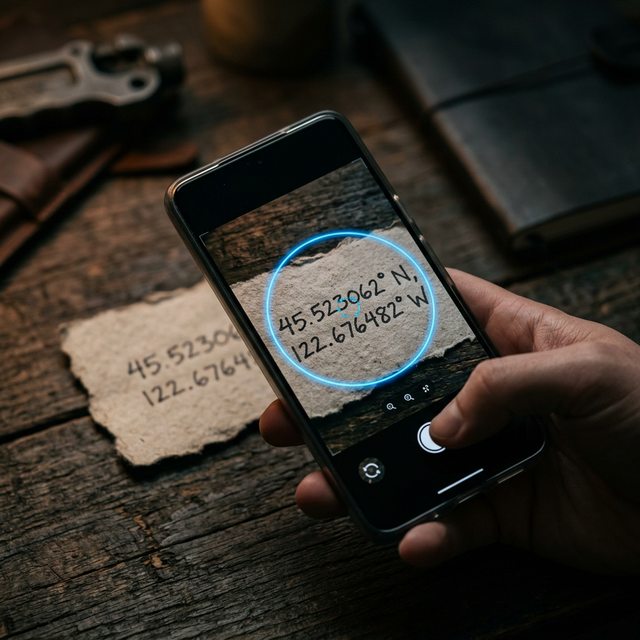
Scanning GPS coordinates from a photo: how to digitize them instantly without errors
Introduction
Today it is very common to have GPS coordinates... but not in the ideal format.
They are not always ready to copy and paste.
In fact, most of the time they appear in situations such as:
- a screenshot
- a photo of another device
- a WhatsApp message
- a field notebook
- an old saved image
And there the real problem appears:
you have the coordinates, but you cannot use them easily.
You cannot copy them directly. Writing them by hand is slow. And every attempt ends in errors or frustration.
This scenario is much more common than it seems, especially in activities such as fishing, hiking, navigation or exploration.
The real problem: coordinates trapped in images
GPS coordinates are not always born in digital format.
They are often in:
- photographs of screens
- handwritten coordinates
- screenshots from other applications
- images shared by other people
This generates a very clear bottleneck.
Because although you have the information:
you cannot quickly convert it into a usable location.
And that causes many locations to never be used, losing value over time.
Why copying coordinates manually is not a solution
The most common method is still copying coordinates by hand.
The process is simple:
look at the image read latitude and longitude write them in the cell phone
But in practice, this method fails constantly.
Extreme precision: the biggest problem
GPS coordinates do not allow errors.
A small failure can:
- completely change the location
- lead you to an incorrect point
- make you lose the exact place
Example:
39.958099 → correct 39.958199 → different location
That small change can make a big difference.
Frequent human errors
When you write coordinates manually, it is very easy to make mistakes:
- confuse numbers (3 with 8, 5 with 6)
- forget decimals
- enter the format poorly
- invert latitude and longitude
These errors are not exceptional, they are the normal thing.
Slowness and lack of scalability
Copying one coordinate may be acceptable.
But if you have:
- 10 points
- 20 locations
- 50 coordinates
it becomes a slow and impractical process
And in many cases, the user ends up giving up.
The true bottleneck: converting image into location
Here is the key problem:
there is no direct bridge between an image and a usable coordinate.
Traditional applications are designed for:
- entering data manually
- working with editable text
But they are not intended for:
interpreting information within an image
What a modern solution should do
A really useful tool should:
- read coordinates directly from an image
- automatically recognize the format
- avoid any manual entry
- convert the data into a point on the map
All in a few seconds.
Without unnecessary steps.
The solution: scanning coordinates with the camera
The most efficient way to solve this problem is to use the phone's camera.
Instead of writing coordinates:
you scan them
The process is direct:
point the camera the system detects the numbers identifies the GPS pattern generates the location automatically
This completely eliminates human error and accelerates the entire flow.
How coordinates recognition works
The system is based on OCR (optical character recognition).
But it is not a generic OCR.
It is specifically optimized to detect GPS coordinates.
This implies:
- identifying long numerical sequences
- recognizing separations (comma, space)
- detecting typical structures
- ignoring irrelevant text
Instead of reading everything, it focuses on what is important.
Types of coordinates it can detect
A well-designed tool must recognize different formats.
Decimal degrees (DD)
Example: 39.958099, 3.192469
Degrees and minutes (DMM)
Example: 39° 57.486 N, 3° 11.548 E
Degrees, minutes and seconds (DMS)
Example: 39° 57' 29" N, 3° 11' 32" E
This is fundamental because coordinates can come from multiple sources.
Real cases where this system makes a difference
Screenshots
You receive a location in an image. You cannot copy it. Scanning it is the fastest way to use it.
Photos from old devices
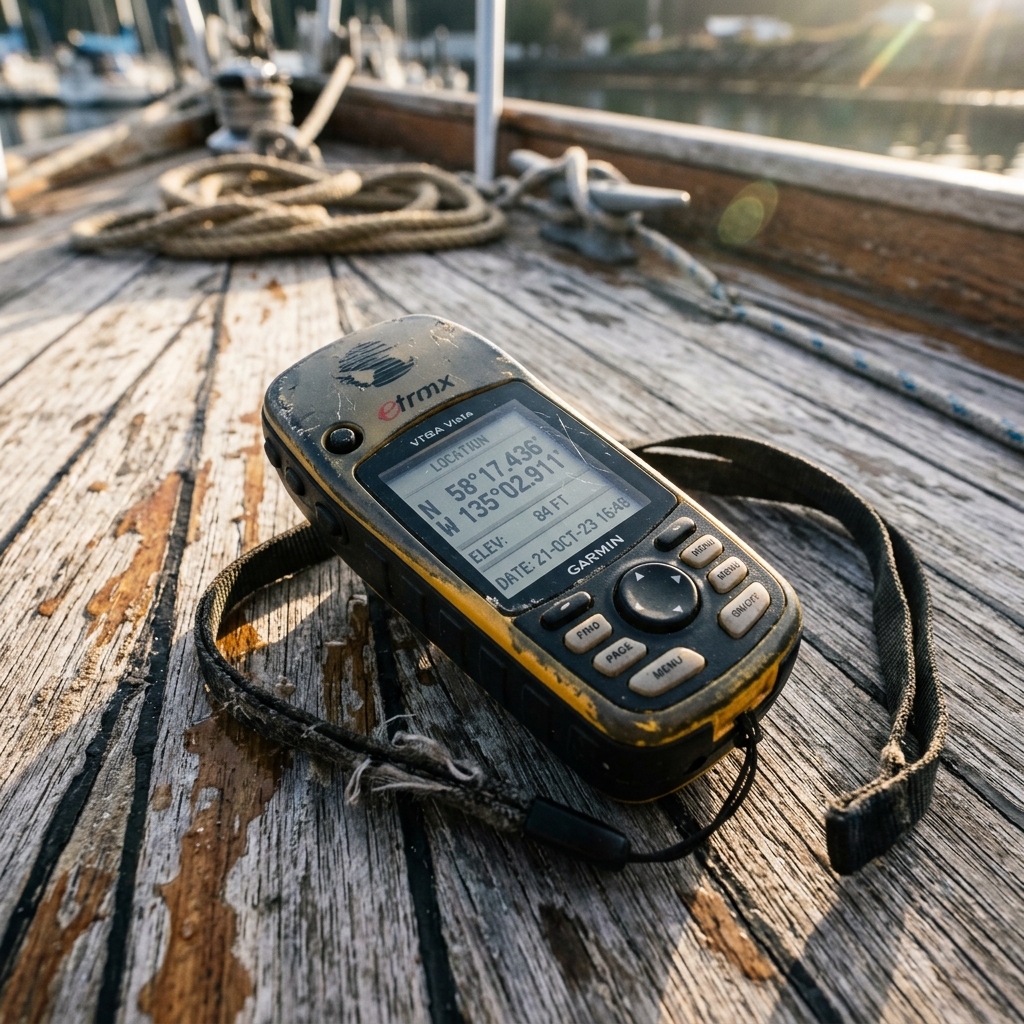
A GPS or sounder shows coordinates. Instead of writing them down: you take a photo and convert them into a digital point.
Field notebooks
Many users have years of data on paper. Scanning allows all that information to be digitized without manual effort.
Old images
Photos saved with coordinates that were never used. They can now be easily recovered.
What happens if you try to do it wrong
Trying to solve this problem without proper tools usually ends in:
- location errors
- loss of important points
- duplication of information
- constant frustration
In addition, time is wasted on tasks that do not add real value.
Comparison with other alternatives
Manual Copying
- slow
- prone to errors
- impractical
Generic OCR Apps
- read text, but do not interpret coordinates
- do not automatically convert to map
- require additional steps
Specialized Tools
- detect coordinates correctly
- convert directly into locations
- eliminate intermediate steps
Reduction of mental load in real environments
This point is key.
When you are in the field:
- you are in motion
- you have variable conditions
- you need to make quick decisions
Writing coordinates:
consumes attention
Scanning:
simplifies the process
This improves not only efficiency, but also safety.
How CAPTA solves it in practice
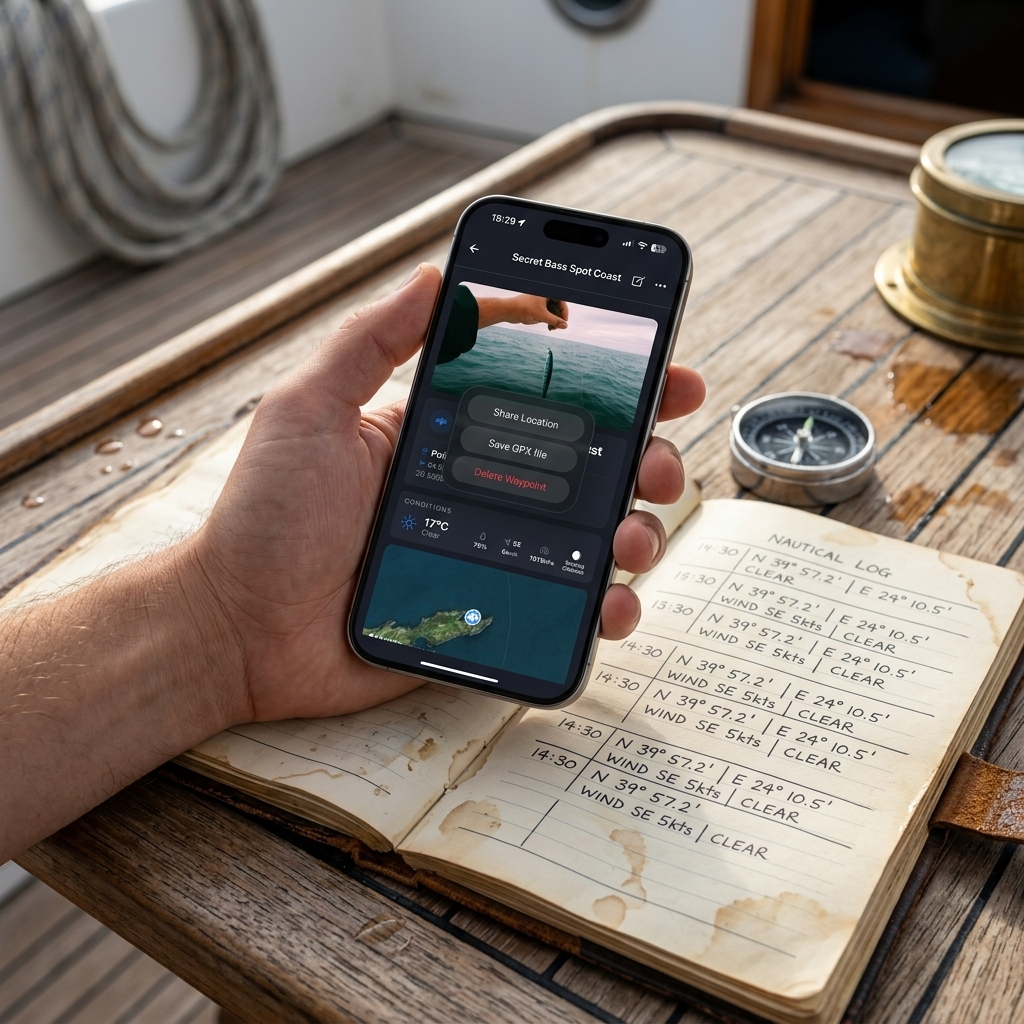
CAPTA is specifically designed for these types of situations.
The flow is simple:
- you open the app
- select scan
- point at the image
- the app detects the coordinates
- the waypoint is automatically created
Then you can:
- save the point
- add notes
- add photos
- organize locations
All without typing numbers.
What differentiates CAPTA from other solutions
It is not just a text reader.
It is a tool focused on coordinates.
This implies:
- specific detection of GPS patterns
- automatic recognition of formats
- direct conversion to map
- integration with points system
The objective is not to read text.
It is to convert coordinates into useful locations.
From image to map in seconds
Before:
- you have an image
- you have numbers
- you cannot use them easily
After:
- you have a location
- ready to use
- ready to save
That is the real change.
When you should use this system
This method is especially useful if:
- you work with coordinates frequently
- you receive locations in images
- you have old data without digitizing
- you want to avoid manual errors
It is a practical solution for any environment where precision matters.
Conclusion
GPS coordinates are not always in the proper format.
They are often trapped in images, photos or paper.
The problem is not getting them.
It is being able to use them correctly.
Scanning coordinates with the camera eliminates that problem.
It allows you to convert any image into a real, precise and usable location.
Without writing. Without errors. Without complications.
And that completely changes the way of working with locations.
Professional and Intensive Analytically Resolved Frequently Asked Questions (FAQ)
Is it operationally safe to entrust my entire tactical and private base to automated visual scanning?
Yes, provided that tools specifically designed to recognize GPS coordinates are used. Modern systems do not interpret text in a generic way, but instead identify concrete numerical patterns, which greatly reduces errors. In practice, it is more reliable than manual copying, especially in environments where the user may be tired or under pressure.
Can old coordinates written on paper or notebooks be digitized?
Yes. In fact, it is one of the most powerful uses of this technology. Handwritten coordinates can be scanned directly with the mobile camera and converted into digital locations. This allows years of information to be recovered without the need to manually transcribe each point, reducing time and errors.
Does it work with old devices that do not have a connection or export?
Yes. The system does not depend on the original device, but on the image. Simply photographing the screen of the old GPS is enough to capture the coordinates. This eliminates the need for cables, software or compatibility, turning any device into a usable data source.
What happens if the coordinates are in different formats?
Current tools can automatically recognize different coordinate formats, such as decimal degrees or degrees and minutes. This prevents the user from having to manually convert the data before using it, simplifying the process and reducing errors.
Is it faster than entering coordinates manually?
Yes, significantly. Entering coordinates manually requires attention, time and precision. Scanning allows information to be captured in seconds, eliminating intermediate steps and improving efficiency, especially when working with multiple locations.