
How to transfer coordinates from an old GPS to mobile (Real Guide)
Introduction
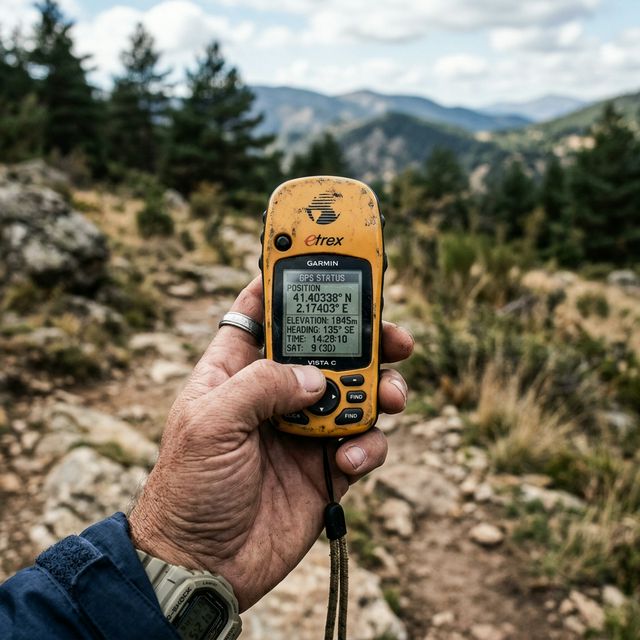
If you have been fishing, sailing or exploring for years, you most likely have an old GPS full of important locations: fishing spots, routes, safe anchorages or areas that you have been discovering over time.
The problem arises when you decide to transition to mobile.
Suddenly, all that information is trapped in a device that cannot easily connect to anything modern.
Many users find themselves exactly in this situation:
“I have all my points on the old GPS… but I have no way to transfer them to the mobile without losing them.”
And it is not a rare case. It is one of the most common problems in the outdoor world.
Why old GPS units don't connect with the mobile
GPS devices from 10–20 years ago were designed in a completely different context than today's.
At that time:
Cloud synchronization did not exist Sharing data between devices was not common Each manufacturer used its own system
This causes several clear limitations today:
They do not have Bluetooth or WiFi They use proprietary cables They work with old protocols (such as RS-232) They save data in closed formats
While today everything revolves around formats like GPX, many old devices use systems incompatible with current apps.
Result: you cannot connect your GPS to the mobile and transfer data directly.
The typical attempt: cables and computer
When someone tries to solve this problem, the first thing they do is look for a cable.
The idea is logical:
Old GPS → computer → mobile
But in practice, this usually fails for several reasons:
You need adapters (serial to USB) Drivers do not work on current systems Original software is obsolete Programs fail or don't even start
Even if you manage to connect the device, exporting the data can be complicated or directly impossible.
This path usually ends in frustration.
The manual method: copying coordinates by hand
When everything else fails, many resort to copying coordinates manually.
The process is simple:
Find the point on the old GPS Read the latitude and longitude Write them down on paper or memorize them Type them into the mobile
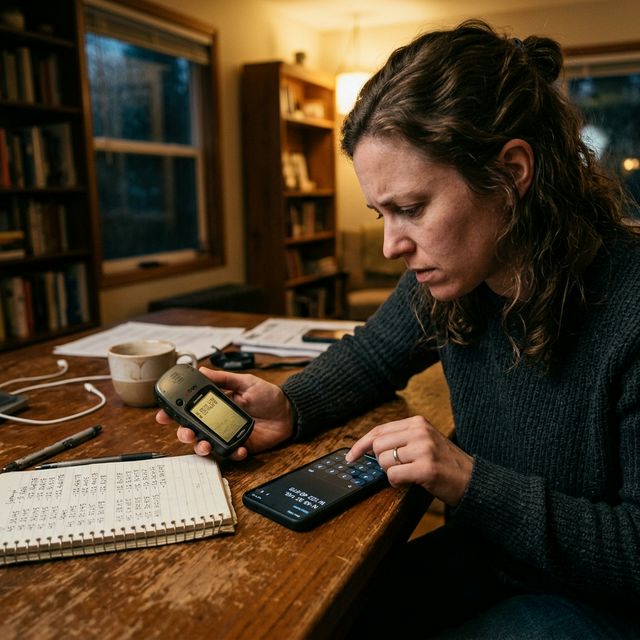
It works, but it has several major problems.
Why copying coordinates by hand is not a good idea
The main problem is precision.
GPS coordinates are extremely sensitive.
A small error can cause:
Deviations of hundreds of meters Completely incorrect locations Loss of the real point
Common errors:
Changing a number without realizing it Confusing decimals Entering the format incorrectly Mistaking North/South or East/West
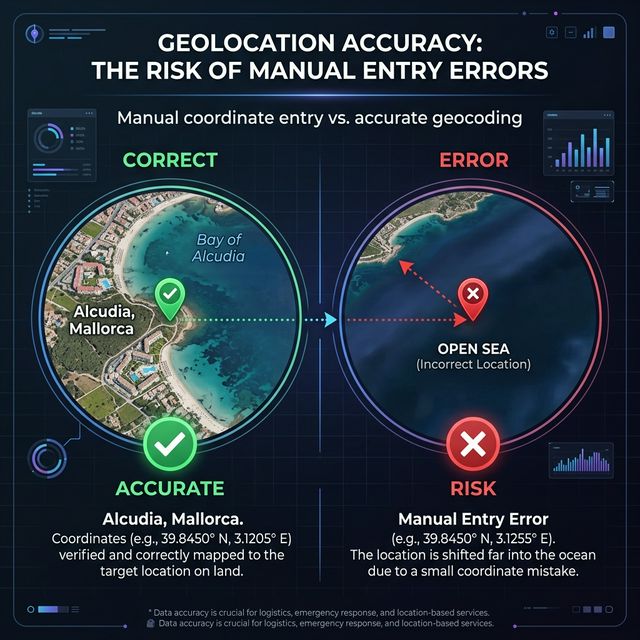
In addition, it is a slow process.
If you have 20, 50 or 100 points, copying one by one becomes unfeasible.
Real cases where this occurs
This problem appears constantly in real situations:
Boat fishing
You have years of points saved on an old plotter or GPS. You change equipment or want to use the mobile, but you cannot transfer them.
Hiking and mountaineering
You saved routes or shelters on a classic GPS. Now you want to use them on the mobile, but there is no direct way.
Old coordinates
You have locations saved years ago that you want to recover without losing precision.
Old brand GPS
Old Garmin devices, Lowrance and other models that no longer have support or updated software.
The problem of coordinate formats
Another common obstacle is the format.
Coordinates can appear as:
Degrees, minutes and seconds (DMS) Degrees and decimal minutes (DMM) Decimal degrees (DD)
Many users do not know how to convert them correctly or how to enter them into modern apps like Google Maps.
This adds another layer of difficulty when you try to do the manual process.
The simplest solution: use the mobile camera
This is where the focus completely changes.
In place of trying to connect devices or copy numbers:
you can use the mobile camera.
Your old GPS already shows the coordinates on the screen.
Your mobile can read that information directly.
No cables. No software. No writing numbers.
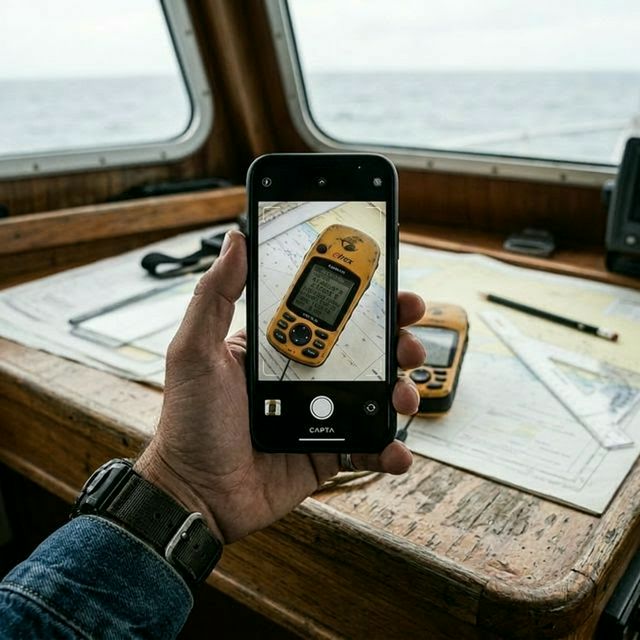
How this method works in practice
The process is much simpler than it seems:
Open an app prepared for it Focus the camera on the old GPS screen The app detects the coordinates automatically The point is generated on the map
This completely eliminates human errors and speeds up the process.
How to do it with CAPTA step by step
A practical solution for this is to use CAPTA.
The flow is very direct:
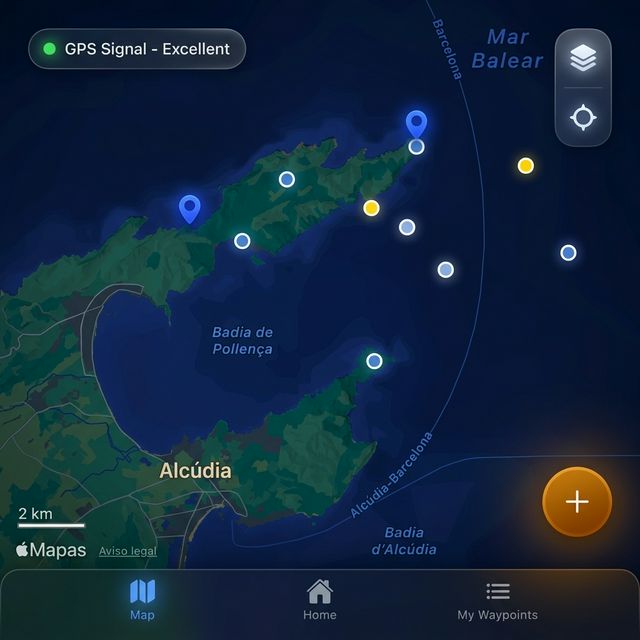
Open the app on your mobile Point with the camera at the old GPS The app detects the coordinates The waypoint is created automatically Save the point with a name and notes
Additionally:
Detects different coordinate formats Avoids transcription errors Allows organizing all points in one place
Advantages over other methods
Vs. cables and software No technical knowledge required Does not depend on old hardware Works instantly
Vs. copying by hand No errors Much faster Scalable
Before vs after: the real change
Before:
Looking for cables Installing old software Copying numbers manually Making mistakes
After:
Pointing with the camera Saving the point Having it organized on the mobile
Conclusion
Transferring coordinates from an old GPS to the mobile no longer has to be complicated.
Traditional methods are slow, complex or directly unfeasible today.
The most effective way is to take advantage of the mobile camera to capture the coordinates directly without errors.
So you can keep all your important points and have them organized in a modern and accessible system.
Frequently Asked Questions (FAQ)
Why is it so difficult to transfer coordinates from an old GPS to mobile?
Because old GPS units use technologies, cables and formats that are no longer compatible with current devices. Many work with connections like RS-232 and software that is no longer available or does not work on modern systems. This makes direct data transfer very complicated or even impossible without alternative solutions.
Can the points be recovered without using a computer?
Yes, nowadays you can recover coordinates directly from the GPS screen using the mobile camera. This method avoids the use of cables, adapters and old software, and allows capturing data with precision. It is especially useful in real situations like fishing or navigation where you need speed and to avoid errors.
Is copying coordinates with the camera reliable?
Yes, it is a much more reliable method than copying coordinates manually. By using automatic recognition, typical human errors in typing numbers are eliminated. In addition, it maintains the original precision of the GPS, something key when working with exact locations at sea or in the mountains.
What happens if the coordinates are in a different format?
It is not a problem in most cases, as modern tools can detect different formats such as decimal degrees, degrees and minutes or degrees, minutes and seconds. This avoids having to manually convert coordinates before using them on the mobile or in map applications.
Does this method also serve for coordinates on paper or screenshots?
Yes, the same system can be applied to coordinates that are written on paper, in a notebook or on a screenshot. Simply use the mobile camera to read the information and convert it into a digital location. This allows you to centralize all your coordinates in one place regardless of their origin.