
The Geometry of Location: Understanding coordinate systems
Professional navigation is not about "points on a map," but about complex mathematical models that attempt to represent an irregular Earth on a flat surface. When a field team or a navigator finds that their coordinates "don't work," 90% of the time it's not a GPS signal problem, but a conflict of formats or reference systems (datums).
Converting coordinates between Decimal Degrees (DD), Degrees, Minutes, and Seconds (DMS), or Universal Transverse Mercator (UTM) is not just an aesthetic issue; it is an engineering operation that defines the precision of a mission. In this CAPTA technical guide, we will break down the mathematics and logic behind these systems so you never lose a waypoint due to a formatting error again.
The WGS84 Standard: The universal language of GPS
Before talking about degrees or meters, we must talk about WGS84 (World Geodetic System 1984). This is the reference ellipsoid used by the global GPS system. Any conversion you perform must stem from the premise that you are working under this standard. If you attempt to convert a coordinate from an old map based on a local datum (like ED50 in Europe) to DD without performing the prior datum transformation, you will carry over an error of hundreds of meters that no formatting formula can fix.
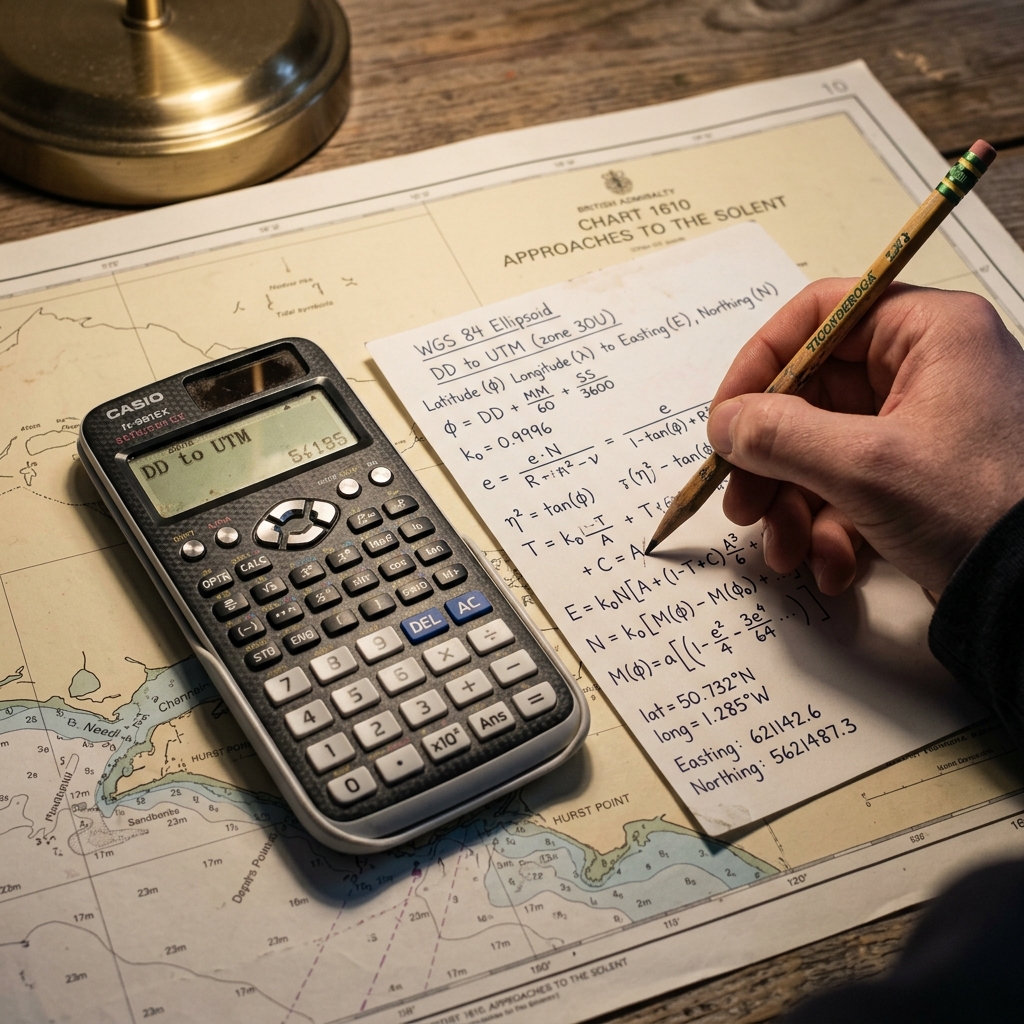
The Three Pillars of Geographic Notation
1. Decimal Degrees (DD)
This is the native format of the digital world. It is compact, easy for algorithms to process, and CAPTA's preferred choice for internal data storage.
- Format:
41.40338, 2.17403 - Advantage: Allows for direct mathematical operations.
2. Degrees, Minutes, and Seconds (DMS)
The format of classic navigation and surveying. It divides the earth as if it were a base-60 clock.
- Format:
41° 24' 12.2" N 2° 10' 26.5" E - Challenge: The base-sixty (sexagesimal) nature is the primary focus of human error during manual transcription.
3. UTM System (Universal Transverse Mercator)
Unlike the previous ones, UTM does not use degrees, but meters. It divides the earth into 60 zones of 6 degrees of longitude each.
- Format:
31T 430959 4583987 - Application: The standard in civil engineering, forestry work, and military mapping, as it allows for direct measurement of distances on the ground.
The Mathematics of Conversion: From DMS to DD
If you need to convert an analog coordinate (DMS) to a digital format (DD), the formula is as follows:
DD = Degrees + (Minutes / 60) + (Seconds / 3600)
Real example: For 41° 24' 12.2":
- Degrees: 41
- Minutes: 24 / 60 = 0.4
- Seconds: 12.2 / 3600 = 0.00338 Total DD: 41.40338
This process, while simple on paper, is extremely dangerous in the field under conditions of fatigue. A single rounding error in the seconds can shift your final position by several meters.
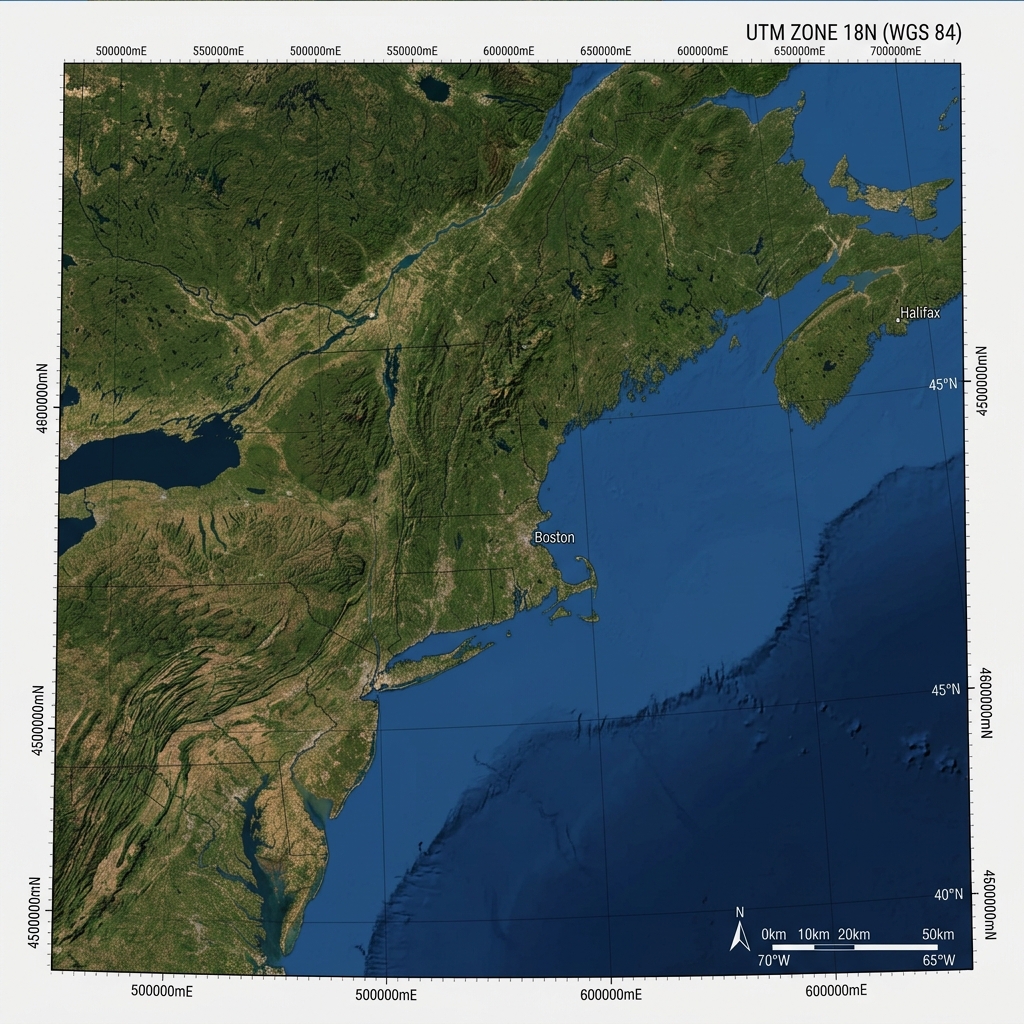
UTM: The Earth as a Plane in Meters
The UTM system is fascinating because it "flattens" the ellipsoid through a cylindrical projection. To define a UTM location, we need three critical pieces of data:
- The Zone (Huso): A number from 1 to 60.
- The Band: A letter indicating the latitude.
- Easting Coordinate: Meters from the zone's central meridian.
- Northing Coordinate: Meters from the Equator.
The complexity of passing from Latitude/Longitude to UTM requires advanced spherical trigonometry. That's why at CAPTA we have integrated a native projection engine that performs this calculation in real-time, allowing you to visualize your position in meters without the need for external calculators or manual zone tables.
Risks of Manual Calculation and the Importance of Automation
The greatest risk in coordinate conversion is truncation. Many users, when moving from an old GPS to a modern system, omit the last decimals, considering them irrelevant.
Accuracy Analysis:
- 6 decimal places (in DD): ~11 centimeters precision.
- 4 decimal places (in DD): ~11 meters precision.
- 2 decimal places (in DD): ~1.1 kilometers precision.
An error rounding a DMS to DD conversion can turn your "fishing spot" or your "escape route" in the mountains into an unmanageable search area.
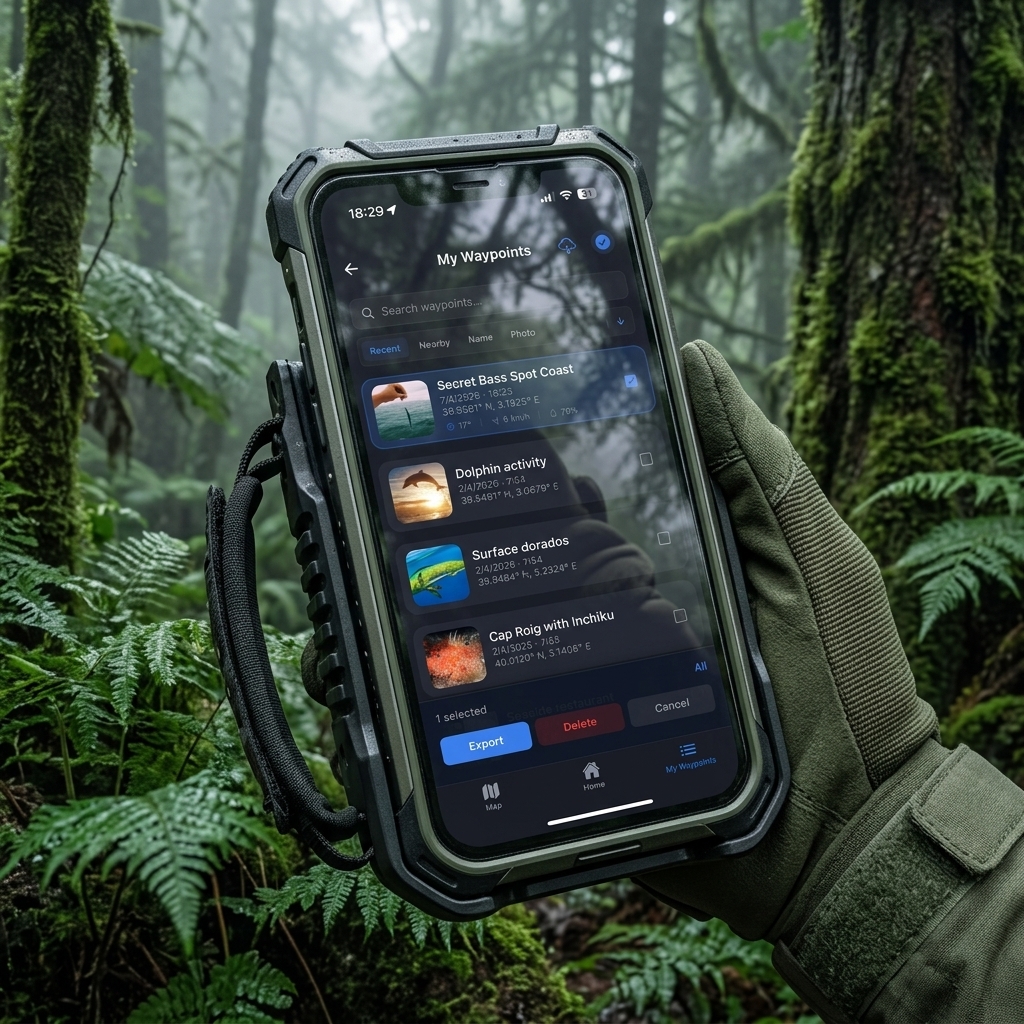
The CAPTA Solution: Format Versatility Without Human Intervention
At CAPTA, we treat the coordinate as a sacred asset. Our App not only saves the point but also allows for dynamic format visualization. This means you can capture a location in Decimal Degrees and, with a single tap, view it in UTM or DMS to dictate it to a rescue team or a colleague using traditional paper cartography.
Why use CAPTA for your conversions:
- Proj Projection Engine: We use the same standards as the GIS (Geographical Information Systems) industry.
- Direct Capture: By eliminating the manual step through the calculator, the risk of human error completely disappears.
- Datum Consistency: We ensure all transformations remain under the WGS84 framework, guaranteeing global compatibility.
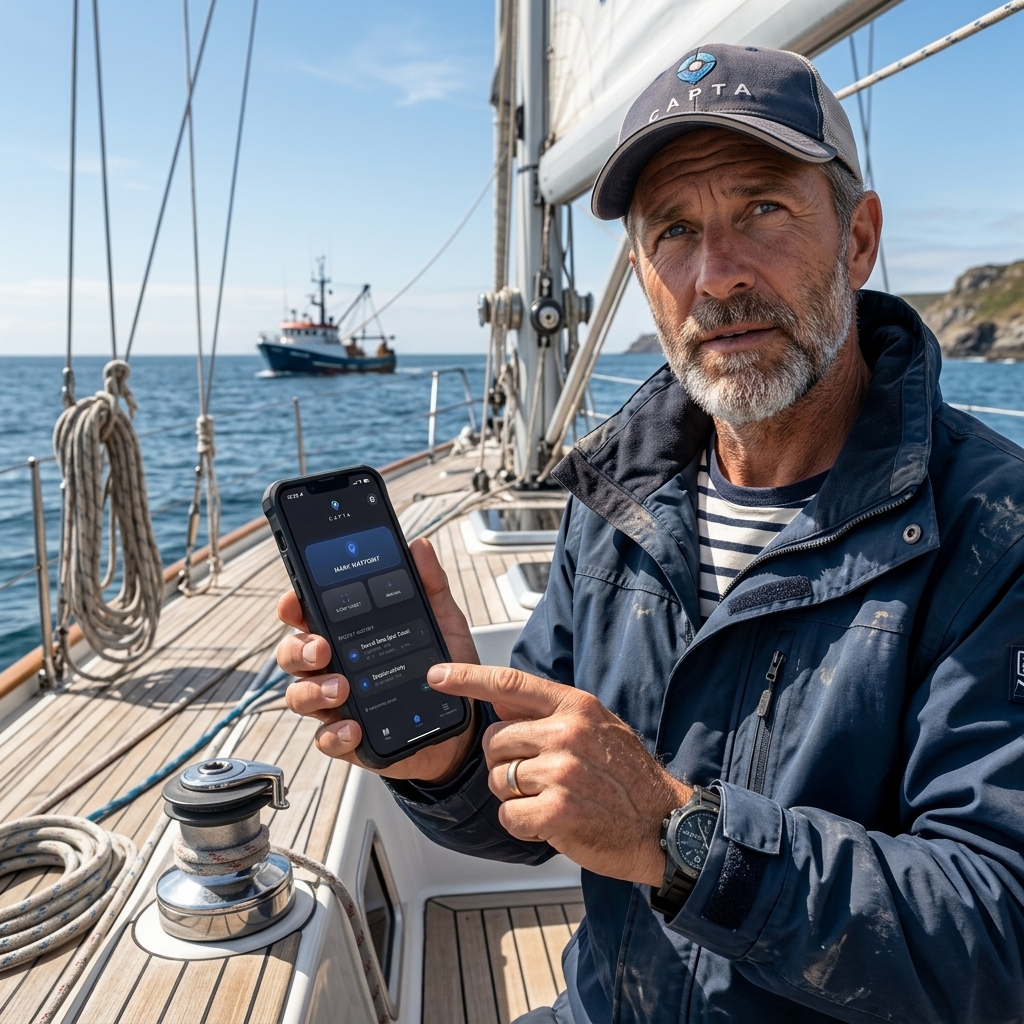
GPS Formats Frequently Asked Questions (Faq)
What is the most accurate format for working at sea?
In professional maritime navigation, DMS (Degrees, Minutes, and Seconds) or DM (Degrees and Decimal Minutes) are the traditional standards due to paper nautical charts. However, for data entry into digital plotters, Decimal Degrees (DD) are preferable to avoid typing errors. CAPTA allows you to capture in the purest digital format and instantly visualize it in the nautical format you need, joining the best of both worlds.
What happens if I confuse my location's UTM zone?
A mistake in the UTM zone is one of the most critical failures; it would place you on an area of the earth thousands of kilometers away. The UTM system divides the world into 60 zones, each 6 degrees wide. Using CAPTA eliminates this risk, as the application automatically identifies your current UTM zone based on your active GNSS position, performing the mathematical projection without you having to consult manual zone tables.
Can I convert coordinates from an old photo without an internet connection?
Yes, CAPTA is designed to work 100% offline. The mathematical conversion engine is locally integrated into the application. This means you can use the text scanner to read coordinates from an old photo or a physical map and convert them between DD, DMS, and UTM in real-time, without depending on external servers, which is vital for missions in remote mountain or high-seas areas.
Master CAPTA Resources
- Common errors when copying GPS coordinates and how to eliminate them
- How to digitize coordinates directly from a photo or paper
- Guide to using GPS without signal or internet: Everything you need to know
Local vs. Global Datums: The invisible conversion error
A common mistake when converting coordinates is ignoring the underlying reference system or Datum. While WGS84 is the global standard, many professionals in Europe still handle cartography based on the ETRS89 system or the old ED50. Although DD or UTM parameters may look the same, the difference between these datums can shift a point by up to 100 meters depending on the geographical area.
In CAPTA, the calculation engine is pre-configured to work within back the WGS84/ITRF framework, ensuring your coordinates are compatible with Google Earth, drones, and modern navigation systems without the need for manual datum corrections, which are often the main focus of "ghost points" in surveying.
MGRS: The Military Grid Reference System
For those working in tactical environments or international rescue, the MGRS (Military Grid Reference System) is an extension of the UTM system that adds a layer of human readability. Instead of long numeric strings, MGRS uses letters to identify 100-kilometer squares, allowing for much faster and safer radio communications.
Although it is a less common format in the civilian sphere, CAPTA allows for the versatility of understanding these geographic assets, converting technical complexity into operational data ready for use in a mission-critical environment.
Degrees and Decimal Minutes (DMM): The maritime bridge
There is a widespread "hybrid format" in professional boating: Degrees and Decimal Minutes (DMM).
- Example:
41° 24.205' NThis format is the perfect balance between base 60 and digital precision. Many fishing and recreational navigation plotters use this system by default. Converting from DMM to DD is simpler (only divide the minutes by 60), but still requires attention to detail that only automation can 100% guarantee.
Field Precision Verification Protocol
To ensure a successful conversion, at CAPTA we recommend following this triple verification protocol:
- Sign Consistency: Verify that the hemisphere (N/S - E/W) matches the logical location on the map.
- Cross-Verification: Open the point on a satellite map to confirm that the orography matches expectations.
- Resolution Analysis: Ensure that the number of final decimals has not been reduced during the calculation process.