

The Connectivity Paradox: GPS is a Passive Radio System
A deeply rooted myth persists in modern digital society: the belief that GPS requires an active data connection to function. For the field professional, understanding that this is false is the key difference between logistical success and failure in extreme environments.
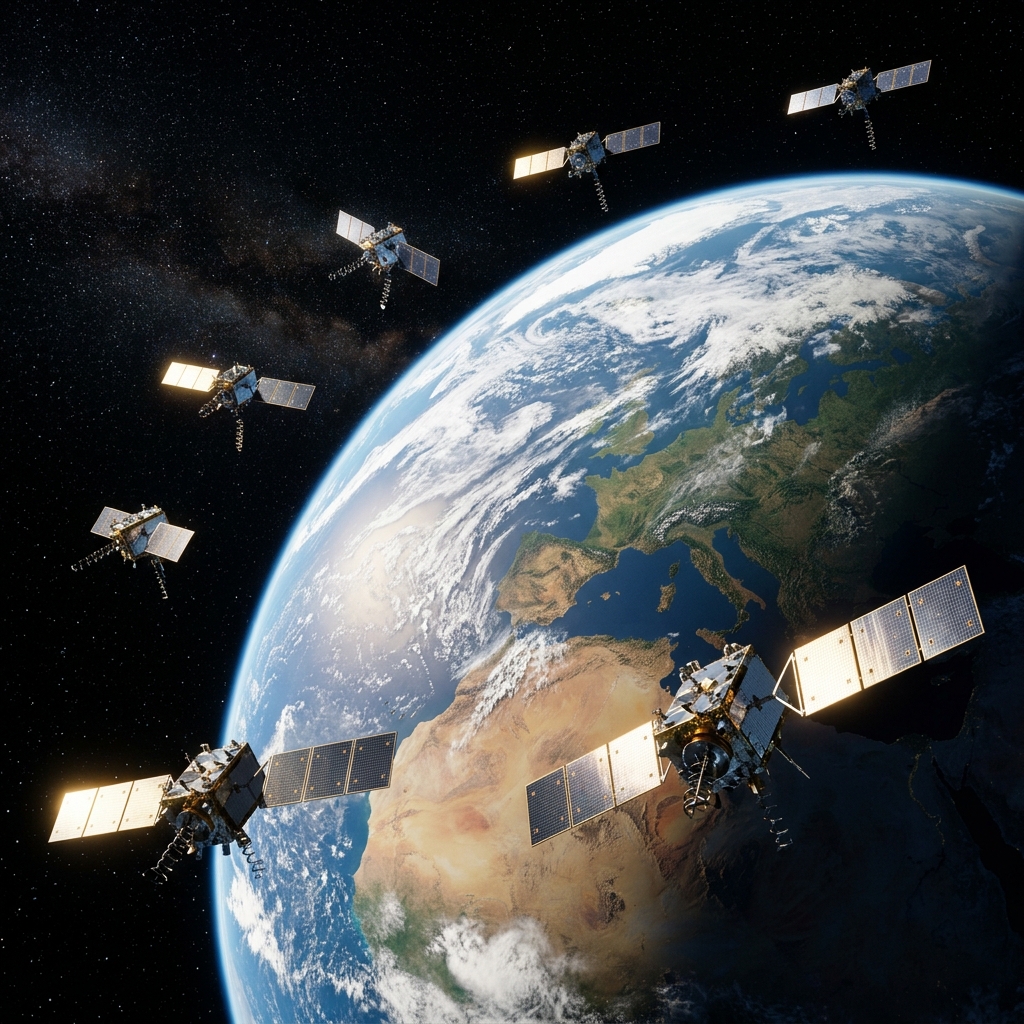
The Global Positioning System (GPS) is, in its purest essence, a one-way radio system. Satellites orbiting the Earth emit constant synchronized radio signals; our smartphone acts simply as a passive receiver, much like a commercial FM radio tuning into a specific bridge.
This means that, technically, your position is calculable anywhere on the planet, from the Arctic Circle to the middle of the Pacific, without needing a single byte of mobile internet or cellular coverage. The real challenge is not receiving the signal, but managing it in a hostile environment and digitizing it correctly.
In this article, we will unpack the high-end engineering behind offline positioning and why relying on conventional consumer apps in remote areas is a technical mistake you should never make if you value your data integrity.
From Cellular Networks to the GNSS and LBS Constellation
When we use a mobile device in the city, the device often relies on LBS (Location Based Services). It utilizes cell towers and WiFi networks to give an approximate location instantly by detecting unique MAC addresses and nearby cell IDs.
However, the moment we move away from commercial coverage, the smartphone's chipset must fundamentally change its operational logic. It switches to pure GNSS (Global Navigation Satellite System) capture, listening to physical L1 and L5 frequencies directly from space.
This change requires the sensor to listen to at least 4 satellites simultaneously: three to fix latitude and longitude via spherical trilateration, and a fourth to sync the satellite's atomic clock with your mobile's internal quartz clock. Without internet, calculation times become critical.
A-GPS and the Ephemeris Protocol: The Accelerator that fails
To understand why a mobile sometimes "finds no signal" without internet, we must talk about Assisted GPS (A-GPS). This system downloads "Almanac" and "Ephemeris" data via the internet which the receiver needs to predict where satellites are in the sky.
This data acts as a map of exactly where the satellites will be in the coming 4 hours of mission navigation. With internet, the mobile downloads them in seconds (Hot Start). Without internet, it must download them directly from the satellite's weak radio signal (Cold Start), which slows everything down.
The Danger of the Technical "Cold Start" and the 50 bps Rate
If your device has been powered down for a long time or you have moved thousands of miles since the last fix without coverage, the GPS must rebuild this database bit by bit. The data transfer rate from a GPS satellite is merely 50 bits per second (bps), a tiny speed compared to 5G.
This can cause your terminal to take up to 12.5 minutes to provide a valid position fix under an open sky. CAPTA neutralizes this frustration through optimized position buffer management, keeping the sensor actively listening to reduce these critical field wait times.
The Map Deception: Why Conventional Apps Fail
Most users confuse "having a GPS lock" with "seeing a rendered map." Commercial apps depend on constantly downloading "map tiles" from a central server. If there is no internet, the map disappears and you only see a blue dot on a gray, empty background.
This cartographic blindness causes panic and severe navigation errors. But the real technical problem is that many conventional apps stop recording waypoints if they cannot resolve the postal address via online reverse geocoding, making them useless in the open sea or deep desert.
CAPTA: Native Offline Architecture for Professionals
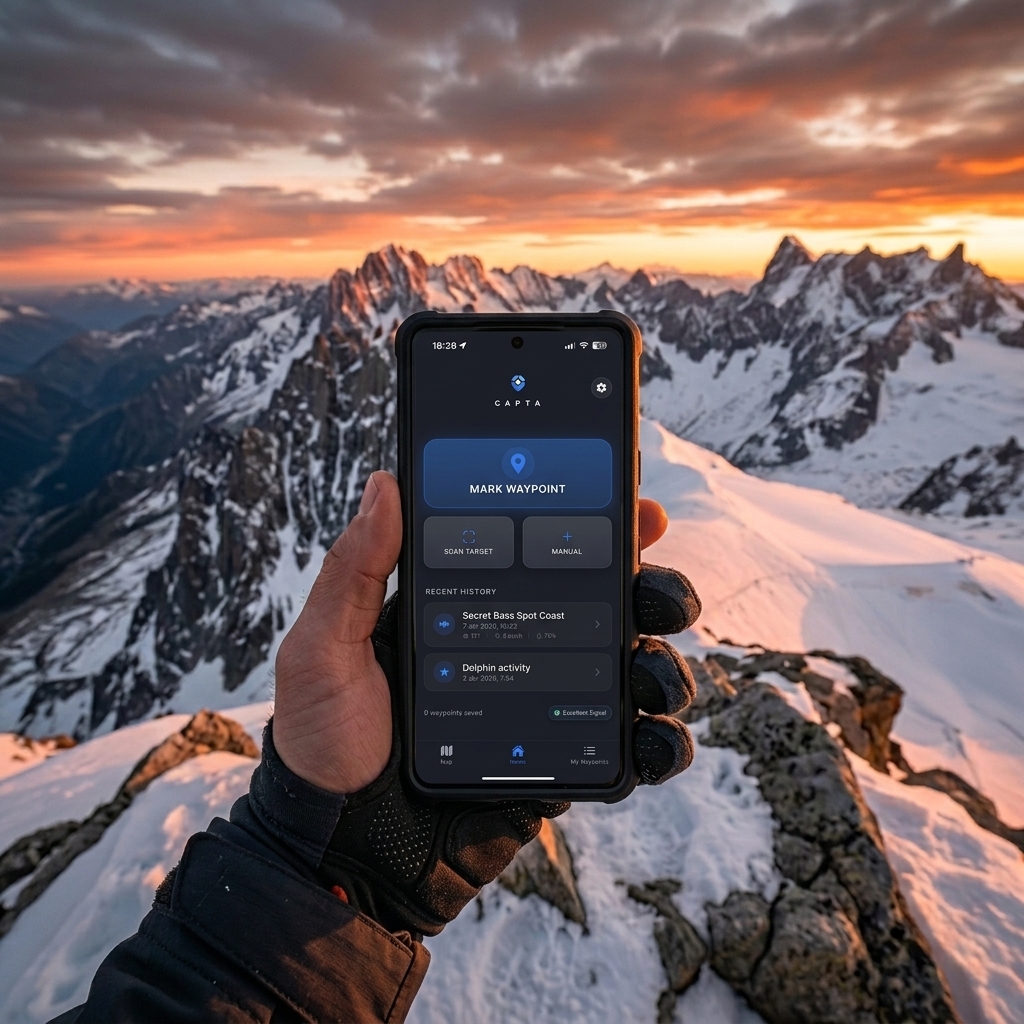
At CAPTA, we have inverted this operational logic. We do not need online map layers for the geographic data to be valid and sovereign. We record the raw NMEA sentence directly from the hardware and store it encrypted in the local database (SQLite).
The data is safe, with its technical 6-decimal precision and UTC timestamp, even if there is not a single Google or Apple server within thousands of miles. When you regain coverage, the system syncs on demand, but the point's integrity is never compromised.
The Science of Precision: DOP and GNSS Redundancy
Offline precision is affected by Dilution of Precision (DOP). It's not an internet issue, but one of pure physical geometry. If the satellites are very close together in the sky, the radial margin of error increases significantly.
CAPTA leverages multi-constellation integration. We don't just depend on GPS (USA). We use Galileo (Europe), GLONASS (Russia), and BeiDou (China) simultaneously to offer total redundancy. Accessing more than 25 satellites at once ensures a low DOP and pinpoint accuracy even in adverse conditions.
Post-Mission Synchronization Architecture: From Field to Cloud
The true value of an offline system lies in the resilience of its subsequent synchronization. CAPTA uses a local database engine (SQLite/IndexedDB) that acts as a "Black Box" of geographic data.
Each coordinate captured without internet is marked with an atomic timestamp and an integrity hash. This prevents common technical errors: buffer overflow or data loss due to unexpected app closure.
The GNSS-Cloud Reconciliation Protocol
When the device detects a stable network again (Starlink at sea or 5G in port), CAPTA doesn't just "upload files." It performs data reconciliation by comparing the captured NMEA frame with the image metadata.
This ensures the location seen on your dashboard is exactly what the sensor fixed in the field, without noisy cellular interpolations. For the professional, the geographic data chain of custody is unbreakable from capture to report.
Professional Protocol for Saving Waypoints in Remote Areas
To ensure your geographic data acts as a high-value operational asset, follow this standard protocol designed by CAPTA experts:
1. The Water Veil: Human Body as an Obstacle
The human body, mostly composed of water, acts as a GNSS signal blocker. Hold the terminal away from your chest to maximize the antenna aperture and avoid signal attenuation due to water absorption.
2. Time to First Fix (TTFF) and Operational Patience
Give the sensor 3 to 5 minutes of active listening under an open sky when arriving at a new point. This allows the satellite's data channel to refresh local ephemerides of your new position without mobile data help.
3. Disable Aggressive Power Saving
Battery saving modes often throttle the GNSS chipset power to reduce mA consumption. For a professional technical record where precision is life, keep the system in high-performance mode during critical waypoint capture.

Technical Frequently Asked Questions (FAQ)
Does using offline GPS with CAPTA really not use data?
Correct. GPS signal reception is completely free, universal, and regulated by international protocols. CAPTA is specifically designed not to consume a single byte of your data plan while capturing information in the field, operating in isolation and safely.
Why does my location "jump" erratically when I have no connection?
This effect, known as "drifting," happens because consumer apps rely on towers to stabilize the signal. CAPTA ignores these external estimates and only records the actual phase lock from GNSS satellites, offering stable, professional, and ghost-error-free data.
Can I save high-resolution photos with locations without coverage?
Yes, it's one of our greatest architectural advantages. Images are processed locally and permanently linked to georeferencing metadata in the mobile's secure storage. This creates a complete technical report you can export once you return.
Does extreme cloud cover affect offline precision?
Minimally. GPS radio signals pass through clouds and glass without major degradation. What actually blocks precision are dense objects like concrete, massive metal, or solid tunnel rock where the signal simply cannot penetrate.
Is CAPTA better than an industrial handheld GPS?
CAPTA leverages modern smartphone processing power to offer data visualization and management that classic industrial devices simply cannot match in fluidity and integration.