Introduction: A Fisherman's Greatest Treasure is Trapped on the Boat
Every experienced fisherman or long-distance navigator knows that the true value of their vessel does not lie in the engines, the hull, or the electronics themselves. The most valuable asset is invisible to the naked eye: the waypoints. Those precise coordinates marking a deep rock, a forgotten shipwreck, or a perfect drop-off where the snapper always bites.
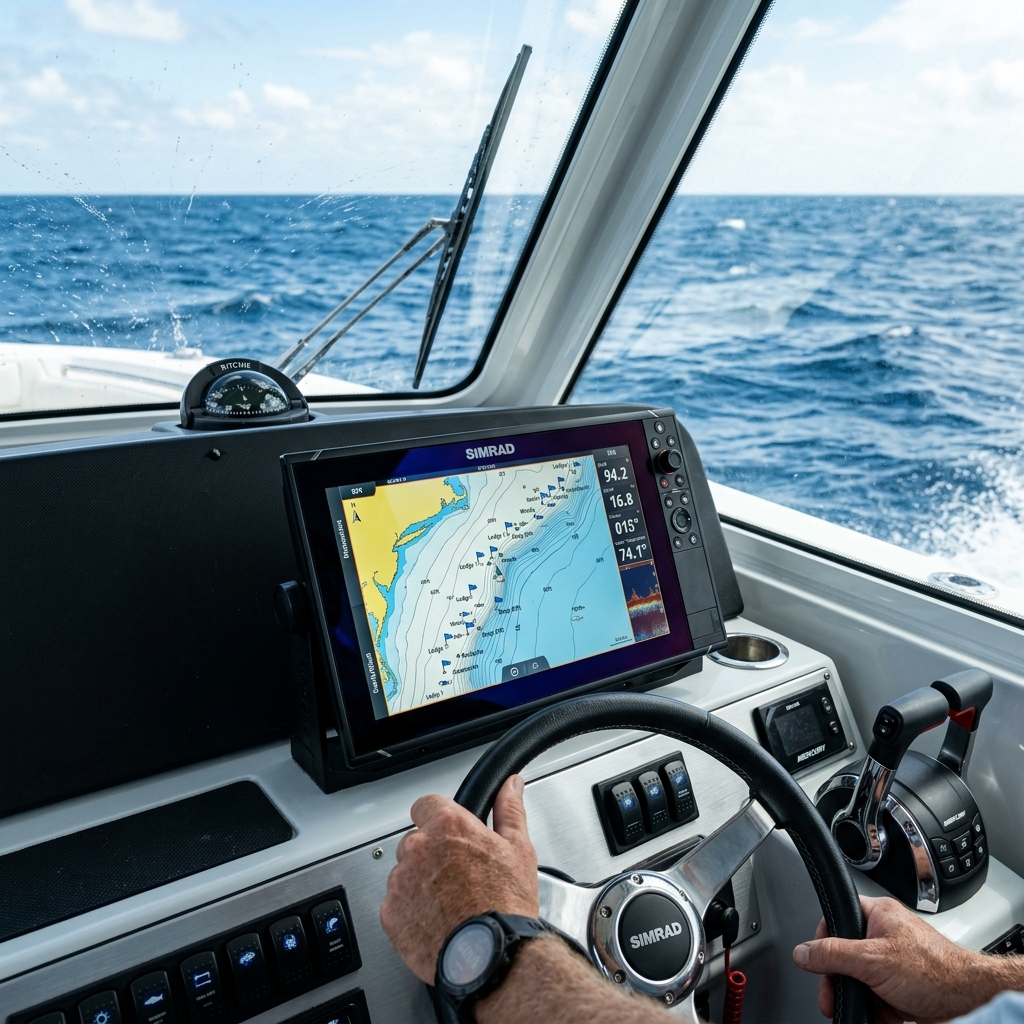
These fishing spots are usually stored in one place: the internal memory of the plotter or the multifunction display on the console (whether Garmin, Lowrance, Raymarine, or Simrad).
But here lies one of the greatest vulnerabilities in modern boating. Letting your most secret locations live exclusively on physical hardware anchored to a boat is a huge risk, primarily for three reasons:
- Electrical failure or corrosion: What happens if the electronics fail due to humidity or salt?
- Fleet renewal: What happens if you decide to sell the boat or upgrade the equipment?
- Portability: What if you are simply invited to fish on a friend's boat and need to take your best "marks" with you in your pocket?
Exporting waypoints from the boat's plotter to your mobile phone has become a critical necessity. However, marine electronics manufacturers have historically designed closed ecosystems that make it difficult to get your own information out. In this technical guide, we will break down why this happens, what the traditional methods are, and what the definitive solution is to digitize your fishing spots instantly.
Why It's So Complicated to Extract Coordinates from a Marine Fishfinder
Before looking at solutions, it's vital to understand the technical problem we face. The marine electronics industry has evolved slowly in terms of data interoperability.
1. The War of Proprietary Formats
For years, each brand developed its own way of encrypting and saving coordinates. Lowrance used .usr files (and its multiple versions v2, v3, v4, v5, v6), Garmin relied on .gdb or .adm, and Raymarine on .fsh. If you tried to pass a file from one brand to another, or worse, to a mobile phone, you were met with a wall of incompatibility.
Today, the industry standard has mostly converged towards the GPX (GPS Exchange Format). It's a universal XML-based language that almost any modern device can read. However, many older plotters still require you to force manual export to this format by navigating through hidden menus.
2. The Physical Barrier: SD Cards and the Hostile Environment
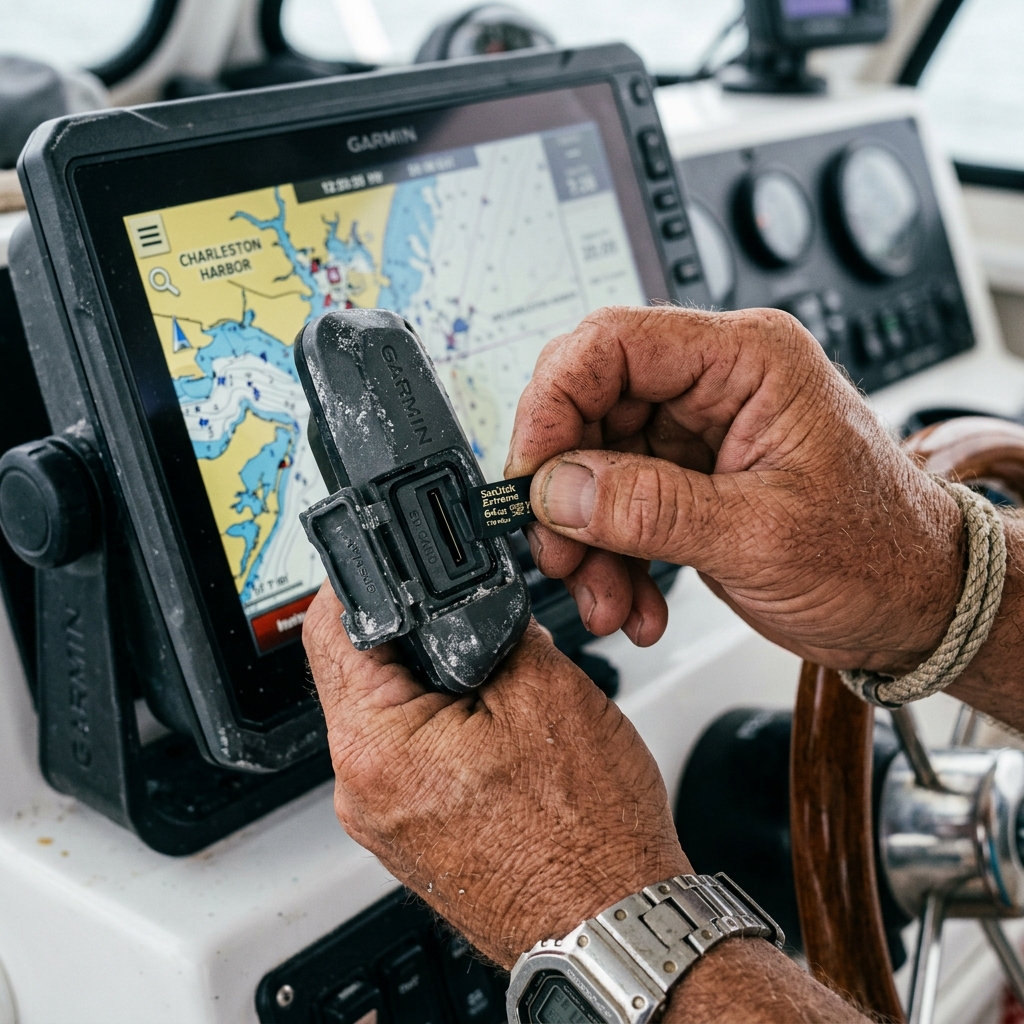
The official method of almost all manufacturers for extracting data requires a physical memory card (SD or MicroSD). In an office environment, this is a simple procedure. At sea, it's a constant challenge:
- Corrosion and Salt: Card slots on marine displays are exposed to high levels of salinity and humidity. It is extremely common for card readers to fail over the years.
- Handling while moving: Inserting a tiny MicroSD with wet or cold hands, while the boat is rocking from the waves, is the perfect recipe for the card to fall into the water, taking your entire database to the bottom of the sea.
Added to this is the need for a "bridge." Once you have the SD card, how do you connect it to your modern iPhone or Android smartphone? You need adapters, laptops (which you rarely take to the boat), or intermediate cloud services.
The Traditional Method: Exporting via SD Card (Step by Step)
If you have hundreds or thousands of fishing spots and your plotter is relatively modern (and its SD slot works), file export remains the primary method for bulk backups.
General steps (applicable to most brands like Garmin or Lowrance):
- Preparation: Get a blank MicroSD card (maximum 32GB, as many plotters don't read exFAT formats of larger capacity cards; they prefer FAT32).
- Insertion: Insert the card into the slot of the powered-on fishfinder.
- Menu Navigation: Access Waypoints, Routes, and Tracks > Options > Storage or Export.
- Format Selection: This is the critical step. You must explicitly choose to export in GPX format. If you choose the plotter's native format, your mobile will not be able to read it later.
- Safe Extraction: Transfer the data and remove the card.
- The Computer Bridge: You take the card home, insert it into a card reader on your PC or Mac, send the GPX file to your email or cloud (Google Drive/iCloud), and finally open it on your mobile with a compatible navigation application.
The Risks of This Method
As is evident, it is a multi-stage process, slow and dependent on external physical hardware and computers. Furthermore, if you make serious errors when copying coordinates or formatting the card, you run the risk of accidentally erasing the fishfinder's original memory.
The Modern Solution for the Fisherman: Direct Digitization with OCR
What if you don't have a computer at hand? What if the console's card reader is corroded? Or if you're on a companion's boat, they give you a couple of excellent "marks" they're seeing on the screen, and you need to save them on your mobile in seconds before casting off?
For daily use in the field, the SD card method is inoperable. You need a system that removes the friction and eliminates the computer from the equation. This is where Optical Character Recognition (OCR) technology specialized in navigation revolutionizes the process.
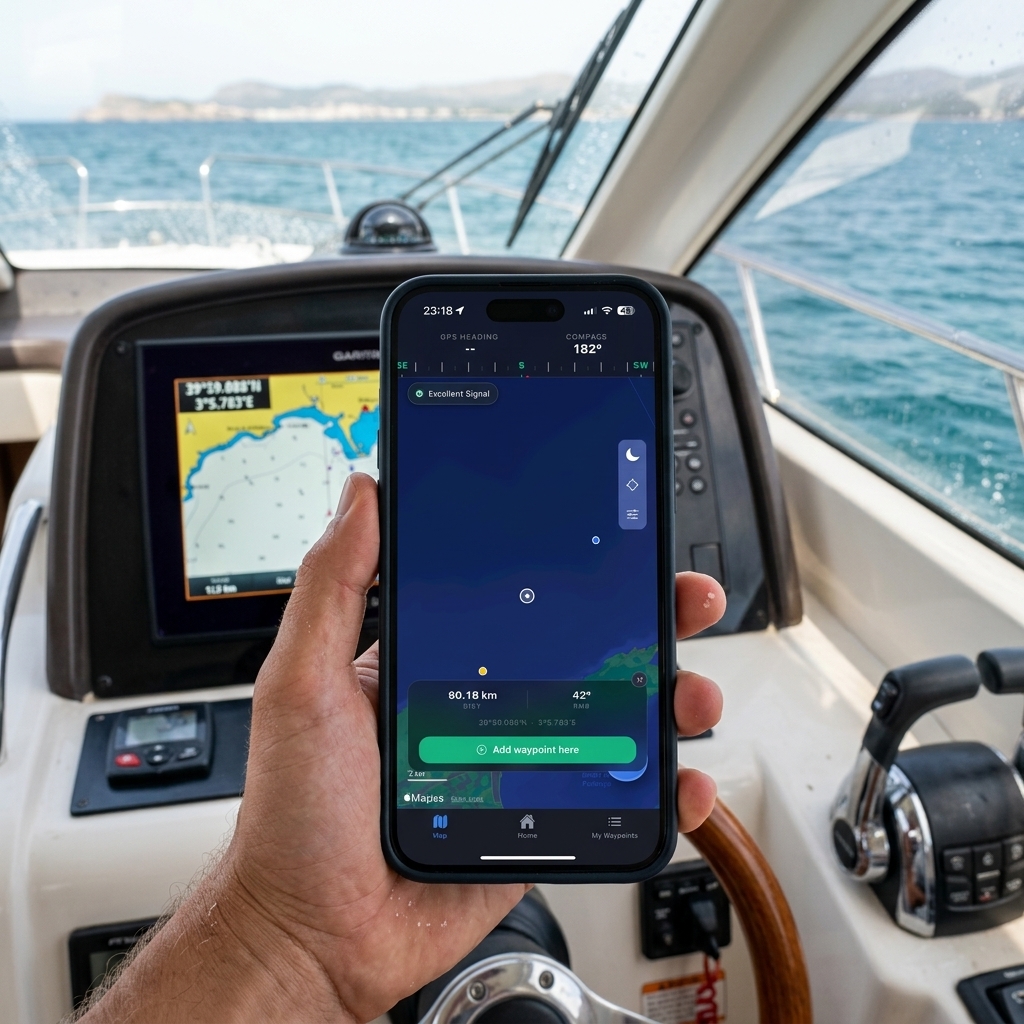
Instead of fighting with invisible files and cables, the modern workflow is based on computer vision: your mobile camera reads the plotter's screen.
How Visual Coordinate Scanning Works (The CAPTA Method)
New generation applications designed specifically for the marine sector and private fishing, such as CAPTA, have introduced instant capture as their core functionality. The process is drastically simpler:
- Open the waypoint on your plotter's screen so the numbers (latitude and longitude) are visible.
- Open the app on your mobile and activate the tactical scanner.
- Point the camera at the plotter's screen.
- The app's AI automatically detects the numbers, recognizes if they are in decimal degrees, DMM, or DMS, and creates the waypoint on your mobile in less than a second.
There's no typing. No transcription errors (changing a 3 for an 8 when writing by hand is an error that can leave you hundreds of meters from your target). No SD cards. Everything happens directly from the fishfinder's screen to your phone's secure memory.
Bulk Import: The Power of GPX Format Direct to Your Mobile
While the OCR scanner is the perfect tool for capturing individual points on the spot (when you're on the boat, in a hurry, or seeing a mark on a friend's screen), what happens when you've managed to extract a file with 500 waypoints from your old plotter via SD card?
This is where bulk file management comes in. Modern marine apps like CAPTA are prepared to ingest entire libraries of points at once.
The process is extremely simple thanks to native integration with mobile operating systems (iOS and Android):
- Receive the file: Whether you've sent it to yourself by email, have it in Google Drive, iCloud, or it was sent via WhatsApp, you just need to locate the
.gpxfile on your phone. - Open with...: Tapping the file will ask which application you want to open it with. Simply select CAPTA (or your trusted fishing app).
- Instant Import: The application will read the GPX file and dump all waypoints into your private database in a matter of seconds, respecting the original information.
This duality is what makes a system truly powerful: OCR for the trenches (the boat) and GPX support for bulk logistics (entire plotter transfers).
Beyond Coordinates: The Advantage of "Photo-Location" and Context
When you finally manage to scan GPS coordinates from a photo or pass them by file, you face a new problem: an endless spreadsheet full of numbers and cryptic names (WP001, WP002, MARK4).
A hardware plotter is excellent at indicating direction, but poor at saving the "why."
When you bring your waypoints to your smartphone, you open the door to contextualizing the information. A fishing mark is not just a geographic point; it's a set of environmental conditions and memories.
Automatic Data Enrichment
By moving the management of your key spots to a specialized app and avoiding overly complex GPS apps, something magical happens. The moment you scan and save that point from your old fishfinder's screen, your smartphone adds layers of intelligence that your old marine hardware doesn't possess:
- Historical Weather: The app consults weather servers and anchors specific atmospheric pressure, wind, and water temperature conditions of the exact moment of registration to that point.
- Lunar Phase and Tides: Two critical variables for sport fishing are permanently associated with the waypoint capture.
- Visual Memory: The definitive leap is being able to attach a real photograph of the coastal environment or the catch made at that spot. The human brain remembers images (a lineup of two mountains, a lighthouse, the color of the water), it doesn't remember sequences of twelve numbers.
By linking your exported coordinates with real images and detailed descriptive notes, you are transforming a simple database of numbers into an intelligent, tactical, and highly effective logbook for your future outings.
Extreme Privacy: Your Marks are Yours Alone
There is a founded and legitimate fear in the fishing community when connecting their mobile to digital tools. Over recent years, there has been a proliferation of "social" fishing apps (like Fishbrain or some community functions of Navionics) that encourage, and even surreptitiously force, sharing catch locations to generate public heat maps.
For a fisherman who has invested fuel, money in fishfinders, and years of trial and error to find a productive rocky bottom, the idea of their "hotspot" being published on the internet is a nightmare.
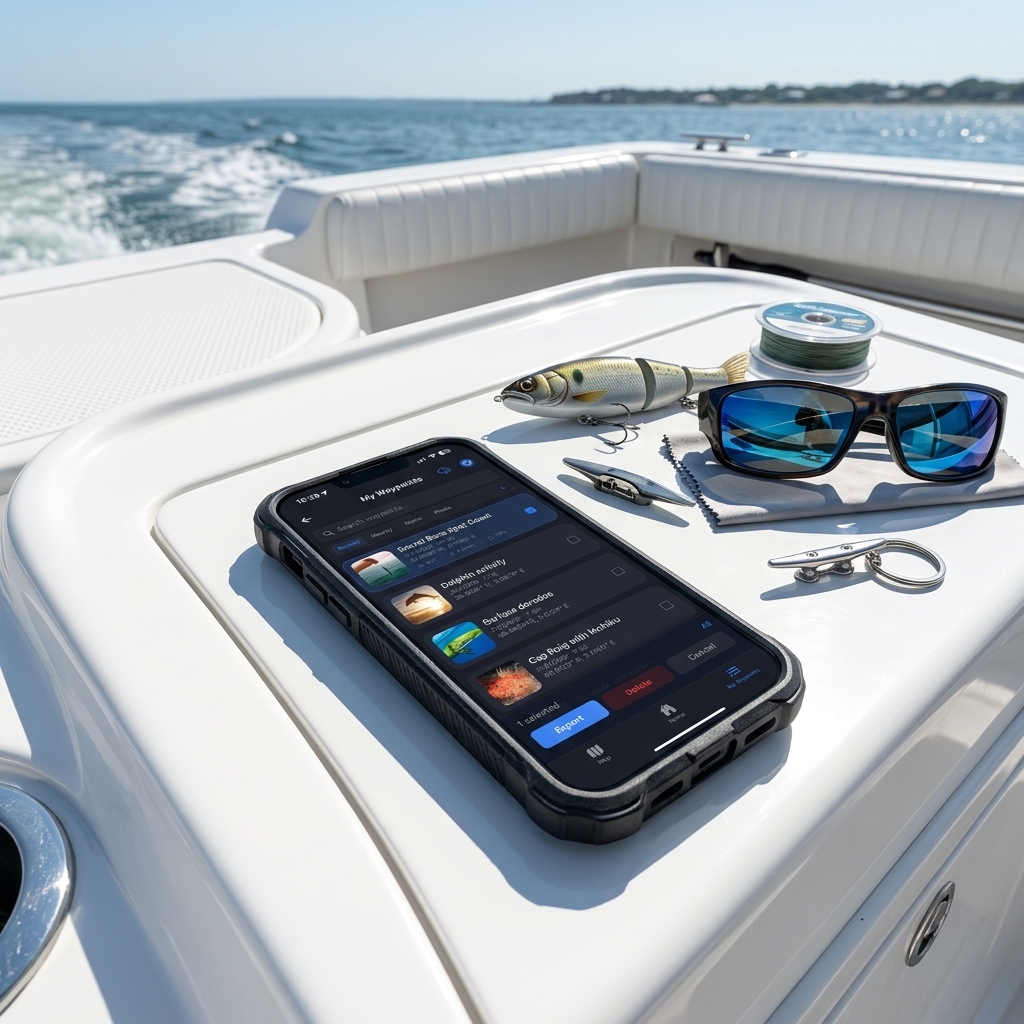
Therefore, when choosing the destination of your exported plotter waypoints, privacy is not an option; it's an absolute requirement. Modern software for sea professionals assumes an "Anti-Social" philosophy. Data stored locally on the mobile must be encrypted, and cloud backups must be private by default. Technology should serve the navigator to secure their knowledge, not to sell the secrets of the seabed to other users. For a complete strategy at sea, we recommend our tactical positioning guide from the boat.
Conclusion: Free Your Coordinates
Your vessel's console is designed to withstand the waves, show you the seabed in real-time, and guide your boat's helm. It is a magnificent piece of engineering for real-time. But as a historical archive of your life at sea, it is a locked chest without a key.
Leaving hundreds of vital waypoints trapped in the memory of a single physical device is risking years of experience. Whether through the laborious export of a GPX file via MicroSD card, or using the lightning speed of the visual scanner with your mobile's camera, extracting that information must be one of your on-board maintenance priorities.
Your phone, equipped with the right tools for reading, environmental analysis, and privacy protection, is the 21st-century logbook. Reclaim your coordinates, give them visual context, guard them jealously, and ensure your best fishing area always travels with you in your pocket, no matter what boat you sail tomorrow.
Frequently Asked Questions (FAQ) about Nautical Waypoints
Why won't my mobile read the waypoint file I exported to the SD card?
The problem is usually the manufacturer's native format. Plotters like Garmin or Lowrance often export by default in proprietary formats (.gdb, .usr). No generic mobile app can read those files directly. You must go back to the plotter and explicitly force manual export specifically in GPX format (GPS Exchange Format), which is the universal language that phones do understand.
Can coordinates be scanned from an old plotter with a black and white screen?
Yes, tactical OCR scanning technology doesn't depend on the screen's color. It only depends on the contrast and the sharpness of the numbers in the photograph. Specialized apps like CAPTA can isolate latitude and longitude regardless of whether the hardware is twenty years old, as long as the digits are legible in the photo.
If I import a thousand GPX waypoints at once, do I lose the order of my fishing routes?
It strictly depends on the receiving application. Professional marine apps are programmed to import GPX files respecting internal metadata, such as the name of each waypoint and the original creation date. Make sure to choose an app that doesn't overwrite or merge the original descriptions of your "spots" to keep your catch order intact.
Is it risky to put my fishing spots in the cloud for fear they'll be leaked publicly?
It's a real risk if you use apps that have a "social feed" or a community map by default. Your information could become public. The solution is to export your marks from the plotter to an application with a strict "Anti-Social Privacy" policy, ensuring your entire database is locally encrypted and your fishing spots never leave your private account under any circumstances.
Related Articles (You May Be Interested In)
If you are organizing your digital logbook, these guides will help you fully master the management of your fishing spots: