How to Save Waypoints on Mobile
The Ultimate Technical Guide
The Physics of Geolocation: How Your Phone's GNSS Chip Actually Works
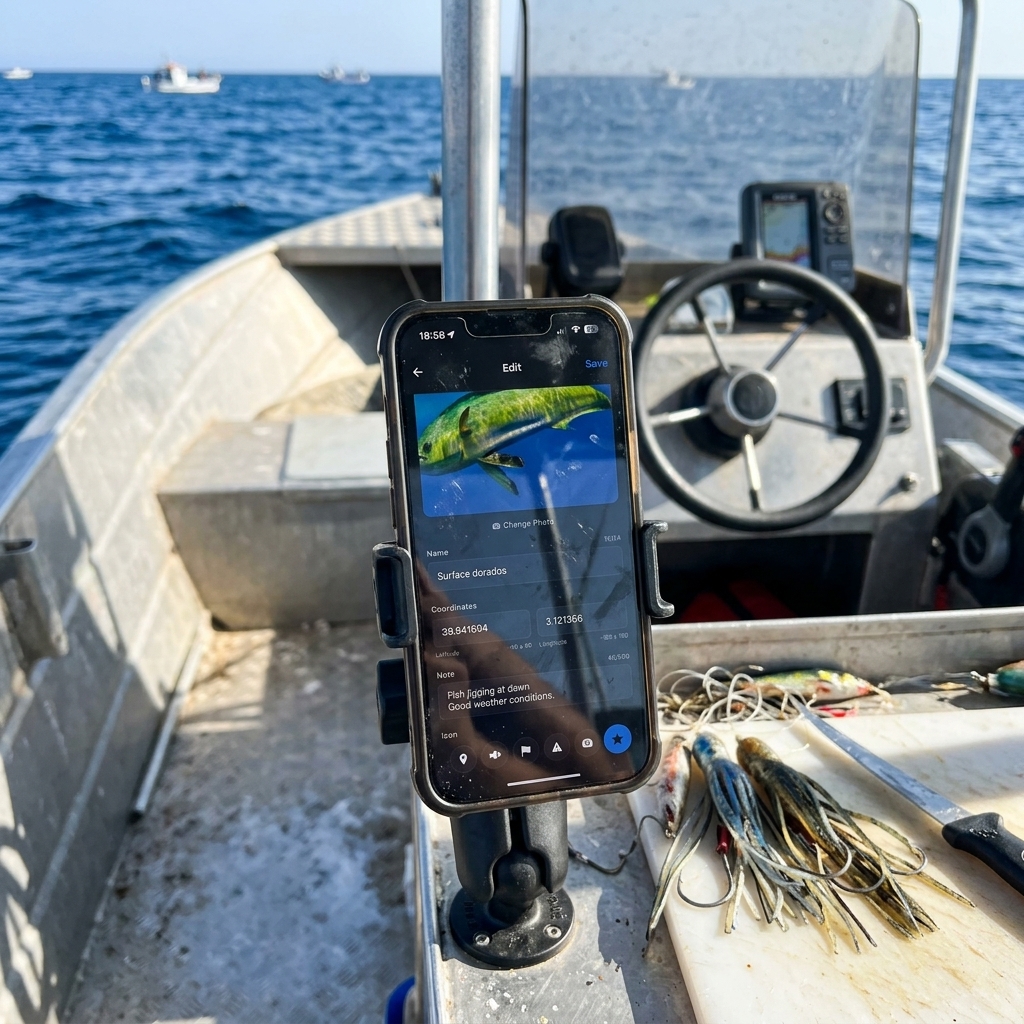
To understand how to save waypoints on your mobile with professional precision, it is imperative to break down the functioning of the underlying hardware. Your smartphone does not just use a GPS chip; it utilizes a multi-constellation GNSS (Global Navigation Satellite System) architecture that includes GPS (USA), GLONASS (Russia), Galileo (Europe), and BeiDou (China) satellites.
When you seek to save a technical location, the chip enter a high-sampling-rate state. However, the main challenge on mobile isn't just receiving the signal, but mitigating propagation errors caused by the ionosphere and the multipath effect (signals bouncing off buildings or rocks). CAPTA optimizes this process using A-GPS (Assisted GPS) protocols, downloading satellite ephemeris data via network to reduce the Time-To-First-Fix (TTFF). This ensures that when you press "save," the coordinate is the result of a refined geodetic calculation rather than a rough estimate based on cell towers.
Managing "Energy Sovereignty" on Long Exploration Days
A critical error of conventional map applications is massive battery consumption due to inefficient GNSS receiver usage. Saving waypoints during an 8- or 12-hour day in the mountains or at sea requires a Duty Cycling strategy.
CAPTA implements intelligent system resource management. Instead of keeping the geolocation chip 100% active at full power—which would drain the battery in a few hours—our technology activates the receiver surgically at the precise moment of capture or active navigation. Furthermore, by processing data locally, we eliminate the need for constant server requests, one of the hidden highest energy-consuming functions in apps that depend entirely on the cloud. Saving waypoints with CAPTA means having the security that your device will remain alive when you need it most at the end of the day.
Waypoint Taxonomy: From Chaotic List to GIS Database
Saving a point is easy; managing it is what separates the amateur from the professional. Most users suffer from what we call "waypoint entropy": an endless list of points named "Point 1," "Point 2," or "New Waypoint."
Hierarchical Structuring
Professional digitization in CAPTA allows establishing a Geodata Taxonomy. A technical waypoint must be structured in layers:
- Position Layer: Latitude/longitude coordinates in decimal or DMS format for interoperability.
- Attribute Layer: Technical notes on bottom structure, wind direction, or trail status.
- Media Layer: Photorealistic visual documentation acting as backup memory of the environment.
- Metadata Layer: MSL (Mean Sea Level) altitude, magnetic heading, and estimated sensor accuracy (HPE).
This structure transforms your mobile into a pocket GIS (Geographic Information System) terminal, allowing you to search and filter thousands of locations in milliseconds by date, proximity, or technical category.
NMEA Interoperability: The Language Your Device Speaks
From a technical standpoint, your mobile internally generates sentences in NMEA 0183 format. This is the industry standard protocol for nautical and terrestrial navigation. When you use CAPTA to save waypoints, the system captures these sentences and translates them into a readable and exportable format.
The true power of professional saving lies in the ability to get that data out of the phone. Thanks to compatibility with the GPX (GPS Exchange Format), your waypoints saved on mobile can be transferred to Garmin, Lowrance, or Simrad navigation plotters. You're eliminating the digital isolation of your smartphone, turning it into a mission preparation tool that feeds your entire marine or mountain electronics ecosystem.
Data Sovereignty and the Risk of "Shared Locations"
In the Big Data era, your coordinates are a valuable asset. Apps like Google Maps or specialized social networks often index your waypoints to improve their own commercial models or, worse, to make them public via "popular spots" recommendation algorithms.
The Value of Technical Privacy
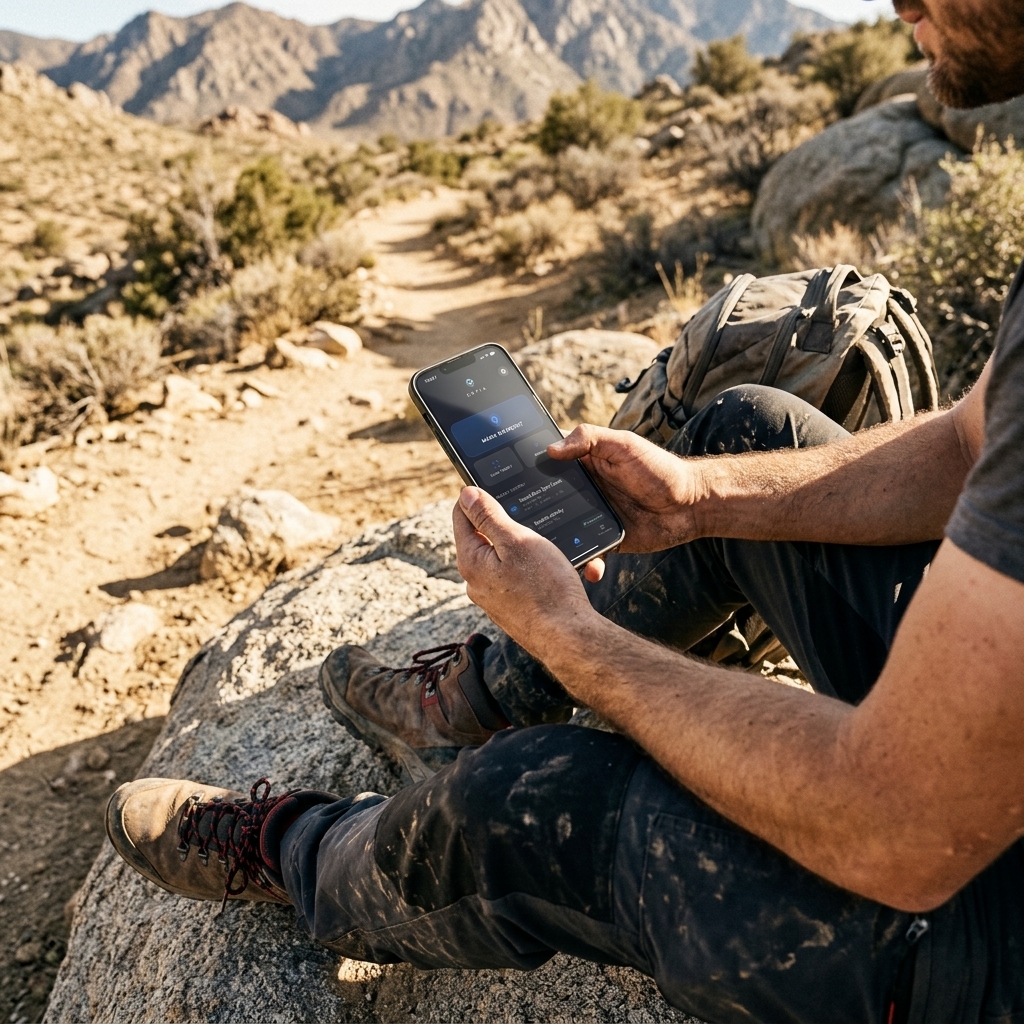
CAPTA operates under an Extreme Data Sovereignty model. Your waypoints are private by design. Geolocation processing and metadata storage are performed locally and encrypted. This is vital for the angler guarding a secret fish school or the botanist recording an endangered species. Saving waypoints on mobile shouldn't mean handing your accumulated knowledge over to a public cloud. With CAPTA, you are the sole owner of your personal map.
Offline Operation and Satellite "Lock"
A recurring question is whether the mobile can save waypoints without cellular coverage. The technical answer is a resounding yes, provided you use the right tool. Your smartphone's GNSS receiver is independent of the data network; it only needs direct line-of-sight to the sky to receive radio signals from satellites.
CAPTA is optimized for Operation in Remote Areas. The application allows downloading offline cartography and managing the waypoint database entirely locally. The system waits to obtain a stable satellite "lock" before confirming the capture, avoiding low-quality geodata that could lead you astray in future explorations. Saving waypoints without internet is the litmus test for any professional navigation software, and CAPTA passes it with a robust and network-failure-resistant architecture.
Satellite Geometry: Understanding DOP (Dilution of Precision)
A saved waypoint is not just a label; it is the result of complex triangulation. For the professional user, understanding the concept of DOP (Dilution of Precision) is vital. DOP is an indicator of the satellite geometry's quality at the moment of capture.
If satellites are clustered in a single area of the sky, the HDOP (Horizontal DOP) will be high, meaning your waypoint's map accuracy will be poor. Conversely, wide satellite dispersion provides low HDOP (close to 1.0), ensuring sub-meter precision. CAPTA allows the advanced explorer to monitor these confidence levels, ensuring every stored location has verifiable geodetic integrity. It's not just about having a signal; it's about having the best possible signal quality before pressing the save button.
Kalman Filtering and Location Stabilization
Have you ever noticed your position "jumping" on the map even when you're standing still? This phenomenon, known as GPS Drift, is mitigated in professional systems through Kalman Filtering algorithms.
This mathematical filter estimates the state of a dynamic system from a series of noisy measurements. In the context of saving mobile waypoints, the system analyzes your path and speed to filter out signal anomalies caused by atmospheric bounces or electromagnetic interference. By using CAPTA, you benefit from processing that smooths these fluctuations, allowing you to mark a point with stability that general consumer apps simply don't offer. It's the difference between saving a point "where the GPS says you are" and saving it "where you actually are."
Meteorological Correlation and Atmospheric Data in the Waypoint
CAPTA's true power lies in its ability to act as an Expedition Black Box. Saving a coordinate is 50% of the work; the other 50% is knowing what was happening in the atmosphere at that precise moment.
Every time you save a waypoint with our system, the app correlates your location with real-time meteorological metadata:
- Atmospheric Pressure and Barometric Trend: Vital for anglers and hunters needing to understand activity peaks.
- Moon Phase and Illumination: Critical data for planning nocturnal routes or technical fishing days.
- Wind Vector and Temperature: Information allowing you to mentally recreate the day's conditions months or years later.
This data multidimensionality turns your waypoint list into an operational intelligence repository, allowing you to predict success patterns based on exact historical data, not just blurry memories.
FAQ: Frequently Asked Questions About Professional Waypoint Saving (Faq)
What is the real accuracy of a waypoint saved with a current smartphone?
In ideal open-sky conditions and using high-end devices, horizontal accuracy can drop to 3-5 meters thanks to multi-constellation system integration. CAPTA allows you to visualize the estimated horizontal precision (HPE) in real-time before finalizing the save. This is crucial in technical activities where a 10-meter error could mean being off a submerged structure or losing access to a critical mountain pass, ensuring the user always knows their geodata reliability at capture time.
What is the difference between a waypoint and a saved point in Google Maps?
The technical difference lies in metadata structure and data ownership. Google Maps saves a marker linked to its commercial search infrastructure, designed for urban navigation and POI (Point of Interest) consumption. A waypoint in CAPTA is a pure geolocation record with technical information layers (altitude, specific notes, private photos) and professional management capacity via folders and GPX export. CAPTA offers you a GIS-grade tool respecting your privacy, while generic apps are location data harvesters.
Can waypoints be saved automatically while moving?
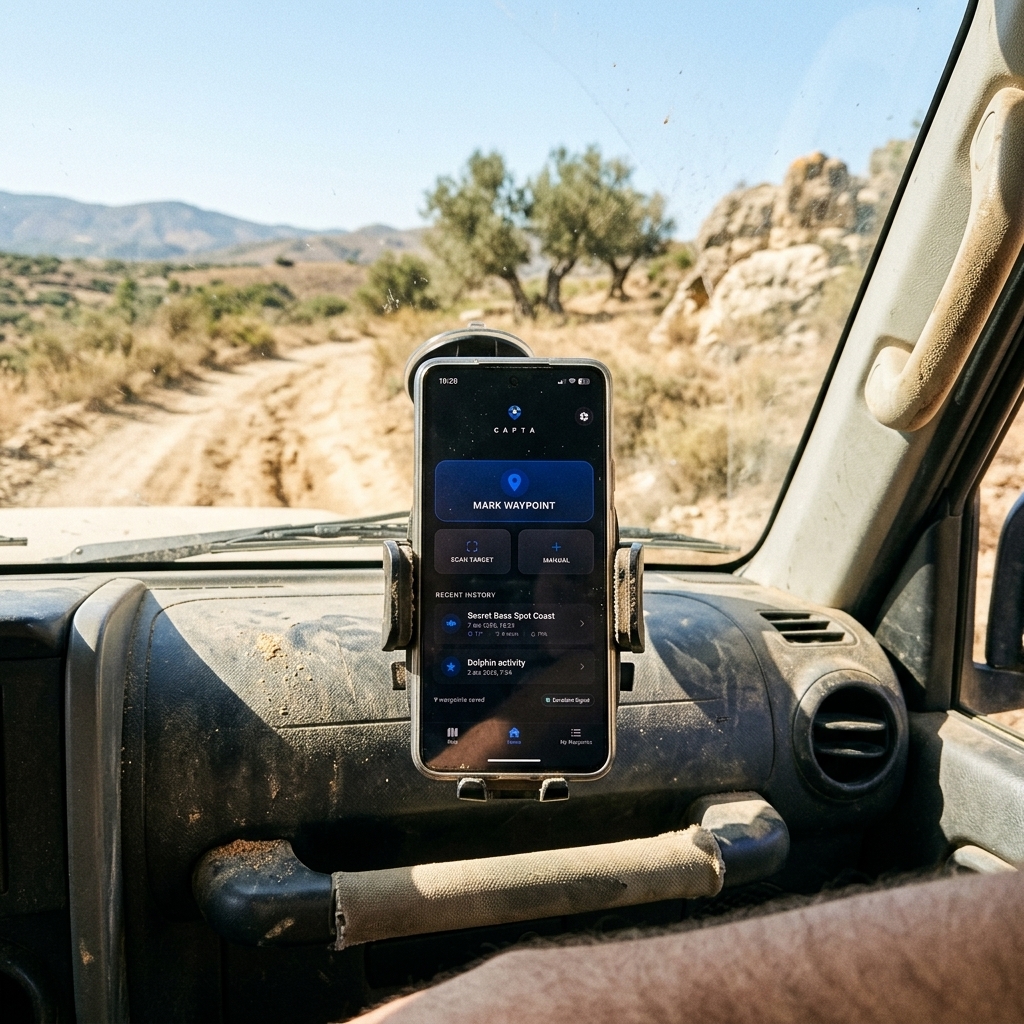
Yes, CAPTA allows a seamless workflow to record activity on the go. You can configure the system to capture points of interest without needing to stop, which is ideal for boat trips at cruising speed or 4x4 trails. The system manages background processing to ensure the capture includes all necessary metadata instantly, allowing the explorer to focus on navigation safety while CAPTA acts as their expedition data logger.
What happens if I change my phone; will I lose all my saved spots?
CAPTA includes secure backup and export protocols ensuring your personal information longevity. As a system prioritizing data sovereignty, it allows you to create local backups or encrypted synchronizations that you can restore to any new device immediately. Thus, your waypoint database—the result of years of experience—becomes a hardware-independent portable asset, ensuring your exploration legacy always accompanies you.
How does CAPTA help interpret coordinates from old photos?
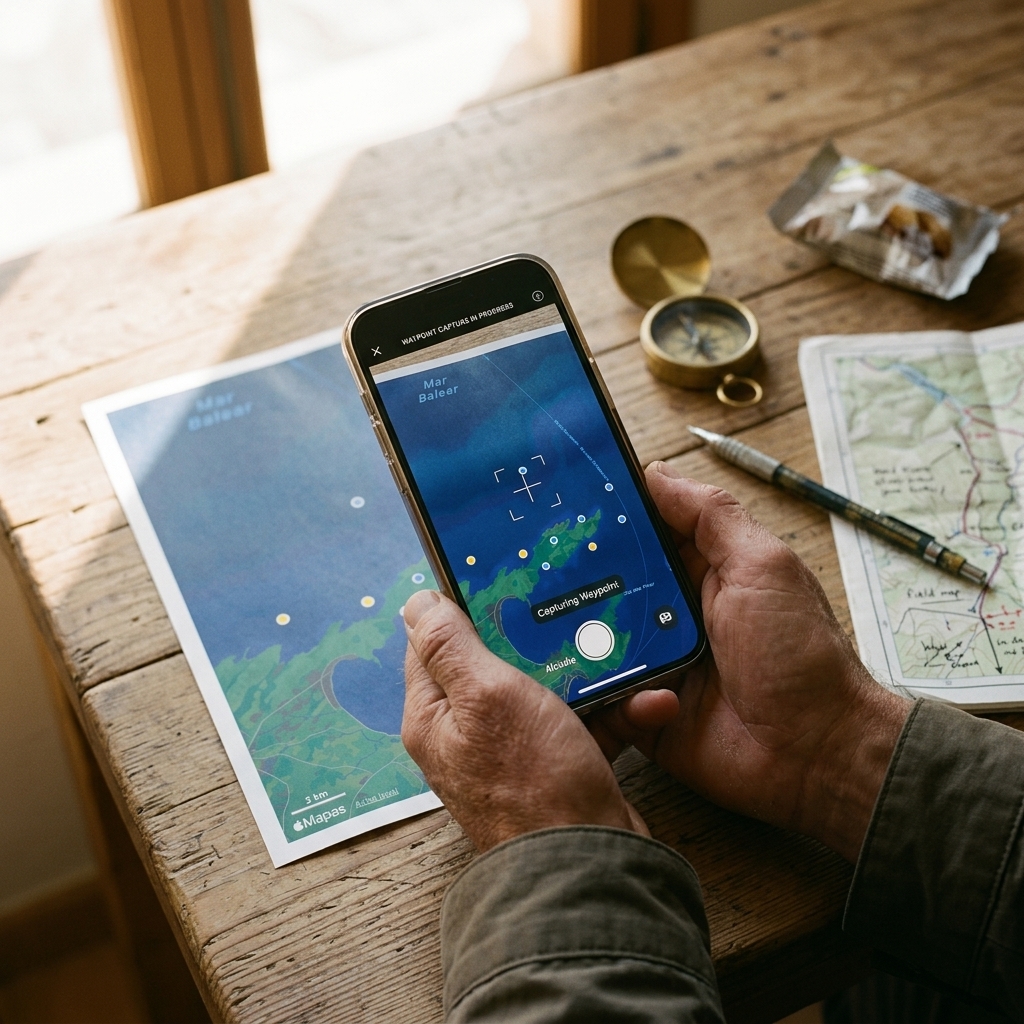
This is one of our technical architecture's most powerful functions. CAPTA integrates a computer vision engine capable of extracting coordinates from photographs or screenshots of other devices to convert them into navigable waypoints. This means you can unify your entire exploration history—from photos saved in the gallery to social media annotations—into a single organized and technical database, eliminating the chaos of having information scattered across multiple formats and apps.
Conclusion: Your Mobile is the Key to Geographic Dominion
The capacity to save waypoints professionally radically transforms how we interact with the natural environment. We no longer rely on visual memory or fragile annotation systems. By utilizing your smartphone's technical potential with CAPTA's architecture, you are building a high-precision geographic knowledge base.
Geodata mastery is the difference between repeated success and pure luck. Don't settle for saving points; build your own atlas of experiences with the leading technical tool on the market.
Download CAPTA today and start managing your locations with the precision your explorations deserve.