CAPTA vs Google Maps
Which is Better for Saving GPS Locations (Technical and Privacy Comparison)
Introduction
Google Maps is an incredibly useful tool for navigating the city, finding a restaurant, or arriving at an appointment on time. However, when the road ends and the real adventure begins, Google Maps starts showing its limitations.
If you need to save critical GPS locations—like that exact fishing spot you worked so hard to find, a technical hiking trail, or expedition coordinates—Google's generic app often falls short. It simply wasn't designed for that, and in real-world use, it shows.
If you've ever lost an important location or felt the frustration of not being able to organize your points with the detail you need, this comparative analysis is for you.
The Problem: Google Maps Chaos
The main problem with using Google Maps as an outdoor tool is its mass-market design. When you start accumulating important places, the visual interface punishes you with:
- The dreaded "sea of pins": All your points look the same (a yellow star or a red pin), making it impossible to distinguish a fishing spot from a rocky hunting area.
- Lack of real context: You cannot associate the tide state, wind, or specific details of the moment.
- Extreme organizational difficulty: If you've ever searched "how to organize saved places on Google Maps," you know what we mean. You can't create technical folders or filter by precise tags. Your vital points end up lost in a cloud of generic "saved" markers right next to your favorite restaurant.
- Connection dependency: Although it allows offline maps, point management is not optimal in areas without coverage.
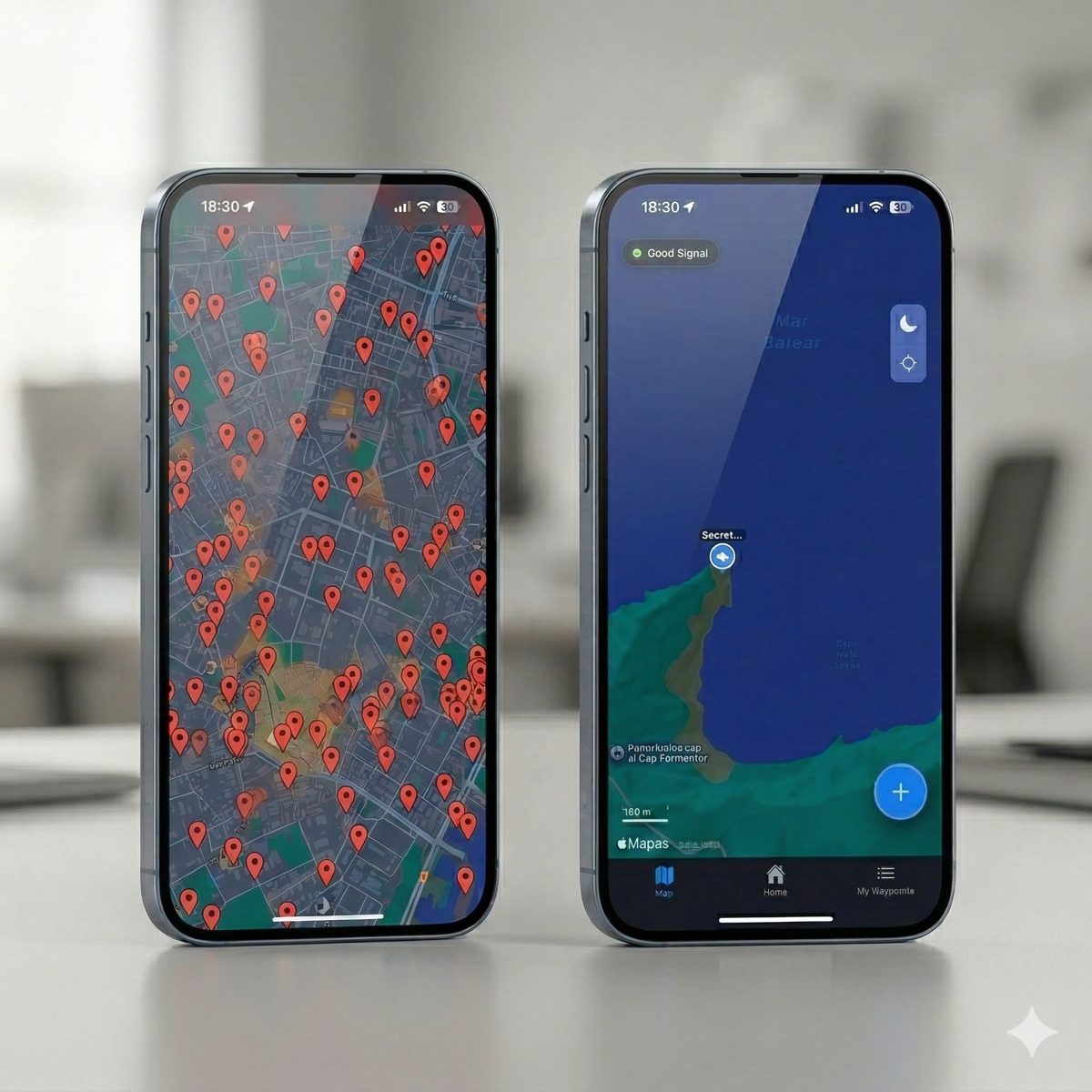
Google Maps works... but not for users who depend on GPS for their professional activity or extreme leisure.
CAPTA vs Google Maps: Real Comparison
1. Saving locations: Basic vs Advanced
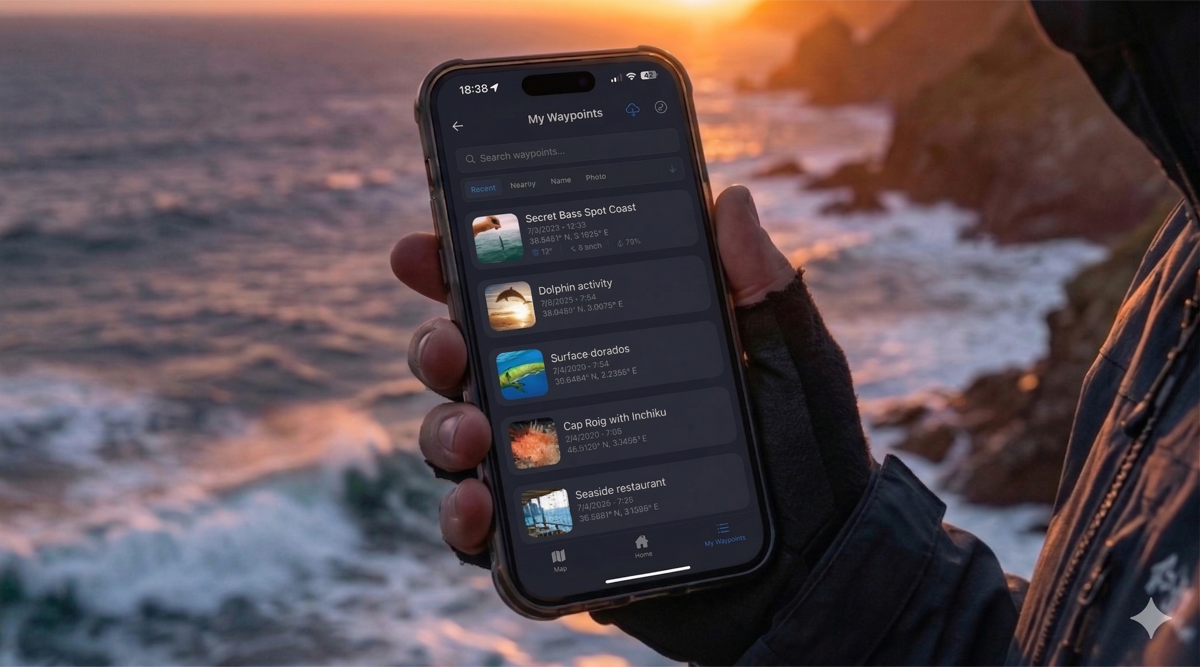
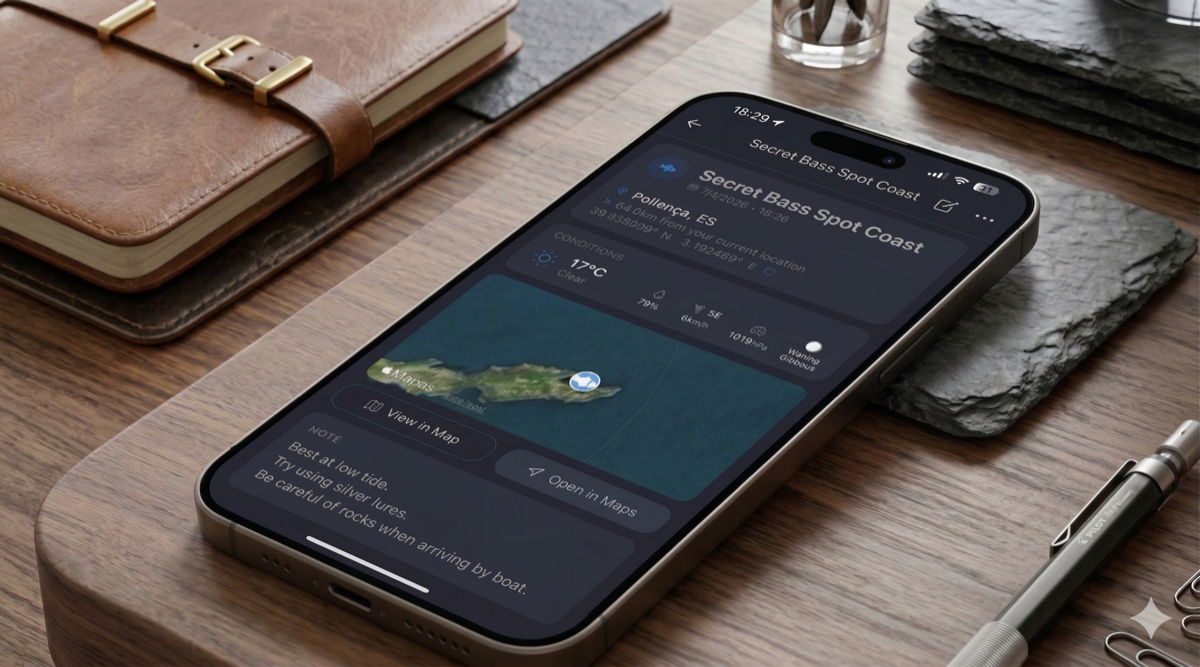
In Google Maps, saving a point is a passive act. You mark a place and that's it. In CAPTA, saving is an act of professional logging. Not only do you capture latitude and longitude with mathematical precision, but you also tag the point with a clear purpose and organize it in seconds.
2. Context: The Great Difference
This is where CAPTA truly shines. While Google only saves the "where," CAPTA saves the "why" and "how."
With CAPTA you can record:
- Real photos of the place (so your visual memory doesn't fail you).
- Automatic weather conditions at the exact moment.
- Lunar phase and wind, vital for fishermen and hunters.
3. Satellite Precision and 100% Real Offline Mode
Google Maps relies heavily on cell towers (4G/5G) and asphalt. CAPTA is designed for mud, open water, and rock.
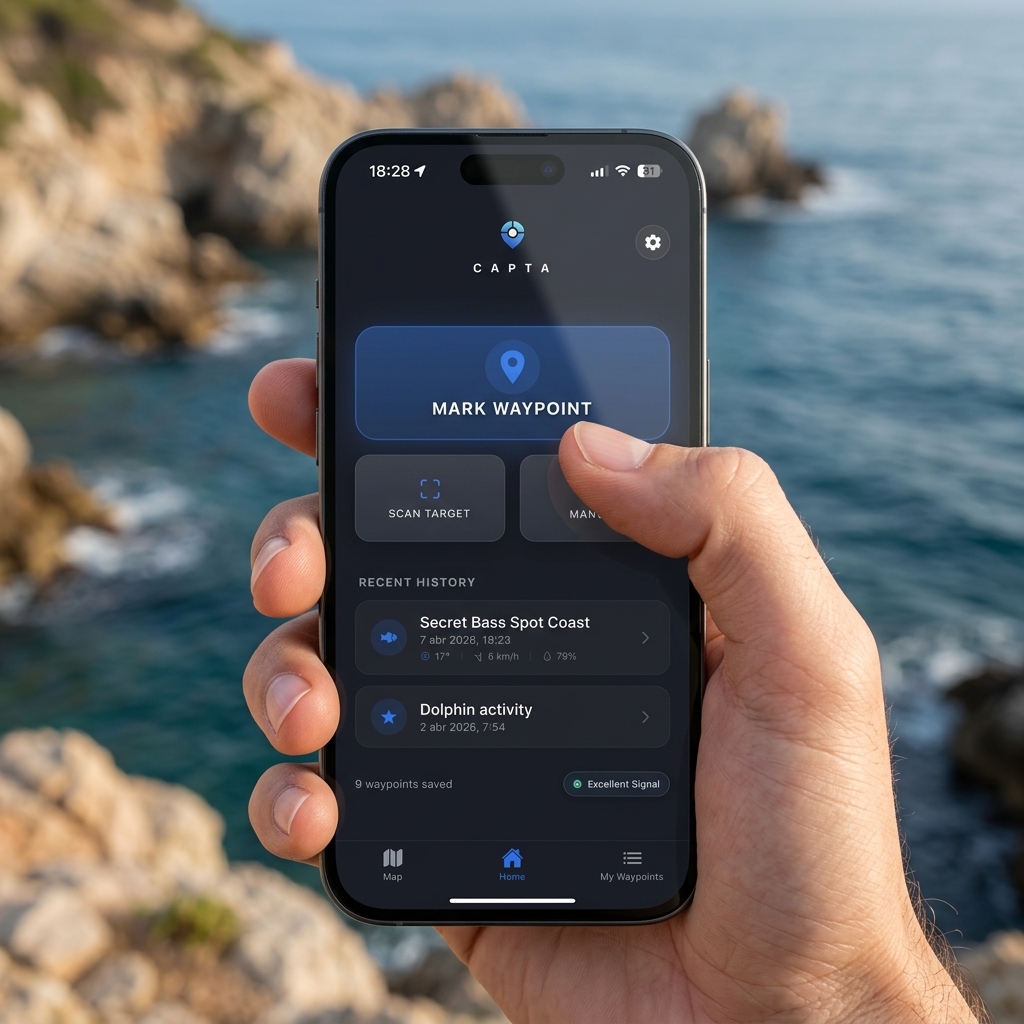
When you wonder how to use a GPS without internet in the mountains or miles off the coast, the answer is hardware. CAPTA connects directly to your smartphone's GPS chip, guaranteeing a Real Offline Mode. It allows you to secure exact positions (and view previously cached maps) even in absolute dead zones. Furthermore, its interface is optimized to save a waypoint with one hand, under glaring sun or in the freezing cold.
4. Universal Export: From App to Your Electronics (GPX and KML)
This is a critical point for any advanced user. Getting your data out of Google Maps is a nightmare of menus and limitations, and transferring "Google Maps points to a Garmin" requires third-party workarounds.
In CAPTA, your data belongs to you. With a single click you can universally export your locations:
- GPX Format: Ready to be loaded directly onto marine plotters or handheld devices like Garmin, Lowrance, or Simrad.
- KML Format: Perfect for viewing and managing your routes or anchor points from a PC using Google Earth.
5. Absolute Privacy
Google Maps is a map-based social network. Your data is part of its algorithm. In CAPTA, your privacy is the central pillar. Your locations are yours and no one else's. They are not shared by default and are stored securely, which is essential to protect your secret fishing spots or metal detecting sites.
When to choose which?
Use Google Maps if your priority is navigating between cities or finding the closest coffee shop.
Use CAPTA if you need:
- Save GPS locations with total precision.
- Have context (photos, weather) for each point.
- Work with technical coordinates.
- Guarantee that your important points are never lost.
Comparative Table
| Feature | Google Maps | CAPTA |
|---|---|---|
| GPS Coordinates | Basic | Advanced |
| Context (photos, weather) | No | Yes |
| GPX Export | No | Yes |
| Offline Use | Limited | Optimal |
| Privacy | Low | Maximum |
Frequently Asked Questions (FAQ)
Is Google Maps good for saving GPS coordinates?
Yes, it allows you to mark points with pins, but it lacks advanced tools for technical management, contextual photos, or professional export.
What is the best alternative to Google Maps for saving locations?
CAPTA is the ideal solution for those who need to save coordinates with real context (weather, photos, notes) and professional organization.
Can you export coordinates from Google Maps?
Not natively or easily in universal formats like GPX, which limits its use with other GPS devices.
Does CAPTA work without internet?
Absolutely. You can mark and check your waypoints in the middle of the mountains or the sea without the need for mobile data.
Conclusion
Google Maps is an excellent tool for what it was designed: mass navigation. But if your activity requires a higher level of control over your locations, you need a specialized tool.
Your secret locations, your hunting grounds, your fishing spots, and your anchor points are treasures. Treat them as such and keep them in a true "coordinate safe." Use a tool tailored to you. Choose not to settle.
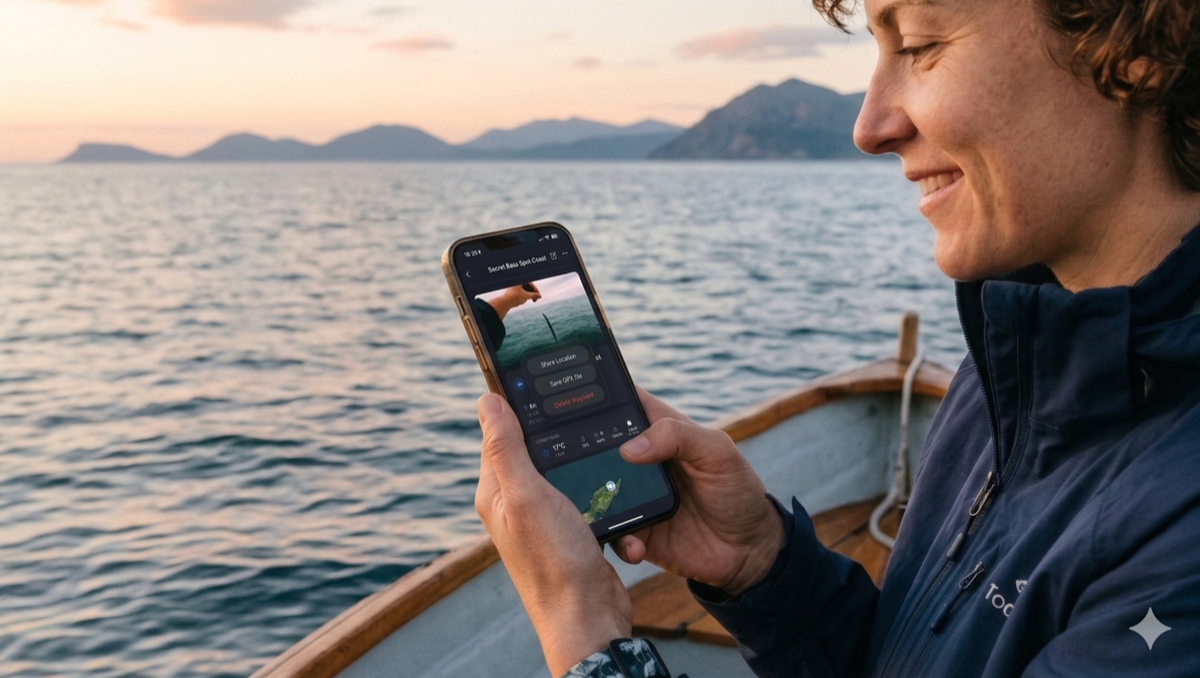
CAPTA is not just a map; it's your private coordinate sanctuary. Start saving your locations correctly today.