
The Human Bit Vulnerability: Why copying coordinates by hand is a systemic risk
There is a dangerous belief in the world of navigation and field engineering: the idea that transcribing a string of GPS coordinates from a screen to paper, or from paper to software, is a trivial task. Technical reality proves that this is the primary source of operational failures, failed rescues, and asset losses in logistical missions.
Transcription error is not a lack of attention; it is a documented cognitive limitation. When handling strings of up to 15 characters (including signs, numbers, and decimal points), the human brain tends to transpose digits or perform unconscious simplification. In this article, we will unravel why this practice must be eradicated from any professional workflow and how CAPTA's digital technology has been designed to act as an unalterable "Black Box."
The Engineering of Decimal Precision: The Impact of a Single Digit
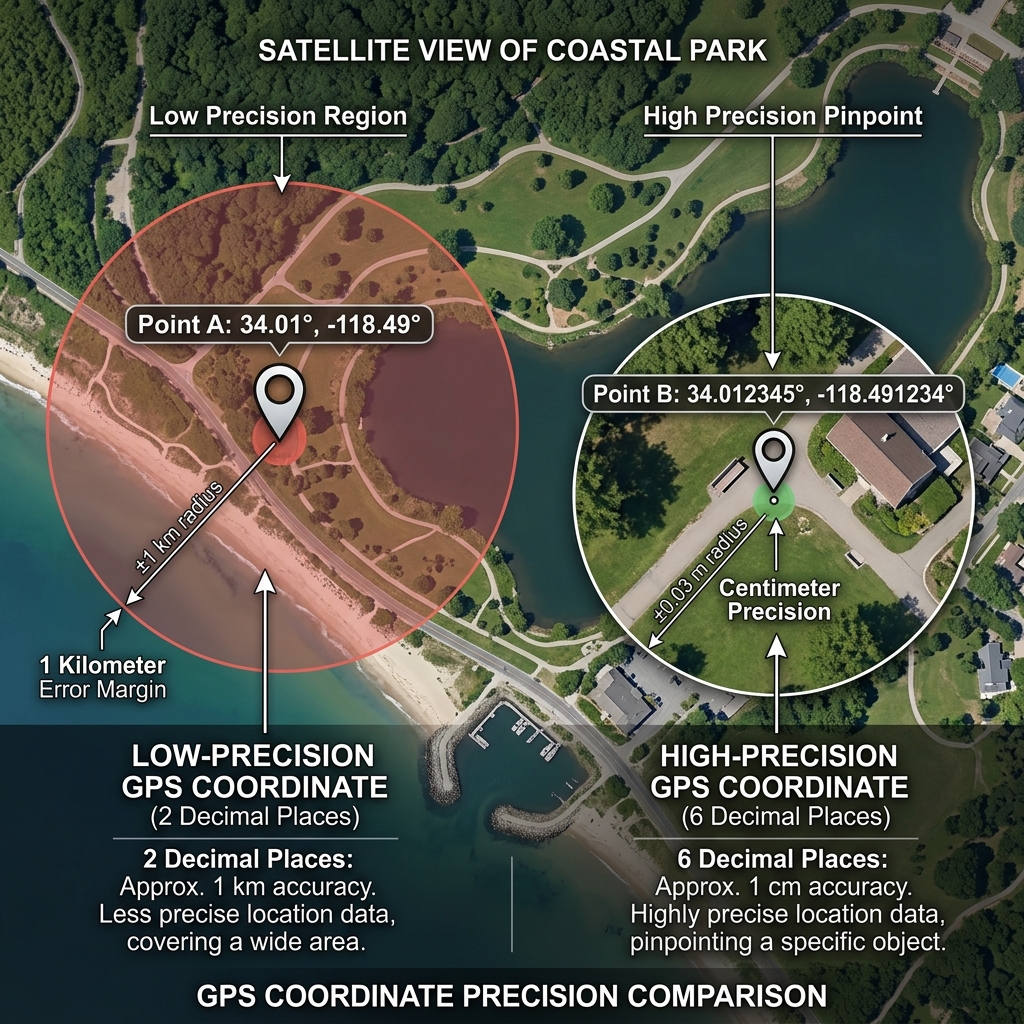
To understand the severity of a copying error, we must analyze what each decimal represents in terms of real physical distance on the Earth's crust. Not all numbers have the same weight, but the loss of just one can invalidate a mission.
The Decimal Rule at the Equator:
- 1 degree of latitude: ~111 kilometers.
- 0.0001 degrees: ~11.1 meters. A copying error in the fourth decimal moves you far enough away from a drifting vessel to lose sight of it.
- 0.00001 degrees: ~1.1 meters. This is the standard precision of modern mobile devices. Omitting this last decimal out of "laziness" when writing means giving up the exactness necessary to locate an underwater valve or a cadastral marker.
The problem is that an error in the third decimal doesn't move you a couple of meters; it displaces you by 111 meters. If you are in a wooded area or on the high seas, that distance is the difference between discovery and absolute failure.
The Hemisphere Trap and the Negative Sign Error
One of the most catastrophic and, unfortunately, most common errors is the omission of the negative sign or hemisphere indicators (N, S, E, W).
In the Decimal Degrees (DD) system, a positive number represents North or East, while a negative number represents South or West. Forgetting a simple minus sign (-) before a longitude of 3.70000 will move you from Alicante, Spain, to Algeria. If the error is larger, you could end up in the opposite hemisphere, thousands of miles from your actual target.
Format Ambiguity: The DMS vs DD Chaos
Many users unintentionally mix Degrees, Minutes, and Seconds (DMS) format with the decimal format. Copying "41.24.12" thinking it is a decimal number when it is actually 41 degrees, 24 minutes, and 12 seconds, introduces a massive calculation error that makes the coordinate useless for any professional navigation software.
Cognitive Fatigue and Digit Transposition
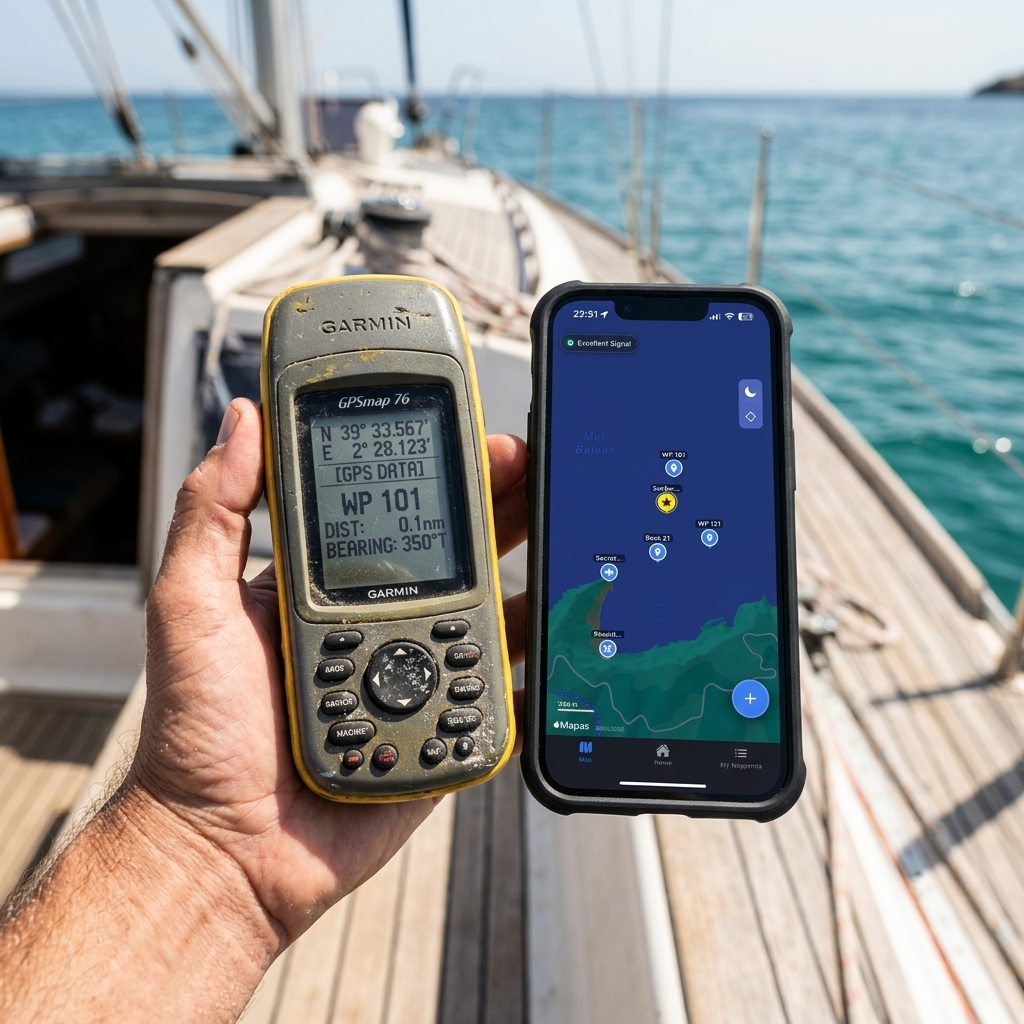
The science of usability applied to navigation warns about "Field Fatigue." After 8 hours at sea or in the mountains, the ability to process complex numerical strings decreases by 40%. It is in this state that transposition occurs: writing "41.40383" instead of "41.40833".
This error is invisible to the naked eye and is often not detected until field personnel arrive at the "wrong" location. The cost of fuel, time, and personal risk derived from these re-runs is what makes direct capture tools a safety investment, not just a matter of convenience.
The CAPTA Protocol: Eliminating the Human Factor
CAPTA was born with a clear engineering premise: Wherever there is human intervention in transcription, there is a risk of error. Our system eliminates the need for the user to press a single key to record a precise location.
Digital Custody Flow:
- NMEA Native Capture: The software directly reads the frame from the GNSS sensor and injects it unalterably into the system.
- High-Precision OCR: If you need to rescue coordinates from an old notebook or a vintage plotter, CAPTA uses artificial vision to digitize the text, eliminating the possibility of your eye misinterpreting an 8 for a 0.
- Local SQLite Storage: Data is saved with its technical precision of 6 decimal places, UTC timestamp, and atmosphere metadata, creating a "digital fingerprint" of the point.
The Silent Cost of the "Sheet of Paper"
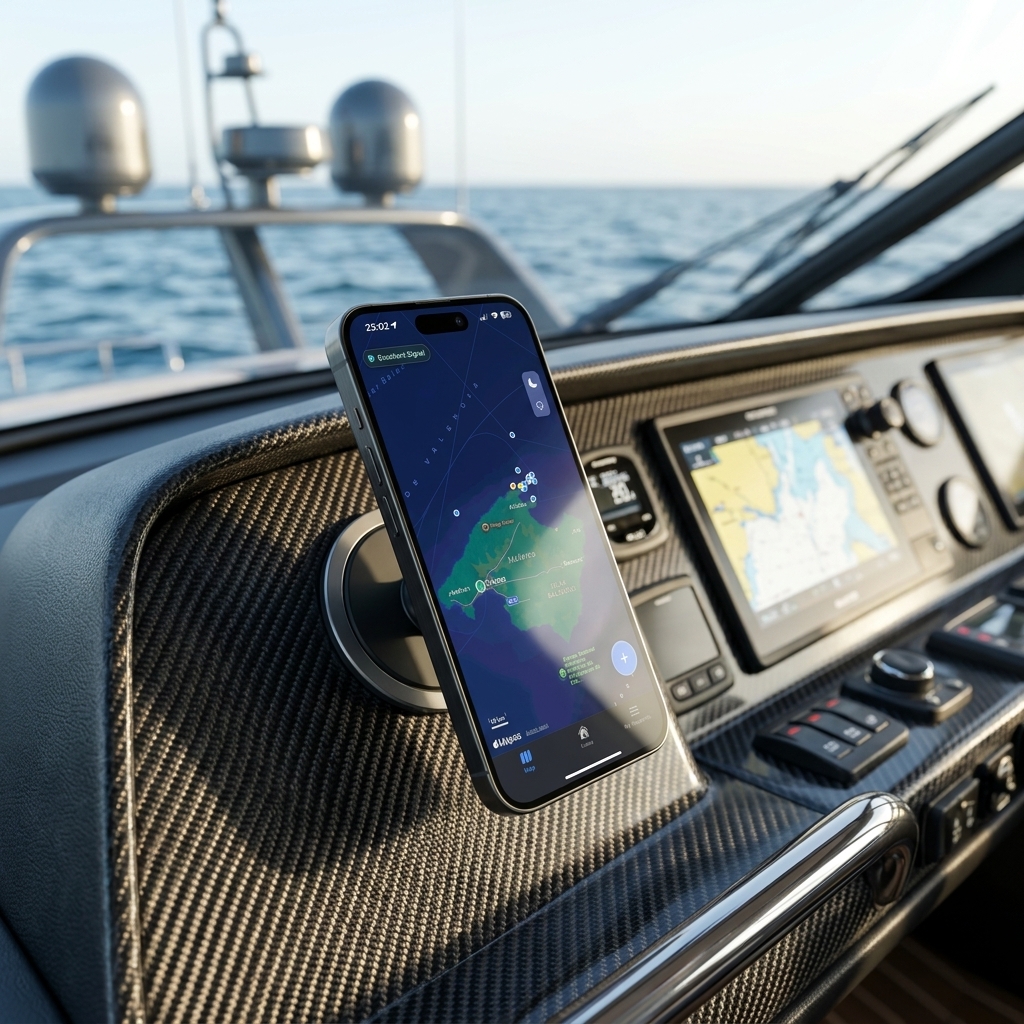
Working with coordinates on paper or in a notebook is working with a high-risk asset. Paper gets wet, gets lost, or handwriting becomes illegible over time. But the real risk is the "dumping" moment: when someone has to transfer those 50 waypoints to a GIS system or Google Maps at the end of the day. It is in this administrative process where most of the errors that ruin the precision statistics of any technical project are injected.
Digitizing from minute zero with CAPTA not only saves time; it protects the intellectual integrity of your field work.
Technical FAQ and Use Cases (Faq)
Why does my GPS show a different location than what I wrote in my notebook?
Most likely, you have made a digit transposition error or your software's input format is different from the one you used to write down (DMS vs DD). CAPTA solves this by removing the notebook from the equation; the capture is direct from the sensor to the encrypted database, ensuring that what the satellite fixed is what remains saved forever.
Does a single decimal place really matter that much for my location?
Absolutely, each decimal place provides a specific level of resolution. In professional surveying or industrial geolocation, giving up the 5th or 6th decimal means accepting an error of up to 10 meters, which is unacceptable for marking critical infrastructure. By using CAPTA, the system automatically locks the capture until the maximum decimal precision allowed by the hardware is obtained, ensuring maximum reliability.
How can I digitize my old paper coordinates without risk of error?
That's why we've integrated an OCR (Optical Character Recognition) engine optimized for technical characters into CAPTA. Simply focus on your old notebook with the App's camera and the system will extract the coordinates with surgical precision, allowing you to transform your analog data into modern digital assets without the risk of typing errors.