How to Save GPS Coordinates Correctly
The Science of Georeferencing in the 21st Century
In the digital navigation era, recording a GPS coordinate correctly seems like a trivial task. However, for field professionals, this perception is the first step toward operational failure.
An exact geographic point is not just a numerical curiosity. It is the cornerstone of any well-executed logistical mission. Whether marking a historical find or a secret spot.
Capturing this information with millimeter precision does not just save time. It saves commercial missions and, in extreme conditions, facilitates exact rescues.
In this article, we will dissect the definitive methodology so your waypoints become high-value assets. Forget about lost numbers and approximate locations.
The Challenge of Data in Remote Environments
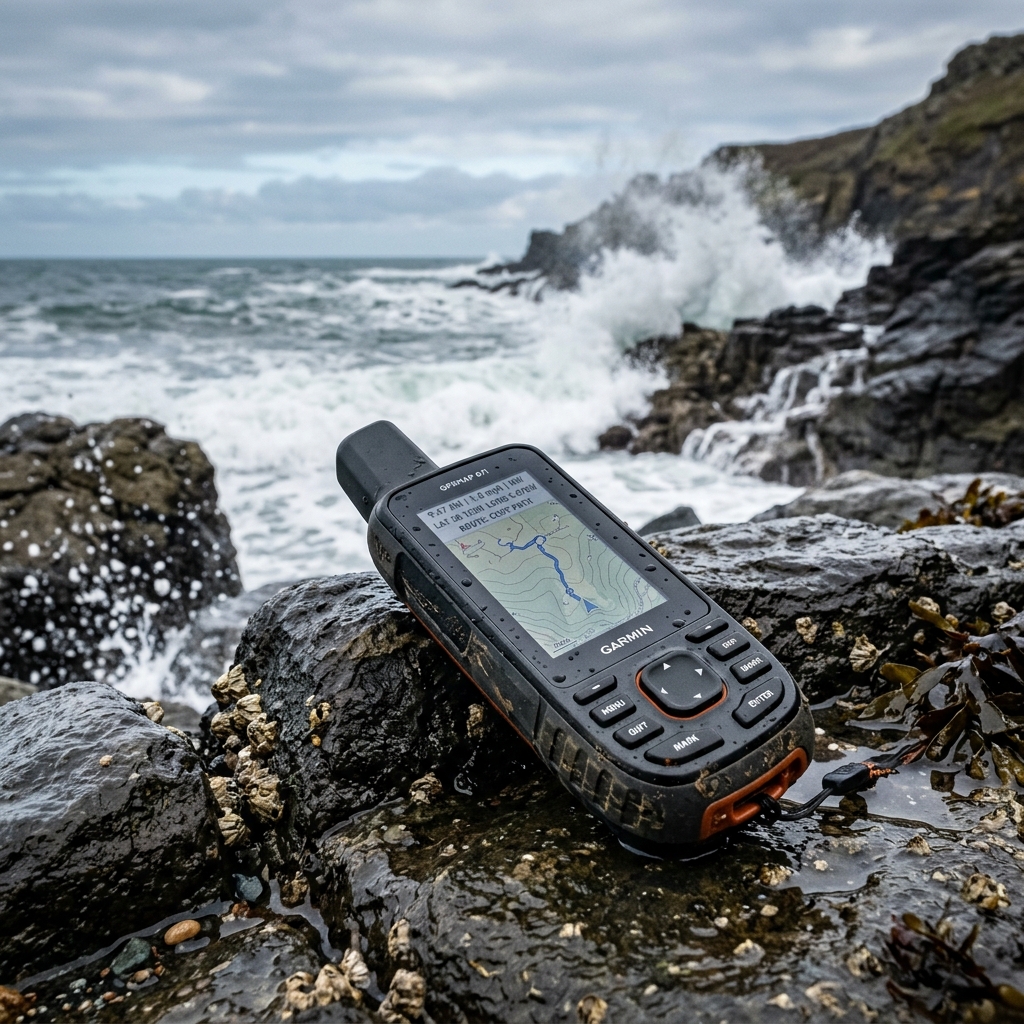
Explorers and maritime professionals face a common enemy: hostile environmental conditions that degrade human recording capabilities.
Persistent wind, salt humidity that ruins notebooks, and the cold that numbs hands are critical factors. Writing a long sequence of numbers becomes a physical ordeal.
Relying on short-term memory in these situations is an unnecessary risk. Volatile data usually corrupts in our minds before reaching a secure record.
Furthermore, operational stress during a nautical maneuver reduces neurocognitive capacity. It is extremely difficult to transcribe strings without errors.
Technical Anatomy of a Universal GPS Coordinate
To master location recording, we must dissect the mathematical components that define our place in three-dimensional space.
Latitude: Your Elevation Above the Equator
Latitude measures the angle between any surface point and the Equator plane. It indicates our relative position to the terrestrial poles.
In modern mapping systems, the Northern Hemisphere is marked as positive. Conversely, the Southern Hemisphere is always represented with negative values.
Longitude: Referencing the Prime Meridian
Longitude places us relative to the Greenwich Meridian. It divides the globe into two large hemispheres: Eastern (positive) and Western (negative).
The precision of any GPS depends on our ability to read the exact intersection of these two vectors. They wrap around the entire planet.
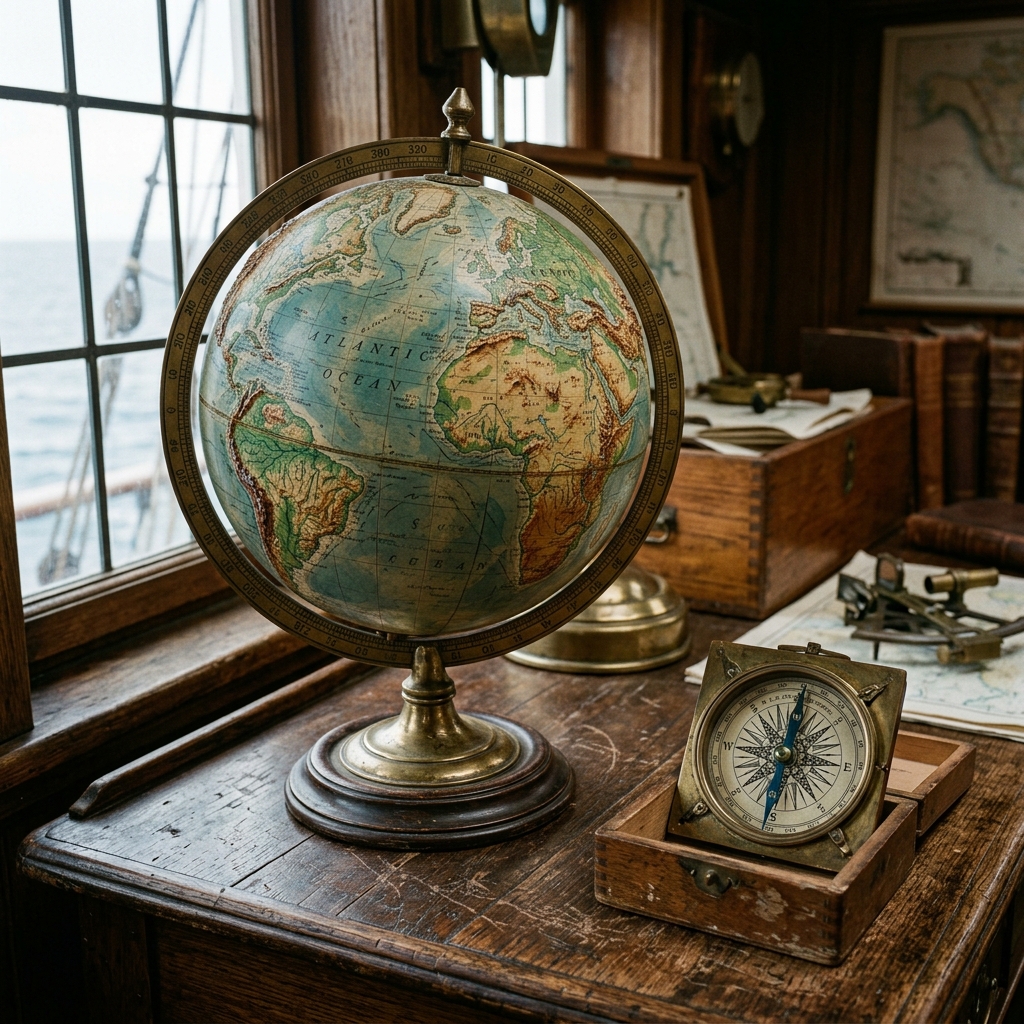
Format Comparison: The Babel of Modern Navigation
Not all coordinates are written the same way. This lack of visual standardization is the biggest source of accidental errors in modern navigation.
Decimal Degrees (DD) - The Modern Standard
It is the cleanest and most efficient representation for current software. It replaces traditional minutes and seconds with a decimal fraction.
It is the native format processed by the algorithms of modern applications and geographic information systems.
- Standard example:
40.4168, -3.7038
Degrees, Minutes, and Seconds (DMS) - Nautical Legacy
This is the direct heritage of ancient astrolabes and paper nautical charts. It divides space into sexagesimals, using a base of 60.
Although it is an iconic format, it is extremely slow to process by hand. It is the system most prone to errors in second punctuation.
- Standard example:
40° 25' 0.4" N, 3° 42' 13.6" W
The UTM System: Meters on a Flat Grid
Used mainly by engineers and military surveyors. This system does not measure angles, but physical distances in meters on a projected flat map.
It is ideal for high-precision local work. However, it requires knowing the Earth's "zone" to avoid ending up in a totally wrong position.
7 Fatal Errors When Copying Coordinates Manually
Most logistical problems occur due to small failures in the data's chain of custody. Here we detail them for your immediate prevention.
1. Swapping X and Y Axes
This is the most devastating failure in navigation. Swapping latitude and longitude moves your destination thousands of miles away.
Always remember that Latitude (Y) is the first variable in current standards. Longitude (X) must always be recorded second.
2. Omission of the Negative Sign
In the Western Hemisphere, longitude must carry a "-" sign. Ignoring it sends you directly to the opposite Eastern Hemisphere.
Many systems show a "W" to indicate West. When passing these data to decimal format, the character must be converted to a negative symbol.
3. Confusion Between Commas and Decimal Dots
The international ISO standard dictates that the decimal separator must always be the dot. The comma is reserved to separate both values.
Swapping these functions can make a GPS misinterpret the figure. It could read two different numbers instead of a single exact value.
4. Digit Transposition due to Visual Fatigue
Changing a 4 for a 5 in the fourth decimal seems insignificant. However, it can move you several meters outside a safe navigation zone.
Fatigue after hours of watch clouds the review capacity. We must assume that a manual copying error is, statistically, a certainty.
5. Outdated Datum Issues
Recording a coordinate without knowing the Datum used causes serious errors. The shifts can be more than 200 meters.
Always make sure your device and map use WGS84. It is the global standard that ensures points match physical reality.
6. Premature Rounding Failures
Many users truncate decimals to make the number "easier" to write. This is a severe technical error that destroys GPS accuracy.
Every decimal removed adds meters of uncertainty. Never manually round a coordinate intended for high-precision return missions.
7. Ignoring Signal Quality (EPE)
Estimated Position Error (EPE) shows how many meters of uncertainty your reading has. Saving a coordinate with an EPE of 50 meters is saving an approximation.
CAPTA only captures the waypoint when the sensor guarantees an optimal EPE, shielding the quality of your geographic data.
The Real Importance of Decimal Precision
Do you know how much you actually shift if you lose precision? Understanding the geometric scale will help you value professional digital recording.
-
1 decimal: Represents approximately 11.1 kilometers of error.
-
2 decimals: Represents approximately 1.1 kilometers of error.
-
3 decimals: Represents approximately 110 meters of error.
-
4 decimals: Represents approximately 11 meters of error.
-
5 decimals: Represents approximately 1.1 meters of error.
-
6 decimals: Represents about 11 centimeters.
This is professional precision.
For any nautical or technical activity, recording less than 5 or 6 decimals is leaving the success of the mission to chance.
CAPTA: Total Revolution in Automatic Recording
To solve these structural challenges, we have integrated cutting-edge tools. Our goal is to eliminate the need to touch the keyboard.
Instant and Technical Position Lock
With a single touch, CAPTA captures the GPS frame directly from the hardware. The data is saved in milliseconds without erratic human intervention.
This ensures that the saved location is the sensor's actual position. We completely eliminate the "write it for later" error.
OCR Scanning of GPS Coordinates
Do you work with external sources like logbooks? CAPTA uses advanced computer vision to extract numbers from any graphic support.
Simply point your phone's camera at the text. The system digitizes the parameters instantly and validates the syntax automatically.
Offline Resilience and Secure Storage
The biggest weakness of conventional apps is the cloud. In the open sea or deep mountain canyons, a data connection does not exist.
CAPTA stores all your locations on the device in encrypted form. We operate fully in offline mode regardless of mobile coverage.
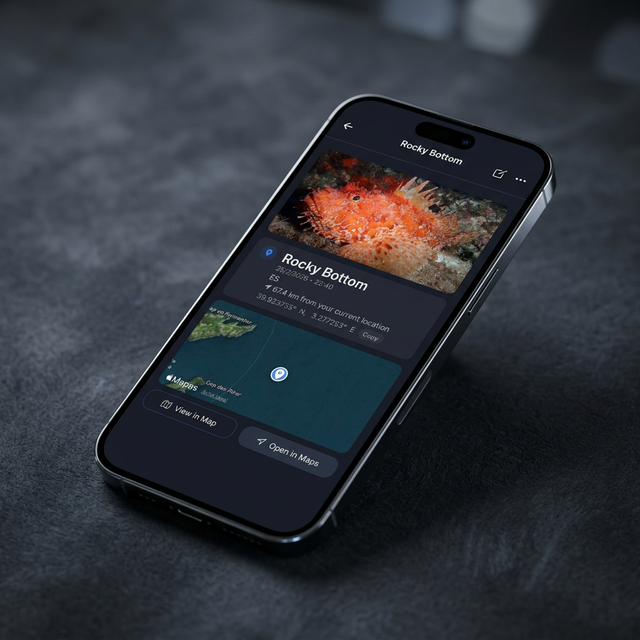
The Power of Visual Context: Photos and Locations
A number is always a cold data point. A photograph is technical live information. CAPTA automatically links an image to each saved point.
Linking a photo allows you to record variables that the GPS ignores. For example: tide state, visibility, or equipment configuration.
This "Contextual Waypoint" concept allows professional teams to return to an exact spot. The visual reference is unambiguous and avoids doubts.
Step-by-Step Tutorial: The Perfect CAPTA Log
To ensure your waypoint database is impeccable, follow this strict protocol designed by our marine engineers.
Step 1: Satellite Verification
Open CAPTA and wait for the precision indicator to turn green. This indicates the device has locked onto at least 4 satellites with good signal.
Step 2: Environment Analysis
Before capturing, ensure the horizon is clear of large physical obstacles that could cause signal bounces or reflections.
Step 3: Visual and Numerical Capture
Press the trigger button. CAPTA will freeze the coordinate and take a high-resolution photo of the environment or find at that exact moment.
Step 4: Tactical Labeling
Assign a descriptive name (e.g., "North Reef 01") and add notes about sea or terrain conditions if you find it necessary.
Step 5: Export and Backup
At the end of your day and once signal is restored, export your data in KML format to view on a large screen and secure your backup.
Professional Frequently Asked Questions (FAQ)
How many satellites are needed for a reliable coordinate?
To fix a 2D position, at least 3 satellites are required. However, CAPTA seeks to connect with at least 4 to ensure a real 3D position.
Can CAPTA points be exported to a nautical plotter?
Absolutely. CAPTA generates files in CSV and KML format. They are compatible with Google Earth and most industrial navigation systems.
Does battery charge affect GPS precision?
Yes. The "power saving" mode of smartphones reduces the sensor's update frequency. We recommend keeping the device with enough charge.
Why does my longitude have a negative sign?
If you are West of the Greenwich Meridian, your longitude must be negative. By international convention, everything West is marked with a minus sign.
Is the storage of my private locations secure?
CAPTA prioritizes local security above all else. Your data is not uploaded to any external server unless you decide to export it voluntarily.
What is WGS84 and why is it so important?
It is the mathematical model of the Earth's shape used by the GPS system. Using a different Datum can shift your points by hundreds of meters.
Can CAPTA recognize coordinates on an old LCD screen?
Yes. Our OCR module is optimized to read numeric characters on high-contrast screens, even with solar glare or reflections.
Is it possible to share my points with other CAPTA users?
Yes. You can send your waypoints using the native sharing function, facilitating collaboration on search or research missions.