
The modern explorer's dilemma: why navigation apps fail
Introduction
Navigating in the 21st century should be simple.
We carry in our pockets a smartphone with access to multiple global positioning systems, digital maps, and a calculating power unthinkable just a few years ago.
In theory, finding, saving, and retrieving locations should be completely resolved.
But the reality is very different when you are in the field.
Any fisherman, hiker, hunter, or countryside professional knows it:
apps fail just when you need them most
And it is not a problem of lack of technology.
It is a design problem.
The real problem: too much friction
Most navigation applications have evolved in the wrong direction.
In place of simplifying, they have added complexity:
- more features
- more menus
- more options
- more steps
This might make sense in an office.
But not on a moving boat. Not on a mountain. Not under rain, wind, or in a hurry.
In real situations, you need to act fast.
The critical moment: capturing a location
There is a key moment in any outdoor activity:
when you discover something important
It could be:
- a school of fish
- a spot where they bite
- an area protected from the wind
- a detour on a route
That moment lasts seconds.
And that is where everything is decided.
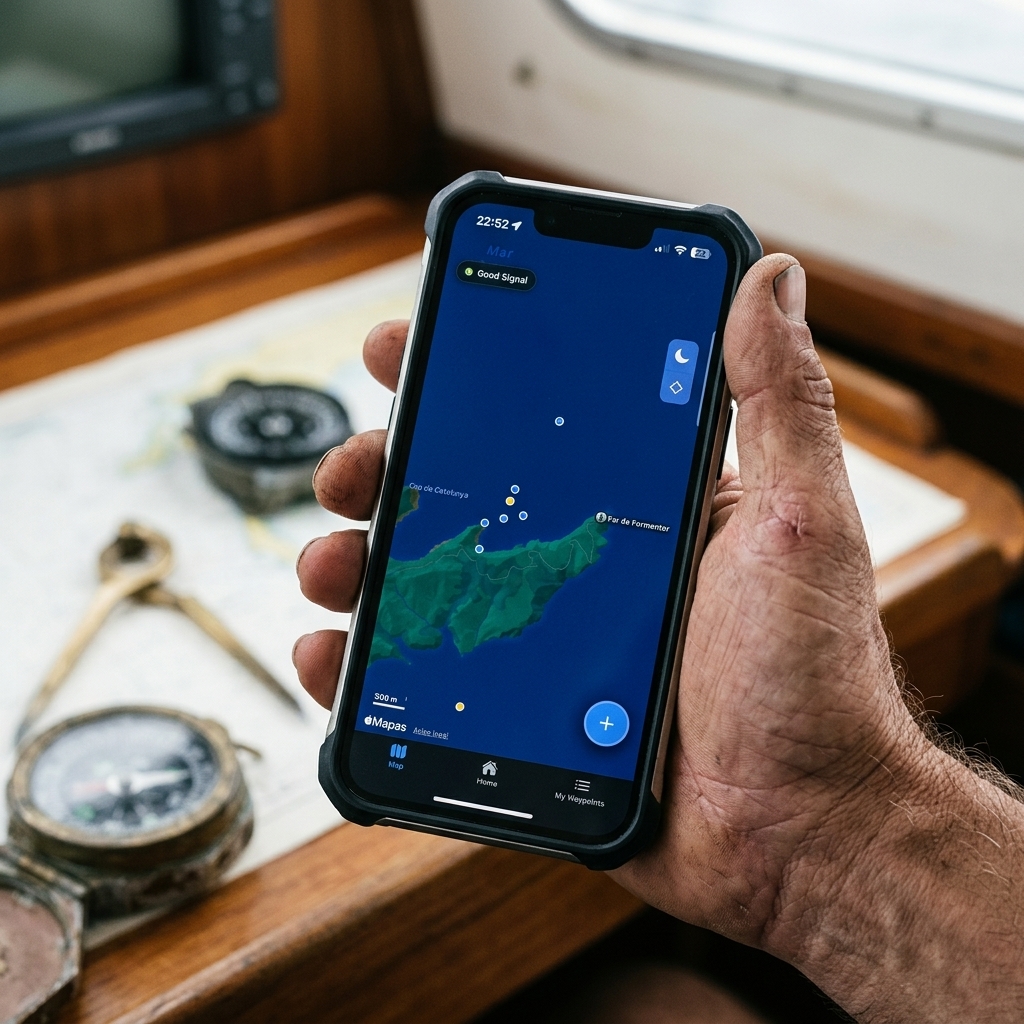
Why apps fail at that moment
Many apps force you to:
- unlock
- open menu
- search for option
- enter name
- confirm
That flow completely breaks the experience.
And when the process is slow:
you don't save the point correctly or you don't save it at all
Result:
you lose valuable information
The false sense of "I'll save it later"
This is one of the most common errors.
We think:
- "I'll mark it properly later"
- "I have the photo"
- "I'll remember"
But in practice:
- screenshots accumulate
- context is lost
- the exact place is forgotten
And what was a good point…
disappears
The science of location: GNSS and real precision
At a technical level, current mobiles are extremely powerful.
They don't just use GPS.
They use GNSS, combining:
- GPS
- Galileo
- GLONASS
- BeiDou
This allows for very high precision.
But there is an important nuance.
Precision depends on how the hardware is used
The chip is good.
But the app decides:
- when to read the signal
- how to interpret it
- how often to update
Many apps prioritize:
battery > precision
They apply filters, smoothing, and limitations.
This means that:
the saved point is not always as precise as possible
Capturing in the moment vs constant recording
Here there are two approaches:
Traditional apps
- record constantly
- consume battery
- generate data noise
Optimized approach
- capture at the exact moment
- prioritize punctual precision
- reduce consumption
This second approach is what makes sense in the field.
The error of treating locations as numbers
Traditional apps work with coordinates.
But the user doesn't think in coordinates.
No one remembers:
39.958099, 3.192469
What you remember is:
- what the site was like
- what happened there
- why it was important
The power of visual memory
The human brain is designed to remember images.
Not numbers.
That's why:
- a photo activates instant memory
- a coordinate doesn't
This completely changes how points should be saved.
From coordinates to context
A good waypoint is not just a location.
It is:
- where
- when
- why
- in what conditions
Without context:
the point loses value
The logic of photo-location
This is where a key change enters.
In place of saving just data:
you save visual context
A photo captures:
- environment
- conditions
- references
- real situation
And that makes:
retrieving the point much easier
How usage changes in practice
When you work with visual context:
- you reduce errors
- you improve decisions
- you remember better
- you optimize your experience
This is especially important in repetitive activities like fishing or exploration.
The hidden problem: the privacy of your locations
Many free apps work with a simple model:
if you don't pay, you are the product
This implies that:
- your routes are stored
- your points are analyzed
- your data can be used
For a casual user it might not matter.
But in many cases it does matter.
When locations are sensitive information
For certain profiles:
- fishermen
- hunters
- explorers
- technicians
Locations are:
strategic information
And sharing them without control can be a problem.
Local-first approach: total control
A modern system must allow:
- saving data locally
- using the app without internet
- controlling what is shared
This guarantees:
- privacy
- independence
- reliability in the field
Especially in areas without coverage.
Real comparison of tools
Generalist apps Example: Google Maps, Apple Maps Advantages:
- easy to use
- popular Problems:
- not designed for the field
- poor point management
- dependence on connection
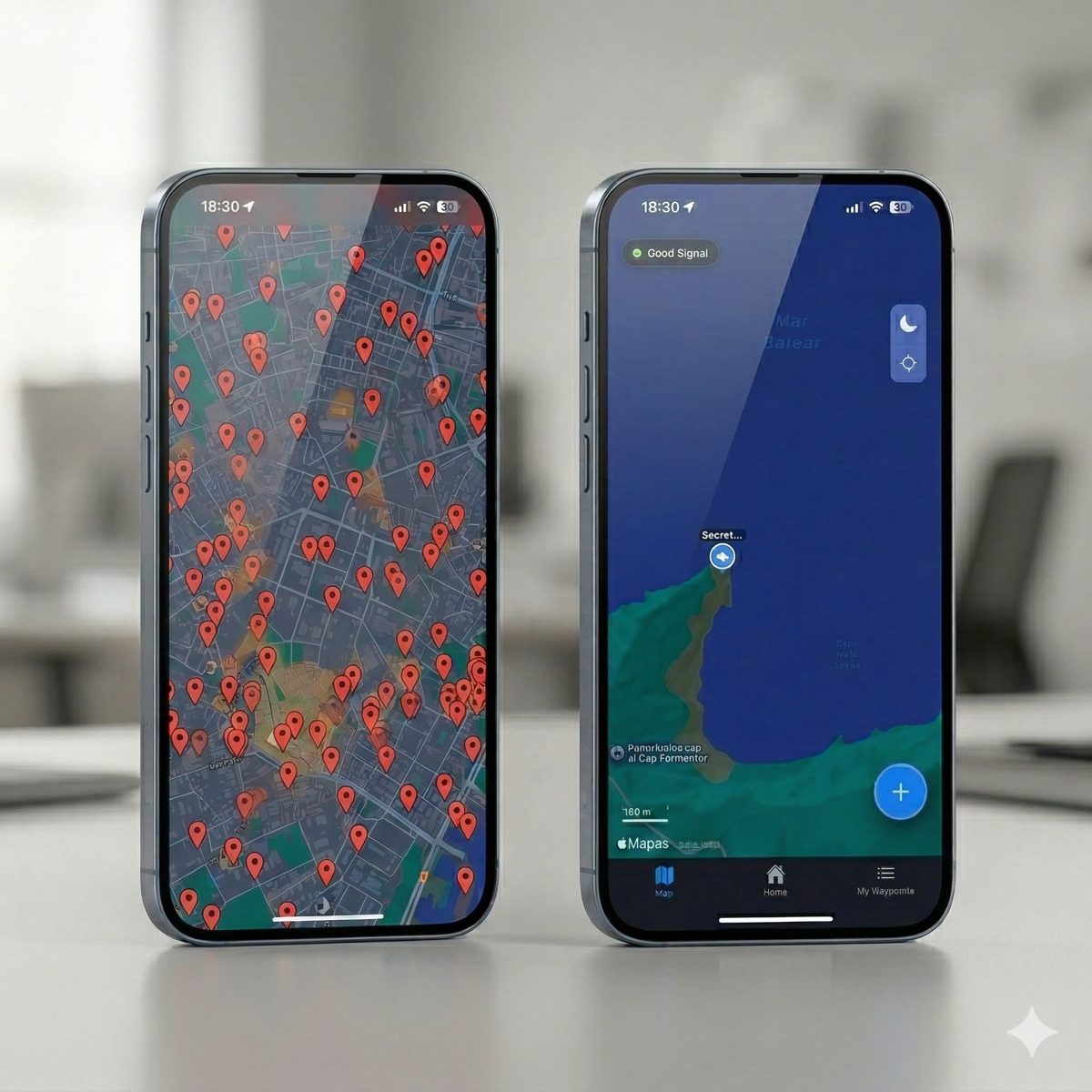
Advanced GIS systems Example: Gaia GPS, Field Maps Advantages:
- very powerful
- configurable Problems:
- complex
- slow
- impractical for quick use
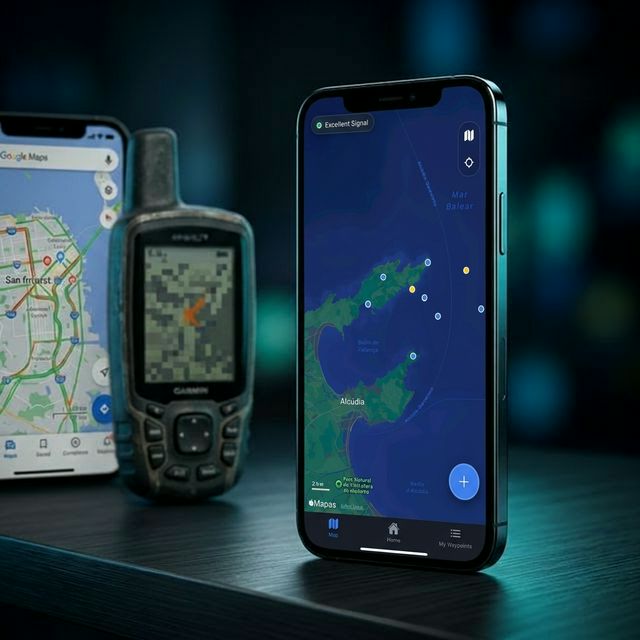
Practical approach (CAPTA) Advantages:
- fast capture
- simple use
- field focus
- visual context integration
It doesn't seek to have more features.
It seeks:
to work better in real situations
The necessary change of mindset
Most users search for:
more features
But what they really need is:
less friction
Saving a location should be:
- fast
- simple
- reliable
Without unnecessary steps.
Before vs after
Before:
- navigating through menus
- copying data
- wasting time
- making mistakes
After:
- capture in seconds
- save automatically
- have context
- retrieve easily
The difference is huge.
Conclusion
Navigation apps don't fail due to lack of technology.
They fail because they aren't designed for real use.
Too much complexity. Too many steps. Too much friction.
The user needs something different:
- capture fast
- save well
- be able to return
When a tool understands that:
everything changes