
What to Do with GPS Coordinates from a Screenshot
The Definitive CAPTA Solution
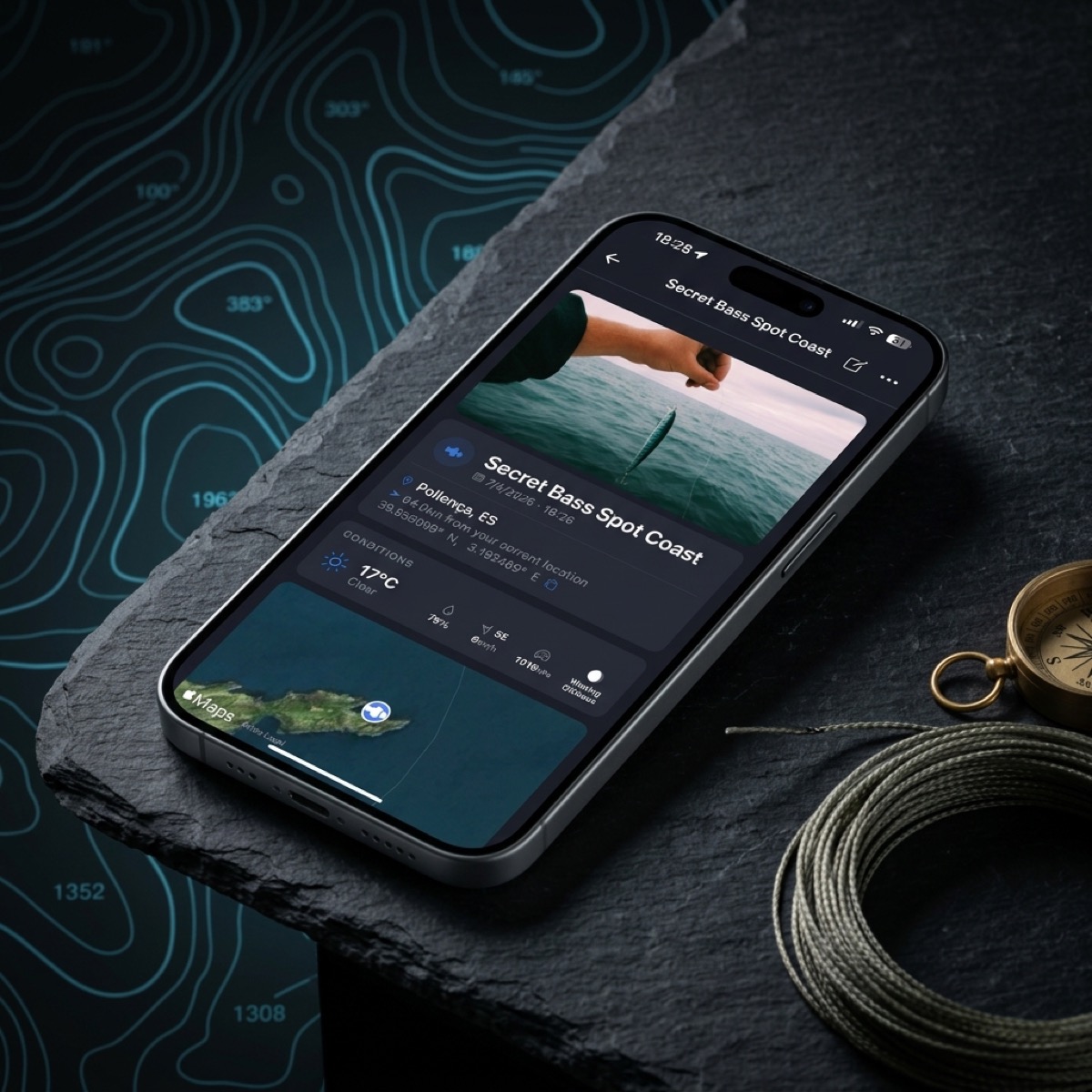
The Screenshot Phenomenon: The Geodata Cemetery
It surely has happened to you. You are browsing a map, watching a video from an exploration expert, or you receive an image through a trusted chat with a critical location. The instinctive reaction is to take a screenshot. It is fast, it is intuitive, and it seems like a safe way to "freeze" the information. However, at that precise moment, you have just created a technical problem that most users take months to discover.
Taking a screenshot of a coordinate is, in essence, converting a living mathematical datum into a dead pixel. That number —latitude and longitude— remains buried in a gallery alongside vacation photos, receipts, and memes. Without a professional management system, that location is condemned to digital entropy. CAPTA appears in this scenario not only as a reading tool but as the rescue system that transforms that visual chaos into a real tactical advantage.
Why Screenshots are a Technical Trap
The problem is not the image itself, but what happens next. When you save coordinates in the photo gallery of your smartphone, you face three invisible walls that degrade clinical quality of your geographical information:
- Loss of Critical Metadata: A screenshot lacks the depth of a real position file. It does not save the altitude, the GPS precision at that moment, or the sensor's orientation. It is just a flat visual representation.
- Disorder and Fragmentation: Unless you have a military discipline for labeling your photos instantly, searching for "coordinates" in a library of 10,000 images is like looking for a needle in a haystack. 80% of locations saved in screenshots are never consulted again due to pure organizational fatigue.
- Quality Degradation (Digital Noise): If you receive that capture via WhatsApp or Telegram, the image has been compressed. The edges of the numbers become blurry (compression artifacts), making manual reading prone to fatal errors. A single misinterpreted digit can mean kilometers of error in the real world.
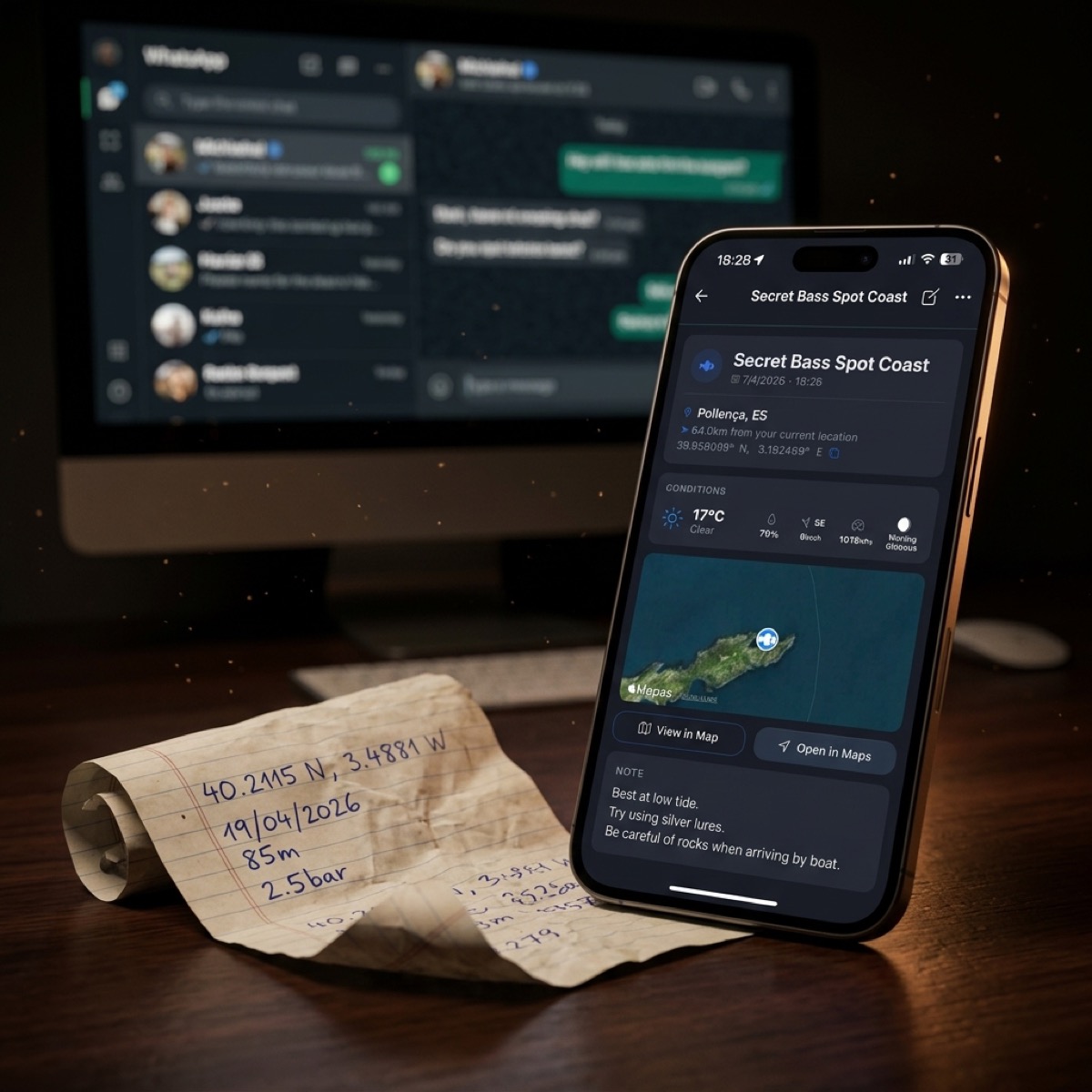
CAPTA: The Definitive Solution to Pixel Chaos
This is where CAPTA changes the paradigm. Instead of being a passive observer of your photos, CAPTA acts as an active database designed for information survival. The solution is not to stop taking screenshots, but to have a safe harbor to offload them before they get lost.
The Mechanics of the Solution:
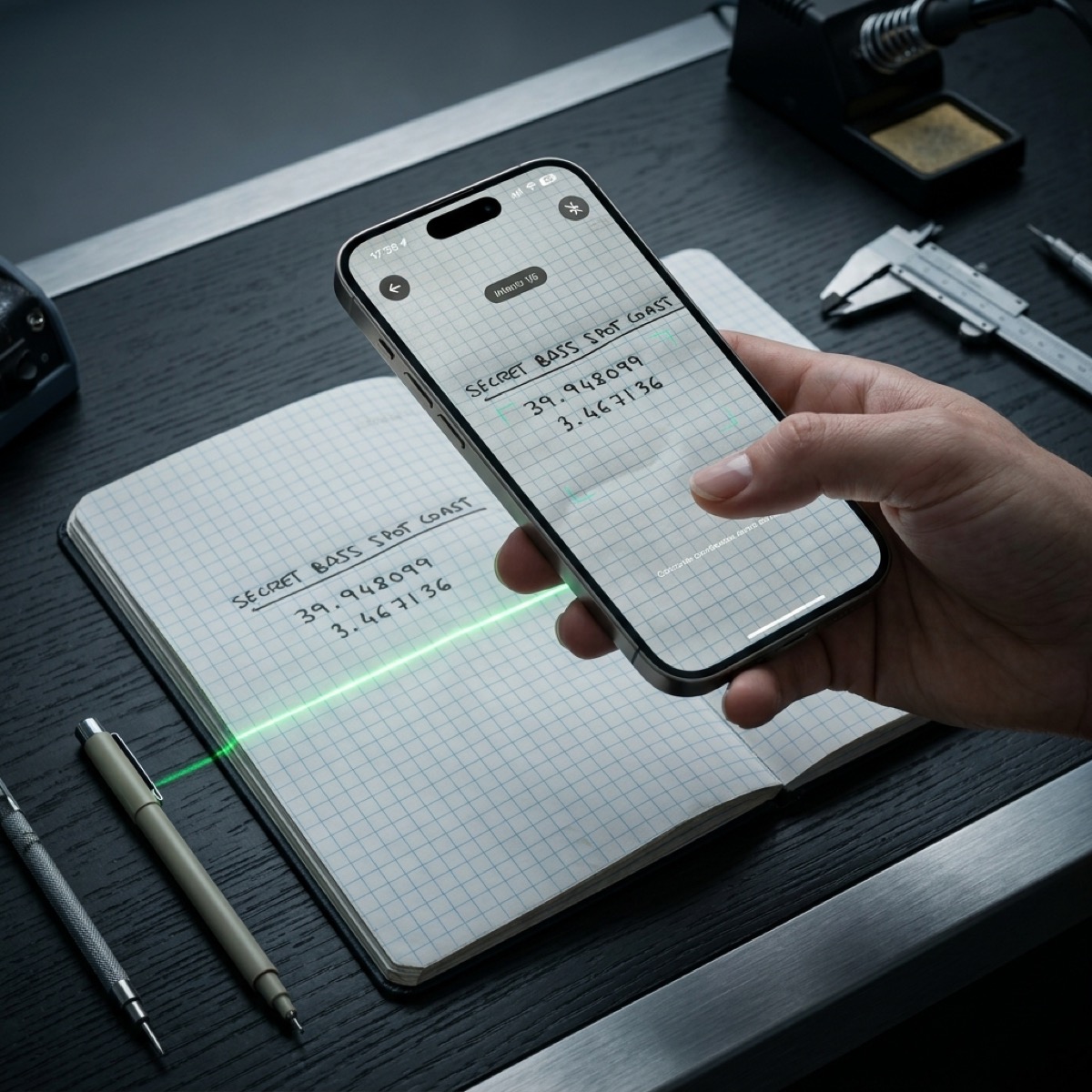
When you integrate a screenshot into CAPTA, the system initiates a process of geodata reconstruction. Using our military-grade OCR (Optical Character Recognition) engine, the application automatically identifies the numerical text string in the image. You no longer have to toggle between the gallery and the maps app, typing numbers with wet hands or gloves. CAPTA extracts the data and turns it into a navigable point in milliseconds.
OCR Anatomy: How CAPTA Reads What Others Ignore
The technical heart of CAPTA is its ability to interpret text in adverse conditions. GPS coordinate formats can be extremely varied: Decimal Degrees (40.4168), Degrees and Decimal Minutes (40° 25.008'), or Degrees, Minutes, and Seconds (40° 25' 0.5"). An average user can easily get confused when transcribing them.
CAPTA uses computer vision algorithms specifically trained for coordinate topography. It detects degree symbols, minutes, and subtle decimal points even in low-resolution captures or those sent by messaging apps that have destroyed the original file's sharpness. This OCR engine does not just read; it validates. If the detected coordinate is mathematically impossible or out of range, the system warns you, eliminating human error at its root.
Digital Archaeology: Rebuilding Context
One of CAPTA's most powerful features as a comprehensive solution is the ability to inject context into data that was "frozen." A screenshot from Google Maps doesn't tell you what the wind was like that day or what the barometric pressure was. It was just a photo.
By importing that capture into CAPTA and transforming it into a live waypoint, the system allows you to:
- Associate Automatic Metadata: CAPTA can query the weather history for the date of the capture to add temperature, wind, and barometric pressure data to that point.
- Add Information Layers: You can attach the screenshot itself as a visual reference within the waypoint, keeping the proof of origin alongside the digitized data.
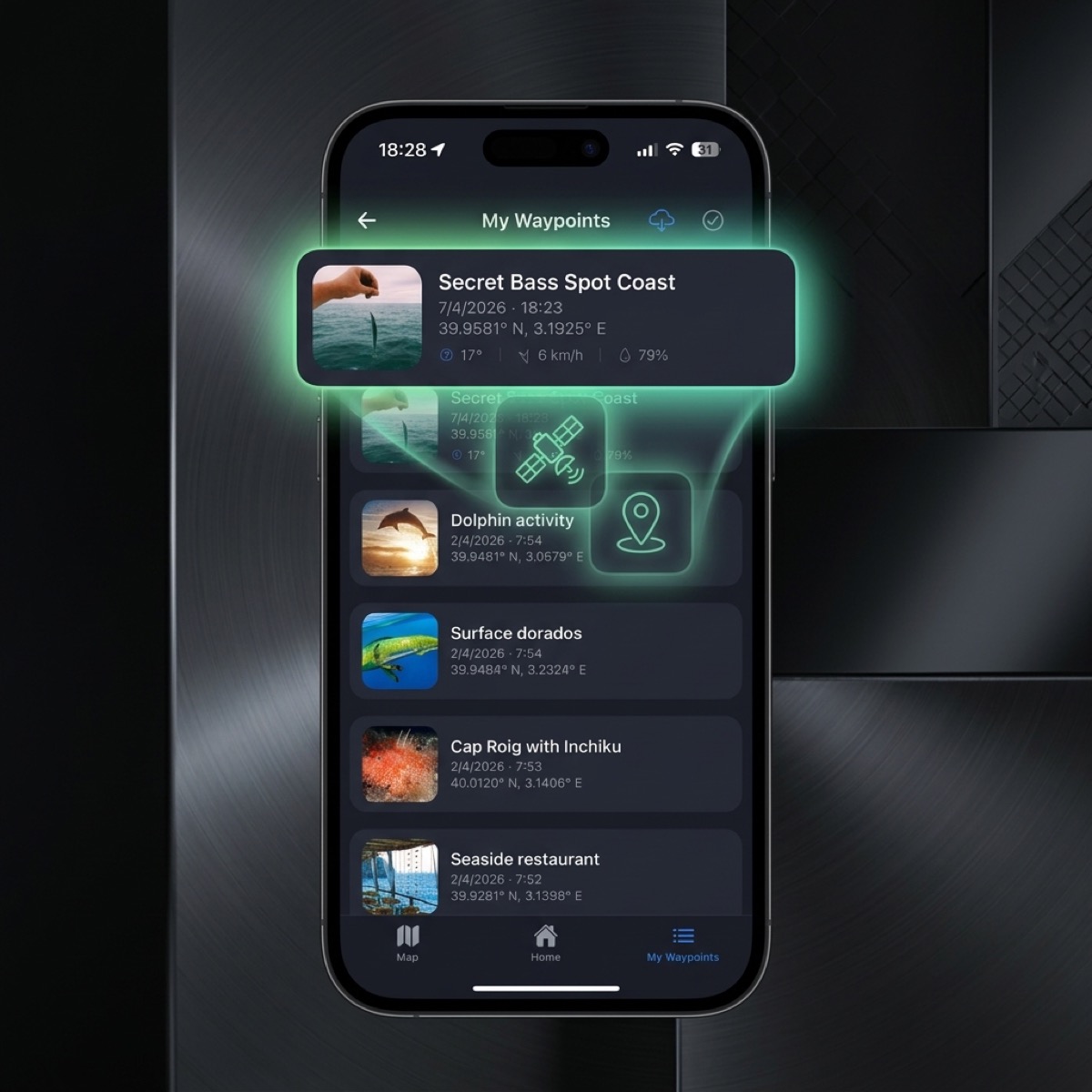
- Tactical Organization: You move that location from the "trash bag" that is the photo gallery to a technical folder structure: "Spring Fishing Spots," "Alternative Routes," etc.
Security and Privacy: Your Coordinate Sanctuary
There is a risk that few talk about: most photo gallery apps (including those from tech giants) actively scan your images to feed their recommendation algorithms or to index your private life in the cloud. If you have screenshots of your secret fishing spots or tactical locations, those data are being processed by third parties.
CAPTA is the security-by-design solution. By digitizing your captures within CAPTA, you are moving that information to an encrypted and private environment. Your coordinates do not feed any recommendation algorithm nor mix with your search history. It is your personal coordinate sanctuary, impregnable to the curiosity of mass data collectors.
Professional Workflow: From Pixel to Plotter
For the advanced user, a screenshot is only the first step in a data supply chain. The ultimate goal is usually to bring that point to professional navigation equipment such as Garmin, Lowrance, or Furuno.
The CAPTA solution completes the cycle:
- Capture: You take the screenshot.
- Extraction: CAPTA reads the image via OCR.
- Enrichment: You add notes and real photos.
- Export: You generate a GPX or KML file in one tap.
- Navigation: You load the point onto your onboard electronics.
Without CAPTA, this process requires a computer, cables, converters, and hours of wasted time. With our solution, the flow is fluid, mobile, and free of typos.
FAQ: Frequently Asked Questions About Screenshot Management (Faq)
What if the screenshot is of very poor quality or blurry?
CAPTA uses image pre-processing algorithms that improve contrast and sharpness before running the OCR engine. Even if the original image is low resolution due to WhatsApp compression, our system usually identifies the numbers correctly. In case of doubt, CAPTA always asks for visual confirmation, ensuring the final data is 100% truthful. This recovery capability makes it the ideal solution for rescuing old captures from the bottom of your camera roll.
Can I select which part of the image is the coordinate?
Absolutely. Although CAPTA tries to detect coordinates automatically throughout the image, it also allows you to focus the scanner on a specific area. This is vital when the screenshot contains a lot of irrelevant information, such as chats or menus from other apps, allowing the extraction to be precise and free of technical distractions. Thus, CAPTA solves the problem of visual clutter in the original capture.
How does CAPTA protect my secret spots if I import them from Google Photos?
Once you import a capture into CAPTA and create the waypoint, that information lives securely within the application's private architecture. CAPTA does not share your marks with social networks or third-party public clouds. You are the one with total control over the data. This information sovereignty is one of the reasons why fishing and exploration professionals choose our solution over generic maps apps.
Does CAPTA recognize different coordinate formats from different brands?
Yes. The detection engine is trained to understand that a coordinate from a Garmin plotter may look different from one on Google Maps or analog nautical equipment. CAPTA acts as a universal translator: it reads the format of the capture and unifies it within your professional database, allowing you to later export it in the format you need (DD, DMS, or UTM) without manual calculations.
Can hundreds of screenshots be organized efficiently?
That is precisely the purpose of CAPTA. When digitizing the capture and converting it into a waypoint, you can apply smart labels to it and move it to specific folders. No more infinite scrolling in the photo gallery. You can filter your points by "Last added," "Proximity to my position," or "Technical category," transforming your visual chaos into a high-performance georeferenced library.
Conclusion: Stop Being a Photo Collector and Be a Pro Navigator
Coordinates are useless if you can't return to them with confidence. A screenshot is not a navigation system; it's just an image that ends up buried in your phone's memory.
CAPTA is the technical solution that breaks the chains of the photo gallery. It gives you back your time, guarantees precision, and protects your discoveries with the rigor they deserve. Don't let a good spot be lost again for lack of the right tools to process a simple image.
Start building your map of success with CAPTA today.