
How to Save Fishing Spots with GPS (and Never Lose Them Again)
Introduction
“I found a good spot… but I didn't know how to get back.”
This happens to many people.
- fishing from the shore
- in a kayak
- in a boat
- in a river or reservoir
You have a good day, you find the perfect spot…
👉 and days later you don't remember exactly where it was
The real problem with fishing spots
In fishing, a few meters change everything.
👉 depth 👉 currents 👉 structures 👉 fish behavior
A small error means:
❌ not fishing the same way again ❌ wasting time ❌ frustration
Real-life situations
- “I know the area… but not the exact spot”
- “I have photos, but I don't know where it was”
- “I try to go back and it's never the same”
- “I depend on memory or visual references”
👉 this is the real problem
How to save fishing spots (traditional method)
Method 1: memory
Problem: ❌ unreliable ❌ impossible to be precise
Method 2: photos
Problem: ❌ they don't save exact location ❌ difficult to interpret later
Method 3: map apps
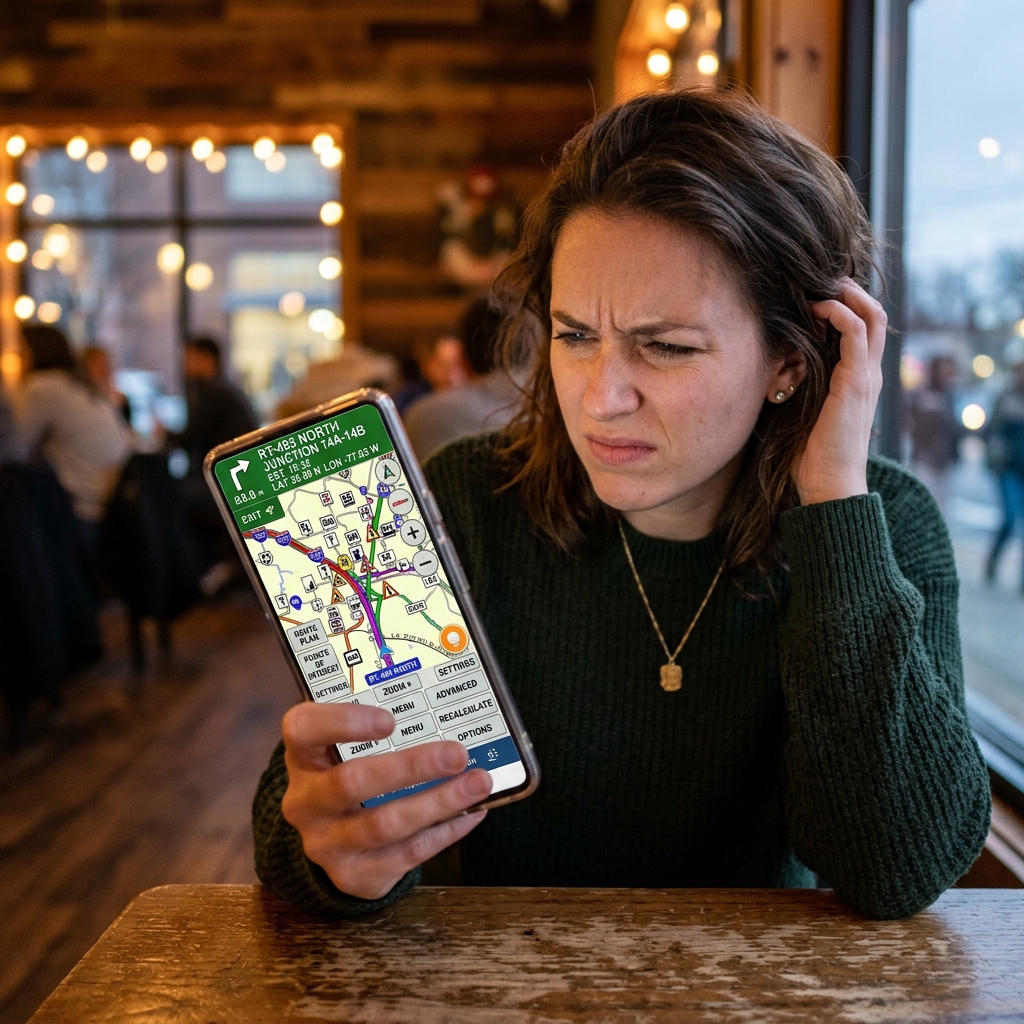
Problems: ❌ complex ❌ impractical in the field ❌ require connection ❌ poor organization of points
The correct way: save GPS coordinates with context
This is where you really solve the problem.
Saving only the point is not enough.
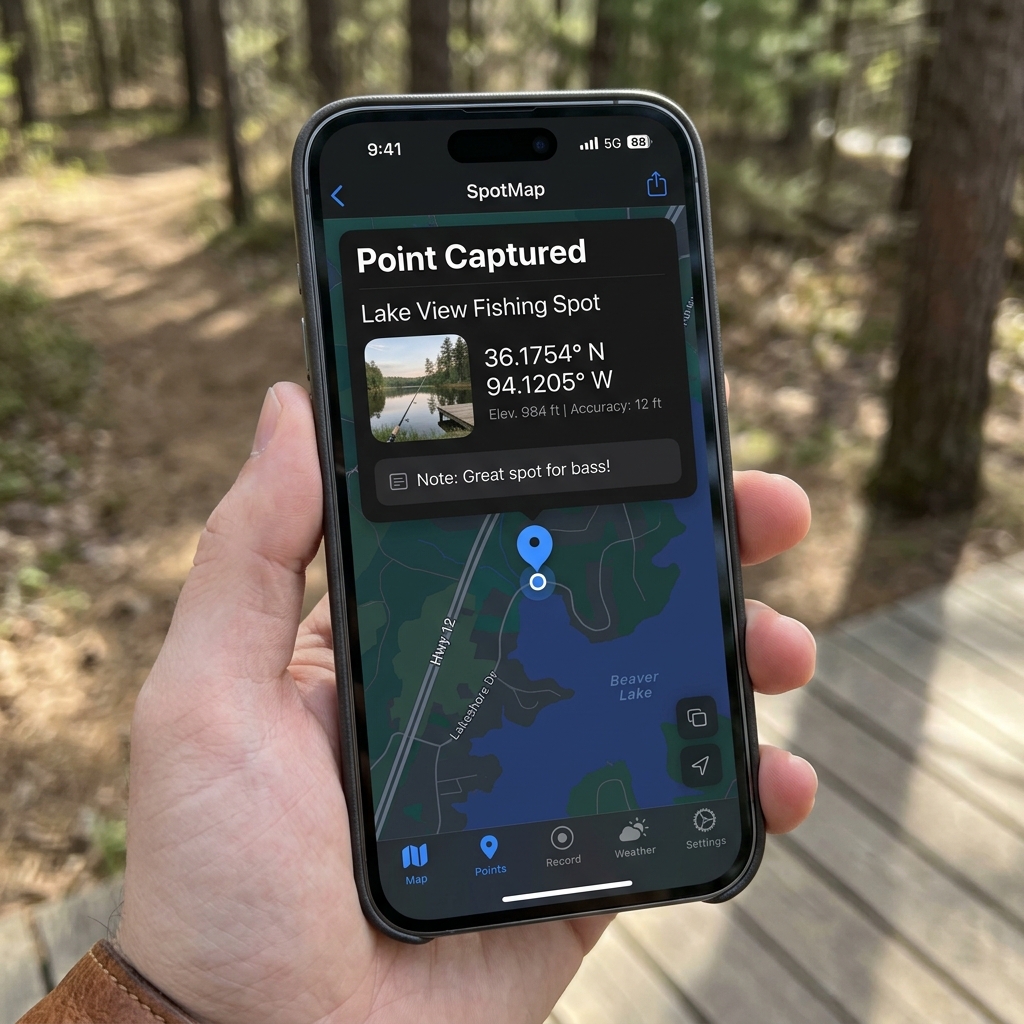
You need: ✔️ exact location ✔️ photo ✔️ notes ✔️ context
How to save a fishing spot step by step
Step 1: mark location
Get the exact location (GPS).
Step 2: save coordinates
Make sure you don't make mistakes.
Step 3: add photo
👉 key to remembering the surroundings
Step 4: add information
- fish type
- time
- conditions
- depth
Why this makes a difference
When you come back: 👉 you don't search 👉 you go straight there
And that completely changes the experience.
The modern way: save spots in seconds
Today you don't need complex processes.
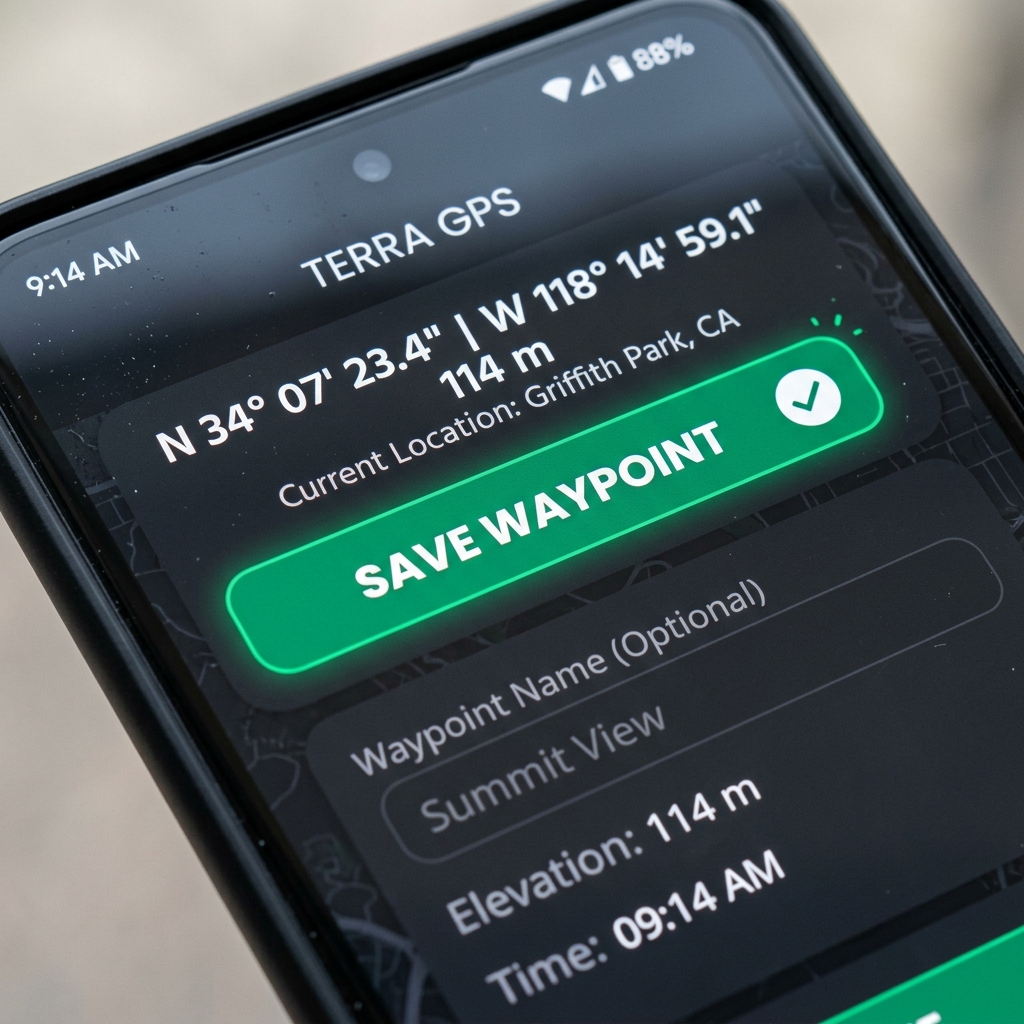
With CAPTA you can: ✔️ save exact location in seconds ✔️ add photos automatically ✔️ include notes ✔️ use it without internet
👉 designed for real-life situations
Real example
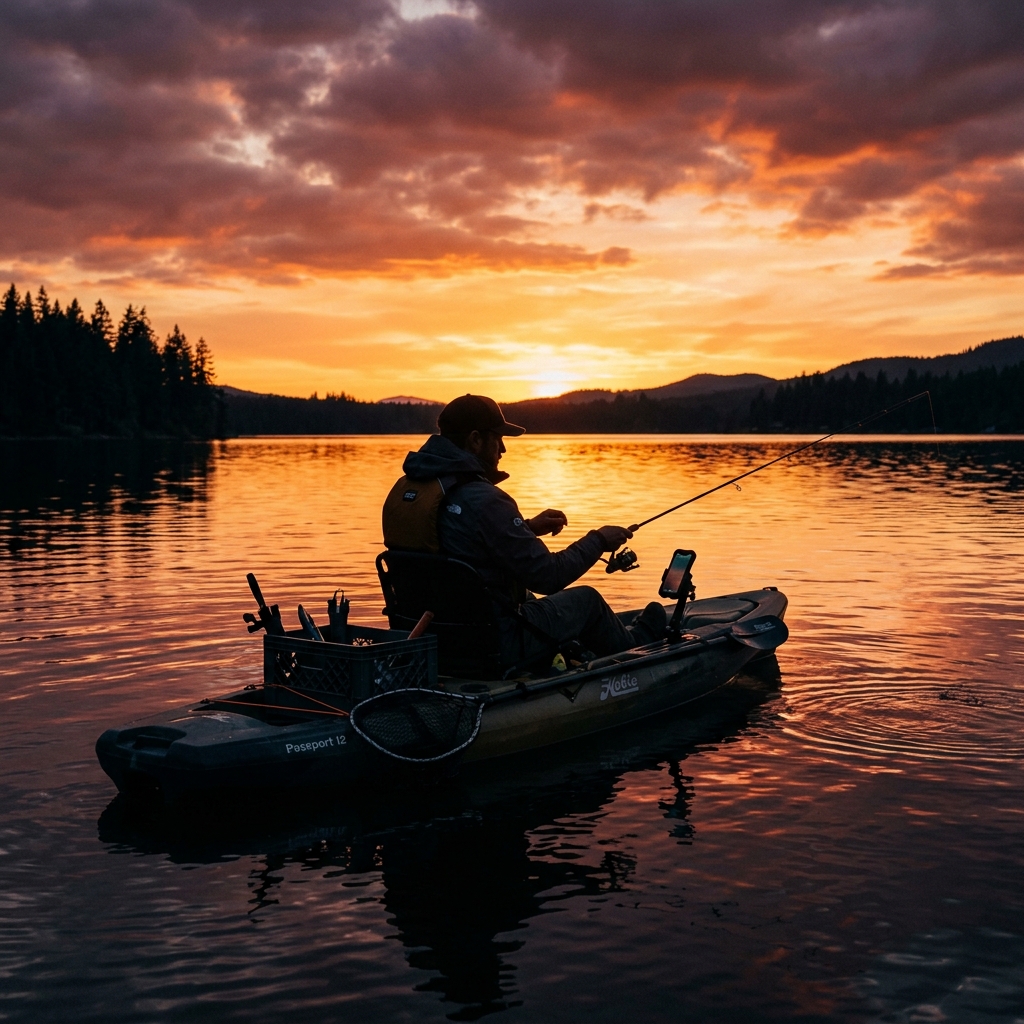
You're fishing in a kayak. You find a spot where they're biting.
👉 you open CAPTA 👉 you save the spot 👉 you take a photo 👉 you add a note
Days later: 👉 you go back to exactly the same place
Advantages over other methods
✔️ total precision ✔️ speed ✔️ organization ✔️ works without coverage ✔️ designed for real use
Common errors when saving fishing spots
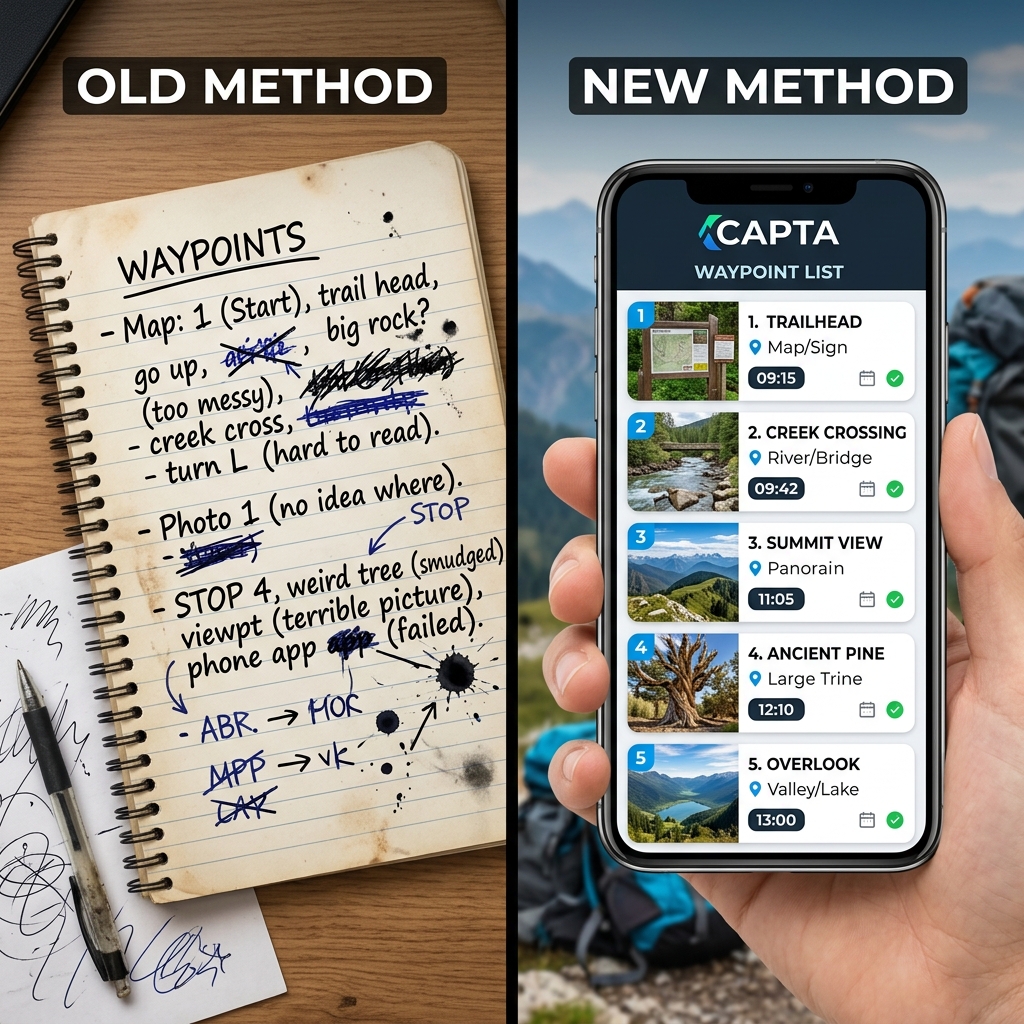
❌ relying on memory ❌ not saving coordinates ❌ using complicated apps ❌ not adding context
👉 result: not being able to repeat
Frequently Asked Questions (FAQ)
Do I need internet to save fishing spots?
No, you can save locations using GPS without a connection, ideal for the open sea or areas without coverage.
What app is best for saving fishing spots?
Simple apps designed for the field are best, especially if they allow you to save photos and notes along with the spot.
Can I go back to exactly the same place?
Yes, if you save GPS coordinates correctly, you can go back with total precision.
Is it important to add photos?
Yes, they help understand the surroundings and remember details that coordinates don't show.
Conclusion
In fishing, the difference is in the details. And location is one of them. Saving spots correctly is not optional…
👉 it's what allows you to repeat results
Start saving your spots correctly
Discover how CAPTA allows you to save fishing locations quickly, accurately, and without errors.